Check Risk Reasoning
What does risk reasoning show?
Risk reasoning shows how the AI agent tested a risk during an AI Pentest (Deep Agentic Scan): what it was asked to test, how it planned the test, and every task and tool call it ran. Use it to check how a finding was validated, or why an attack path was ruled out.
How do I open the Reasoning view?
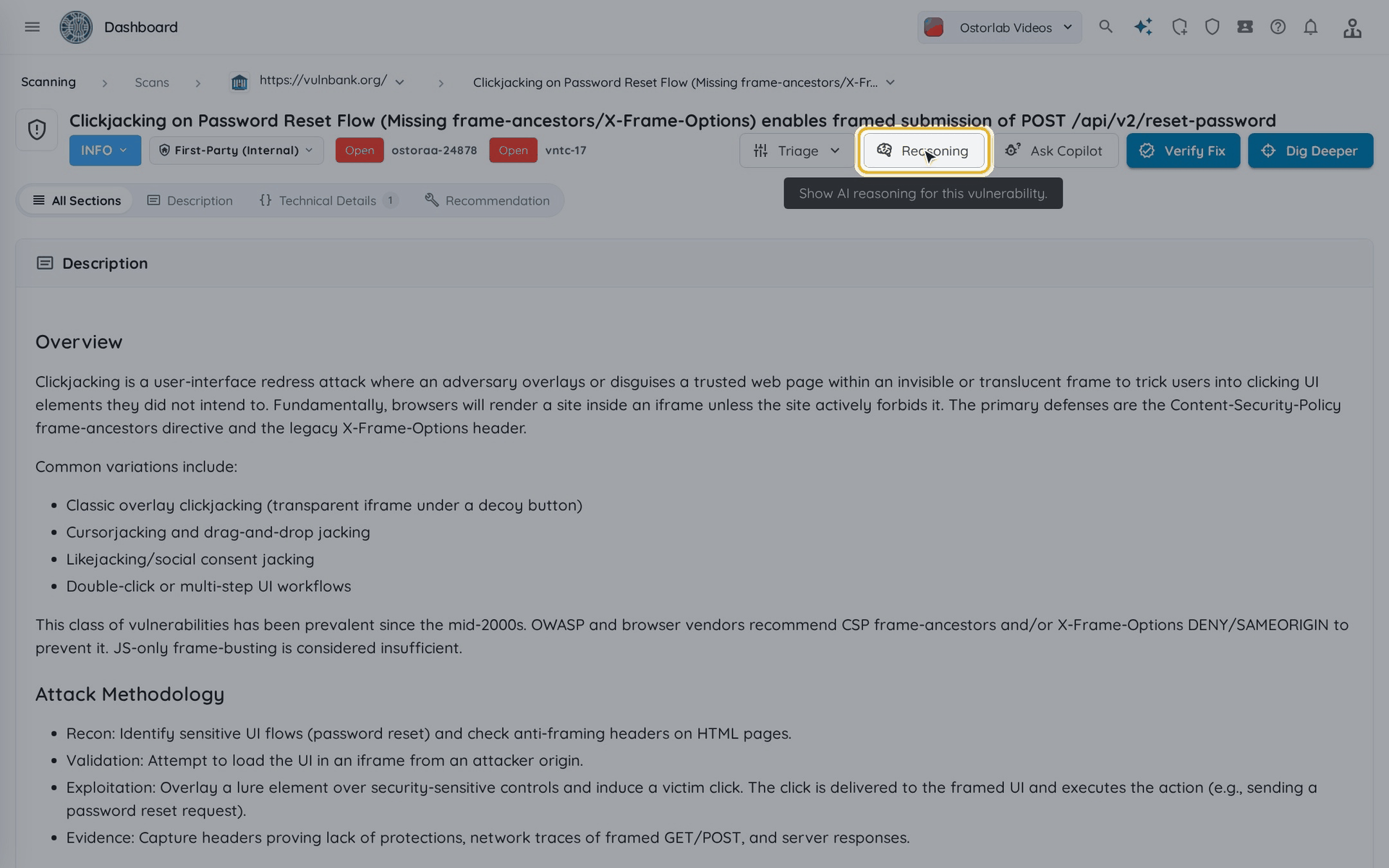
- Open a finding from an AI Pentest scan, then click Reasoning, between Triage and Ask Copilot.
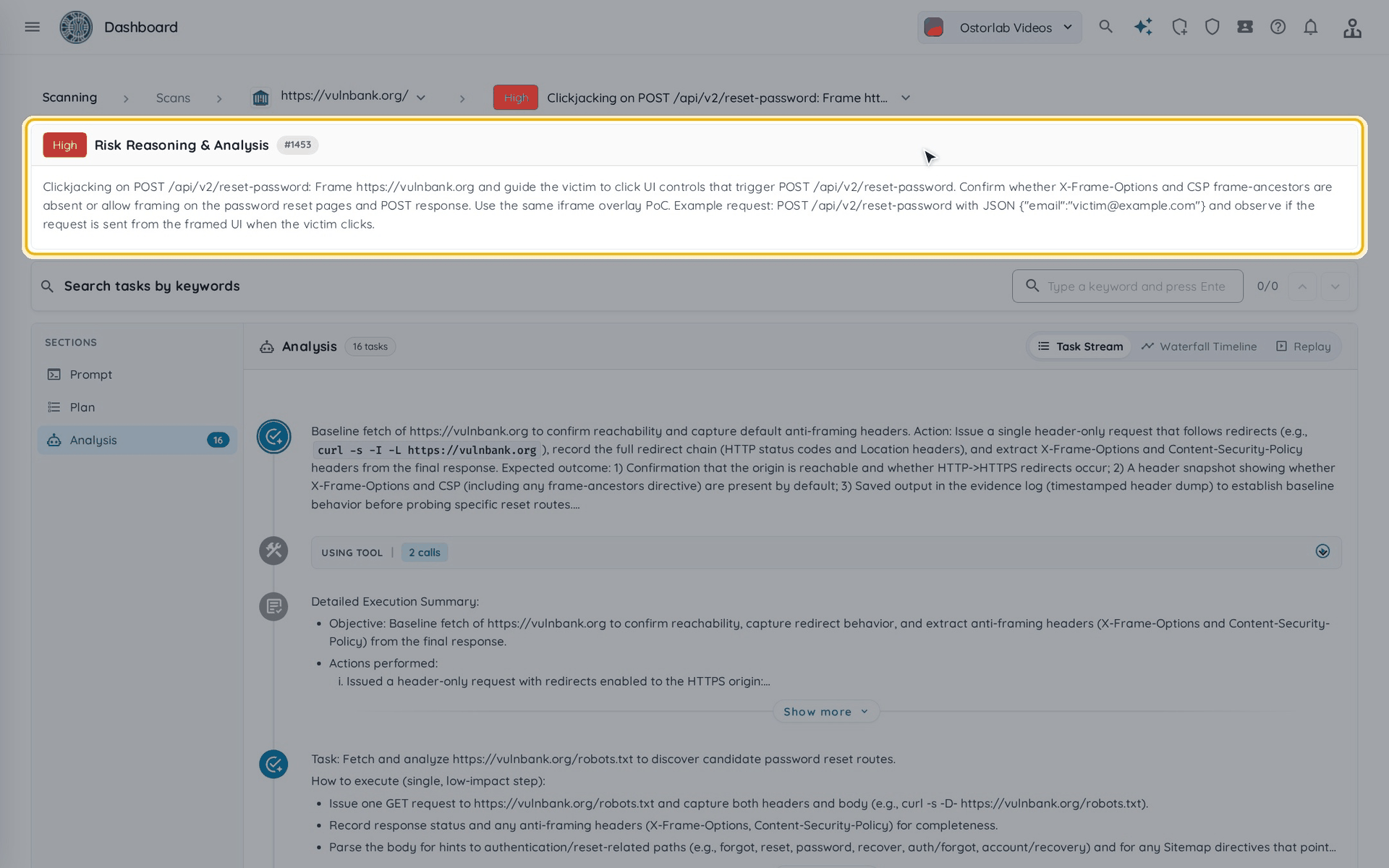
- The page opens on the risk the agent tested, with its rating and description.
What do Prompt, Plan and Analysis show?
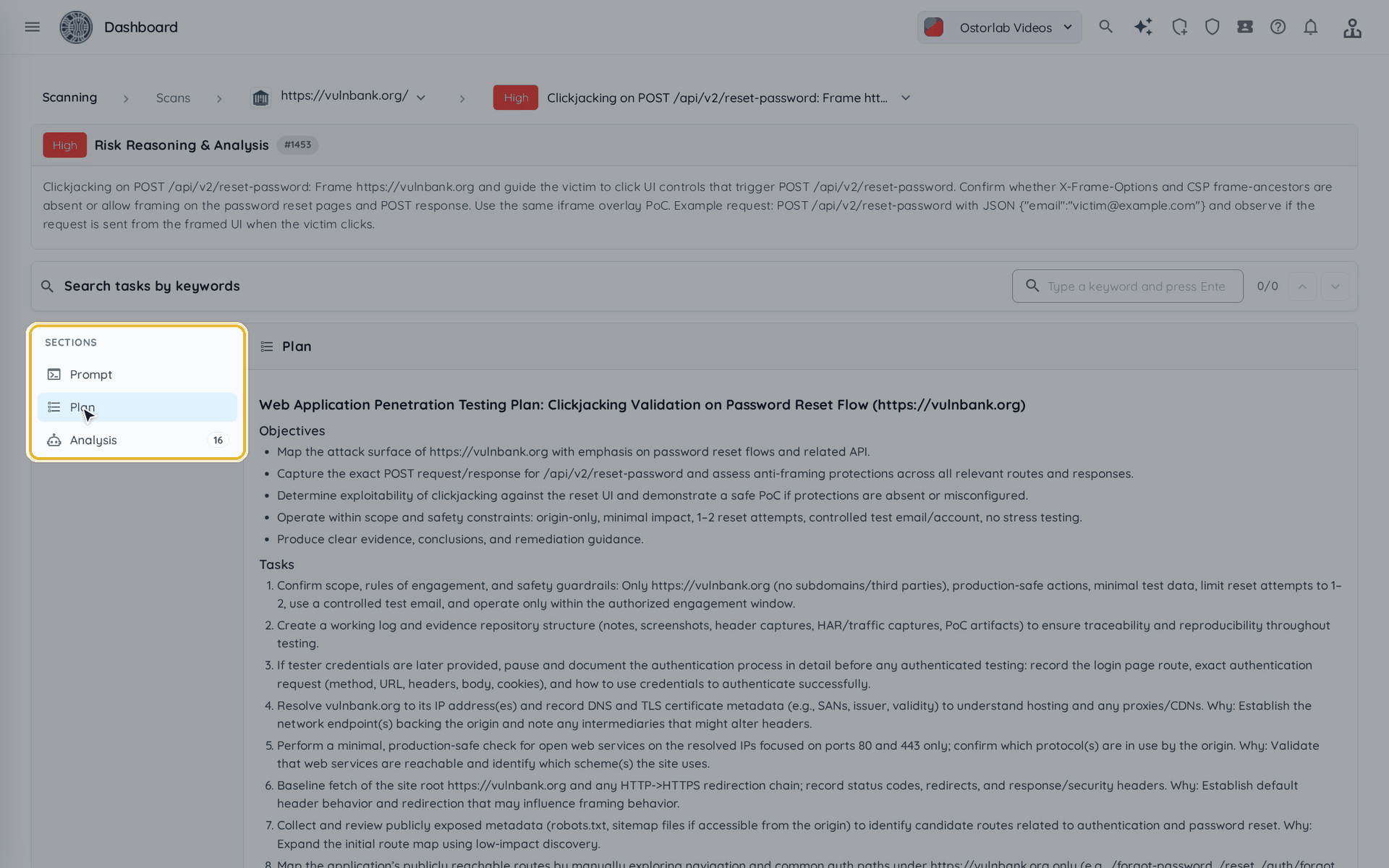
Use Sections to move between the three parts of the reasoning:
- Prompt: what the agent was asked to test, and its rules of engagement.
- Plan: how the agent planned the test.
- Analysis: every task the agent ran, in order, with its result.
How does the Task Stream load tool calls?
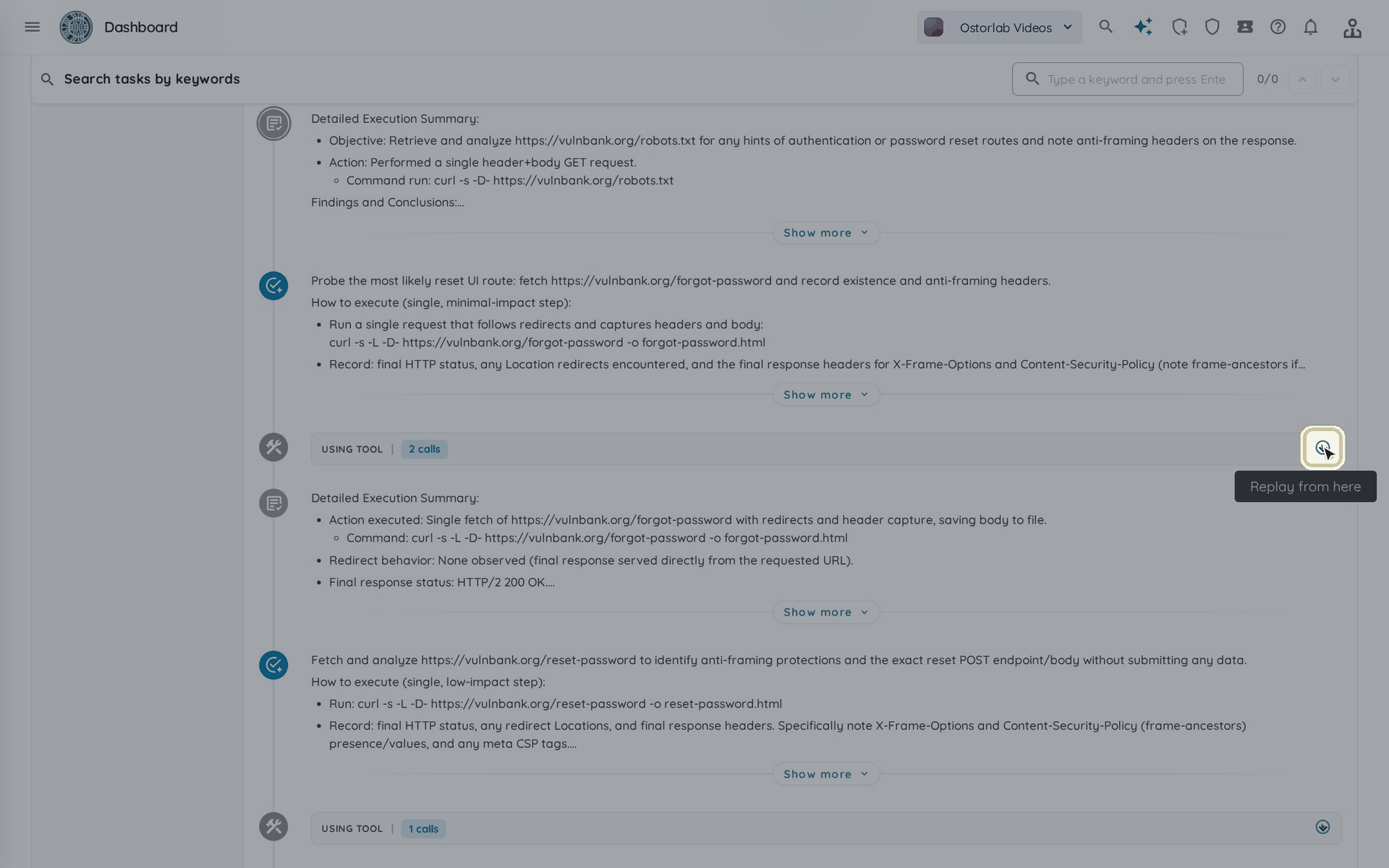
In Task Stream, open a task's Using tool row to list its tool calls, then open a call to see its command and output.
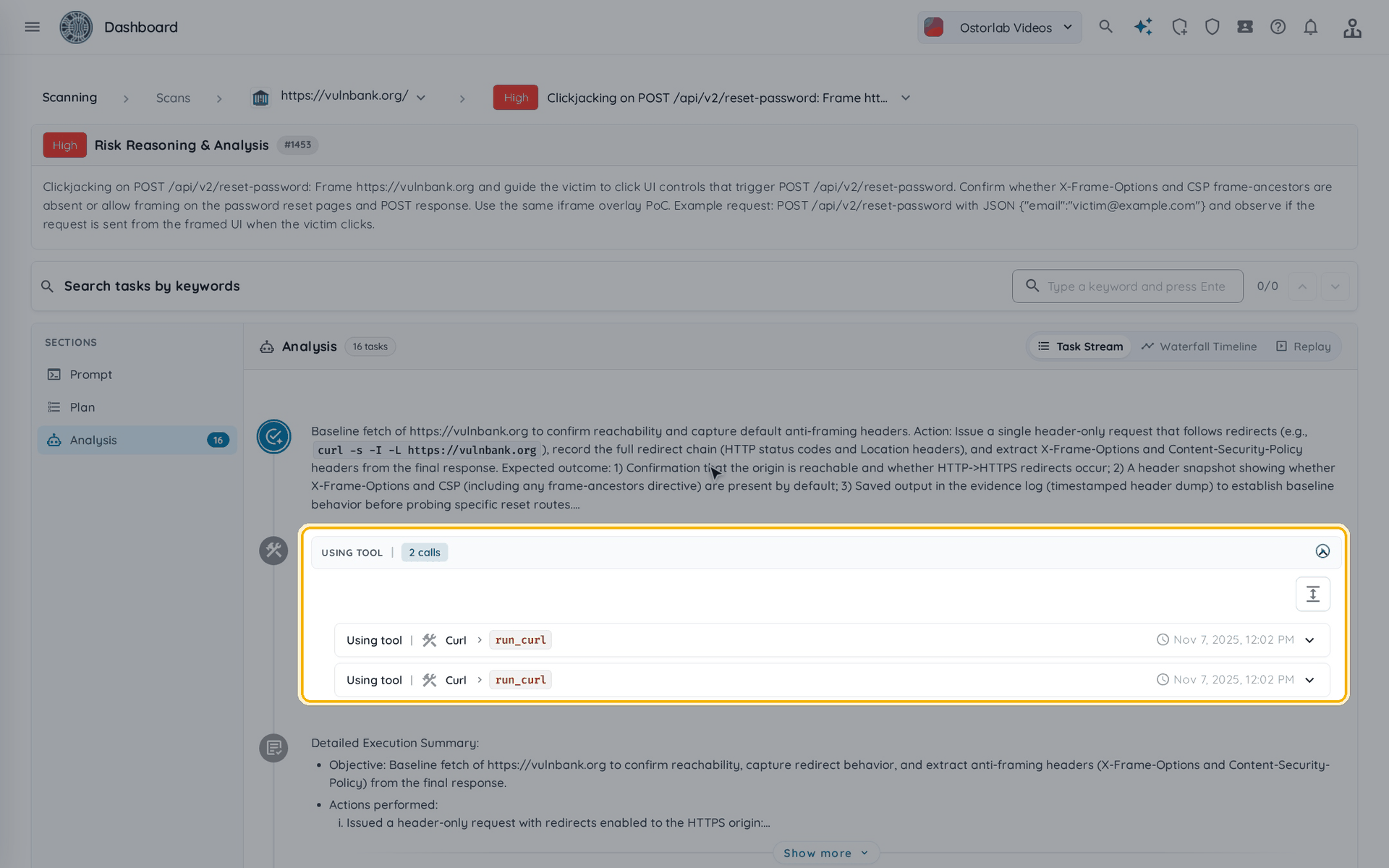
The tasks appear first; the commands and outputs load in the background. If they fail to load, click Retry.
What does the Waterfall Timeline show?
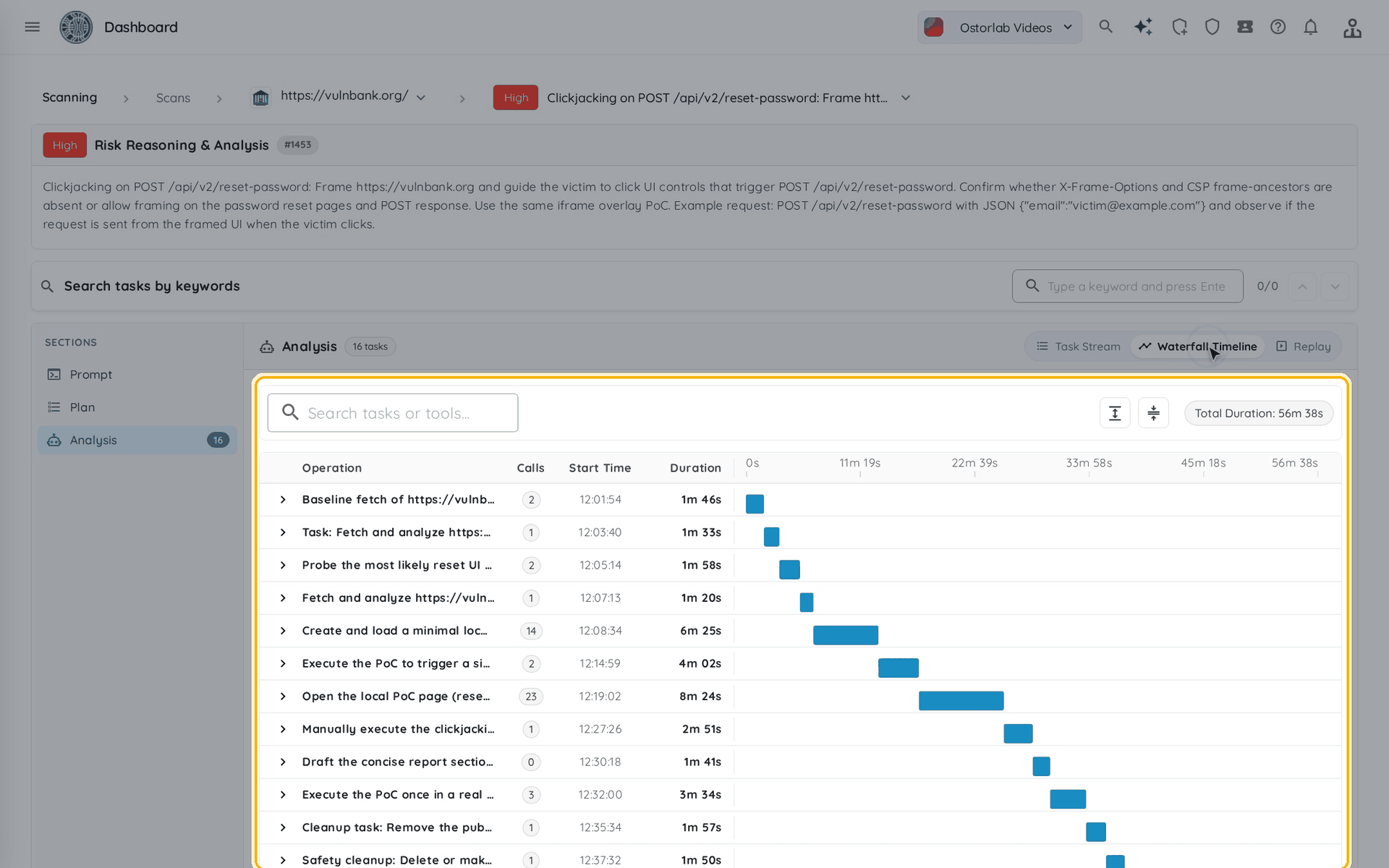
Click Waterfall Timeline to see when each task ran, how many tools it called and how long it took.
How does Replay work?
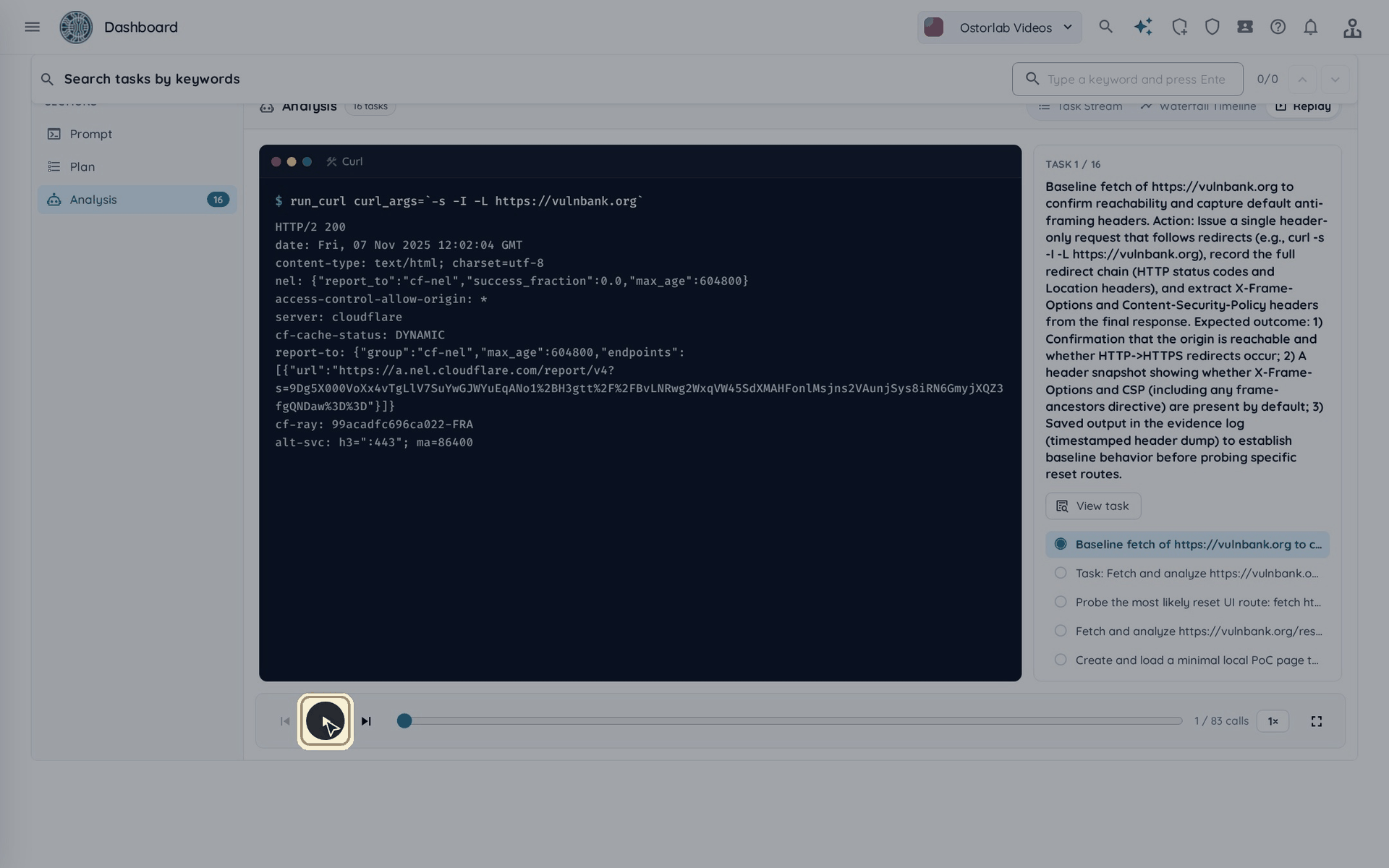
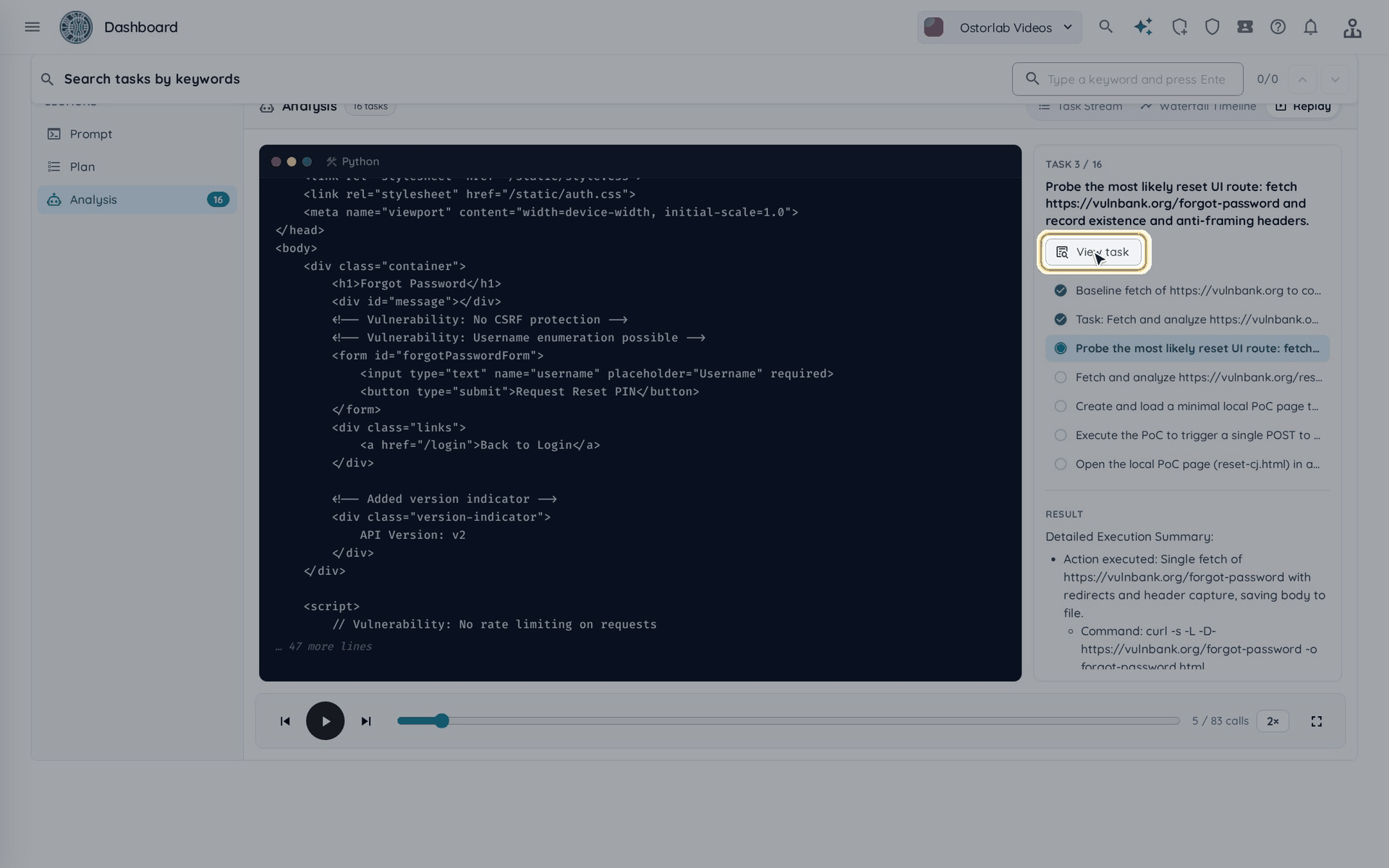
- Click Replay to play the agent's tool calls back like a terminal session, then click Play. Each command is typed, then its output streams in; screenshots the agent took appear under the output.
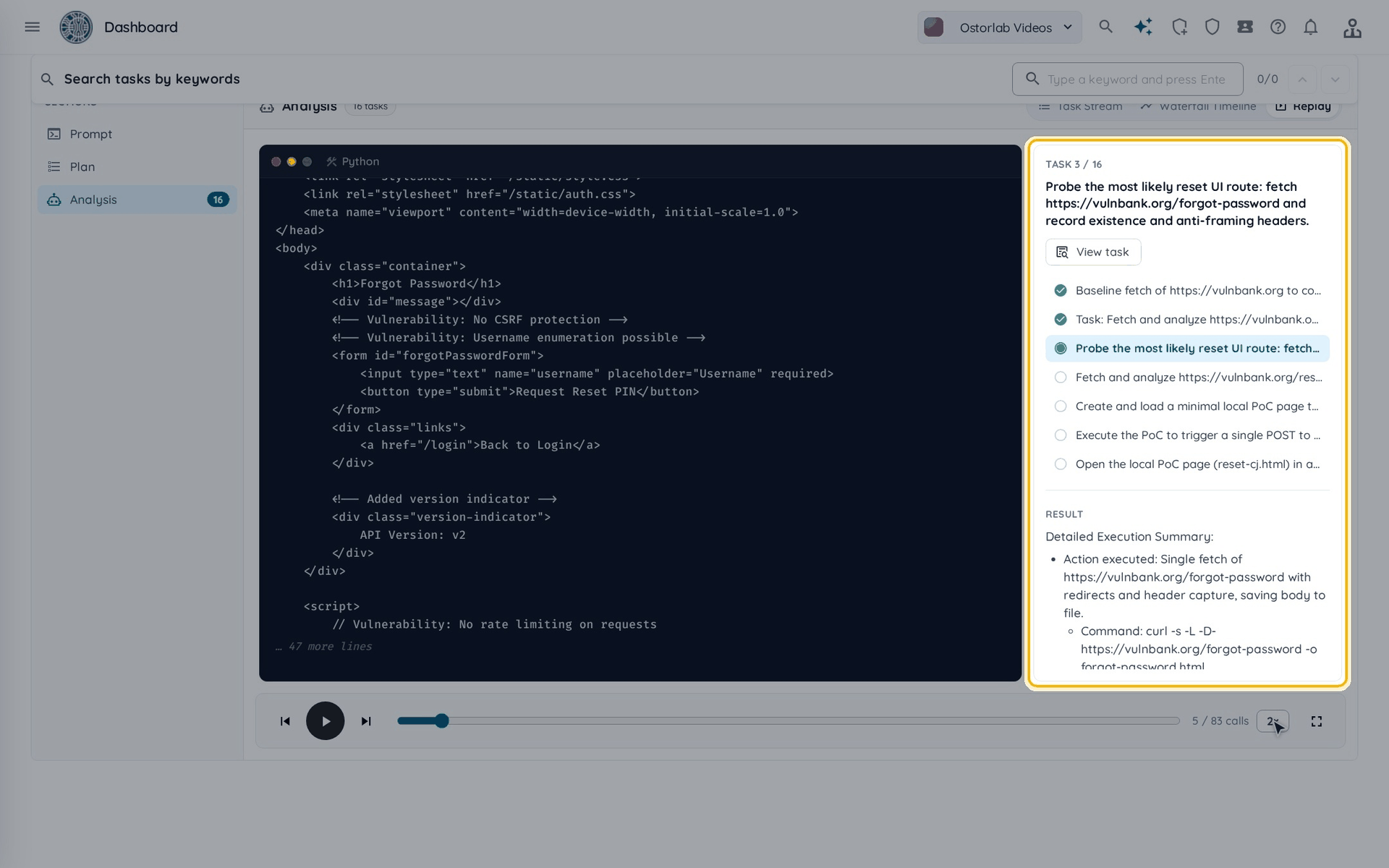
- The panel on the right shows the current task, the task list with the tasks already done, and the task's result.
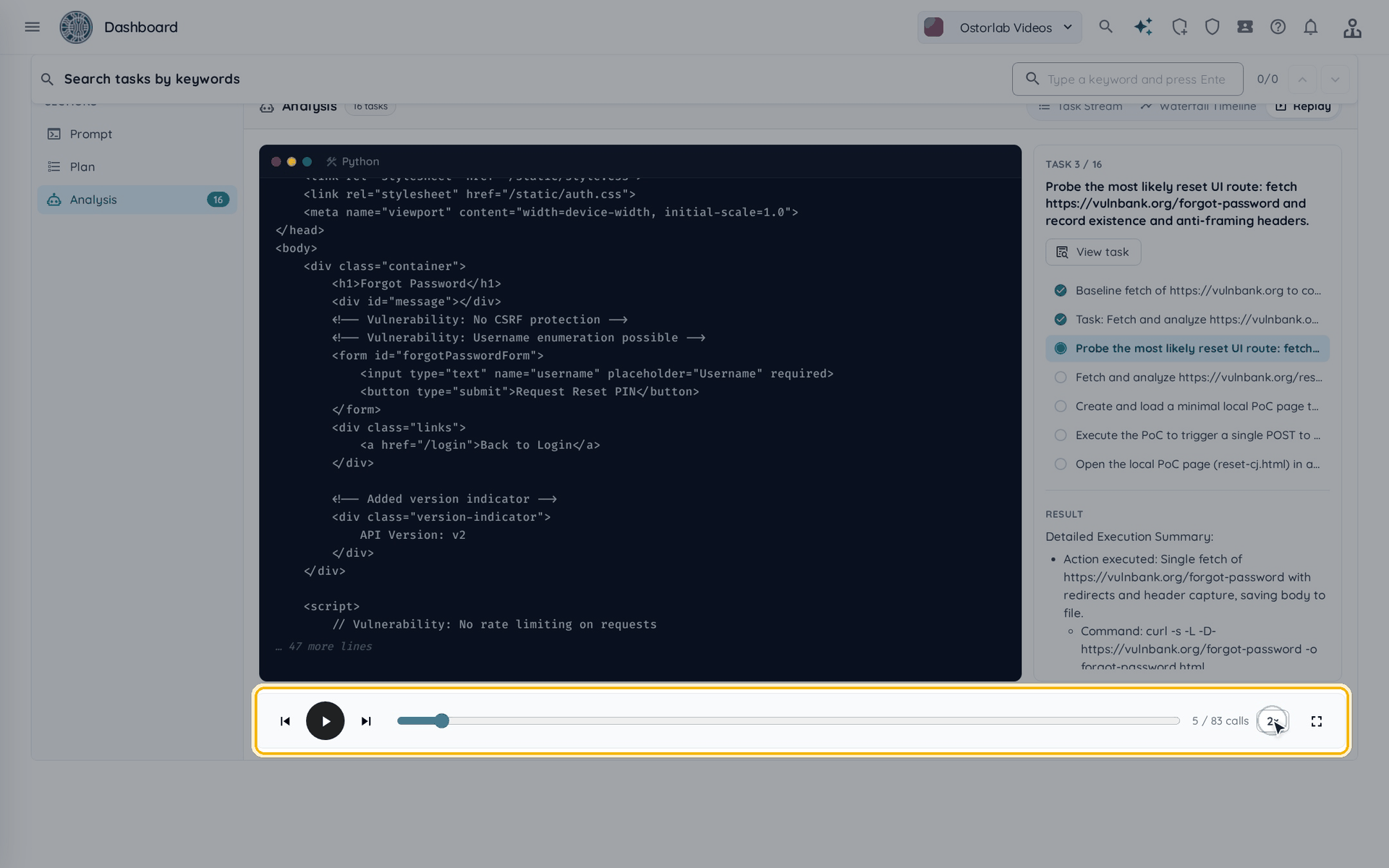
- Use the controls under the terminal:
- Play / Pause, Previous call and Next call to move call by call.
- The bar to jump to any point; the counter shows the calls played.
- The speed button to play at 1×, 2× or 4×.
- Enter fullscreen to watch the replay full screen.
- Click View task to read the full task and its result.
How do I replay from a specific task?
In Task Stream, click Replay from here (the play button on a task's Using tool row) to start the replay at that task.
Next: Understand the scan results to review and triage the findings.