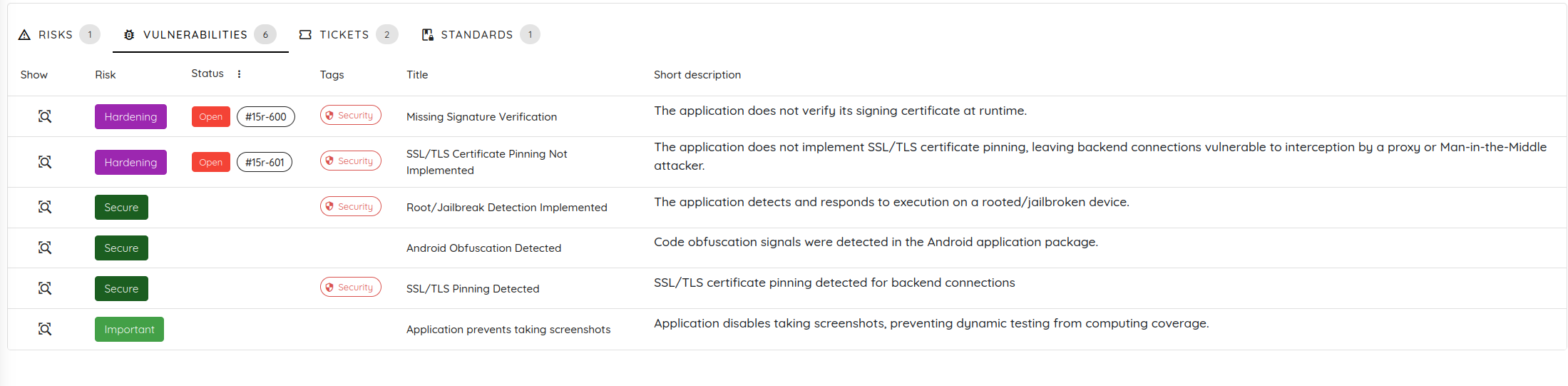
Mobile Shielding Scan
The Mobile Shielding Scan is a specialized security assessment profile designed to evaluate the effectiveness of application hardening, code protection, and anti-tampering measures on Android and iOS applications.
Unlike standard vulnerability scanning, the Shielding Scan focuses on validating the resilience of your binary against reverse engineering, unauthorized tampering, dynamic analysis, and debugging.
🎯 Key Features and Coverage
The Mobile Shielding Scan performs in-depth automated verification across several hardening vectors:
- Obfuscation Detection on Android and iOS: Evaluates obfuscation coverage using signals such as encrypted string distribution, name shrinkage, and the detection of signatures from well-known obfuscators.
- Anti-Tampering and Anti-Debugging Checks: Assesses protections related to debugger presence, instrumentation tools, signature disruption, and other mechanisms intended to detect or resist tampering and runtime analysis.
- Root and Jailbreak Detection: Runs the application in rooted or jailbroken environments and observes how it reacts to determine whether environment checks are present and effective.
- AI-Powered Bypass Validation: Uses an AI-powered bypass phase to test how resilient the shielding controls are when faced with attempts to evade or work around them.
🚀 Setup and Configuration Guide
To launch a Mobile Shielding Scan, follow the step-by-step guide below:
Step 1: Connect Assets and Set Scan Title
- Open the Ostorlab dashboard.
- Click the Hamburger Menu icon in the sidebar and select Scanning -> New Scan.
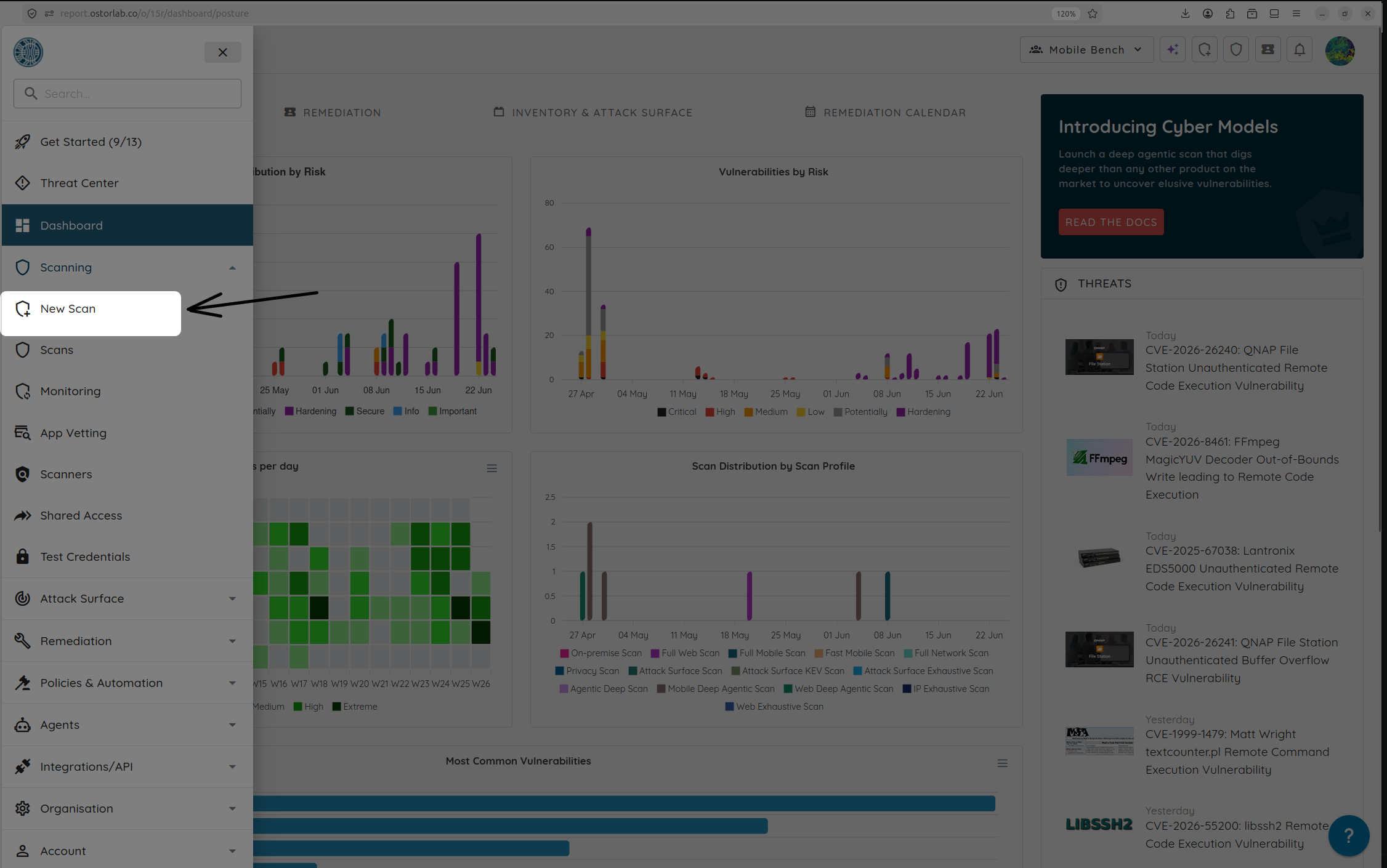
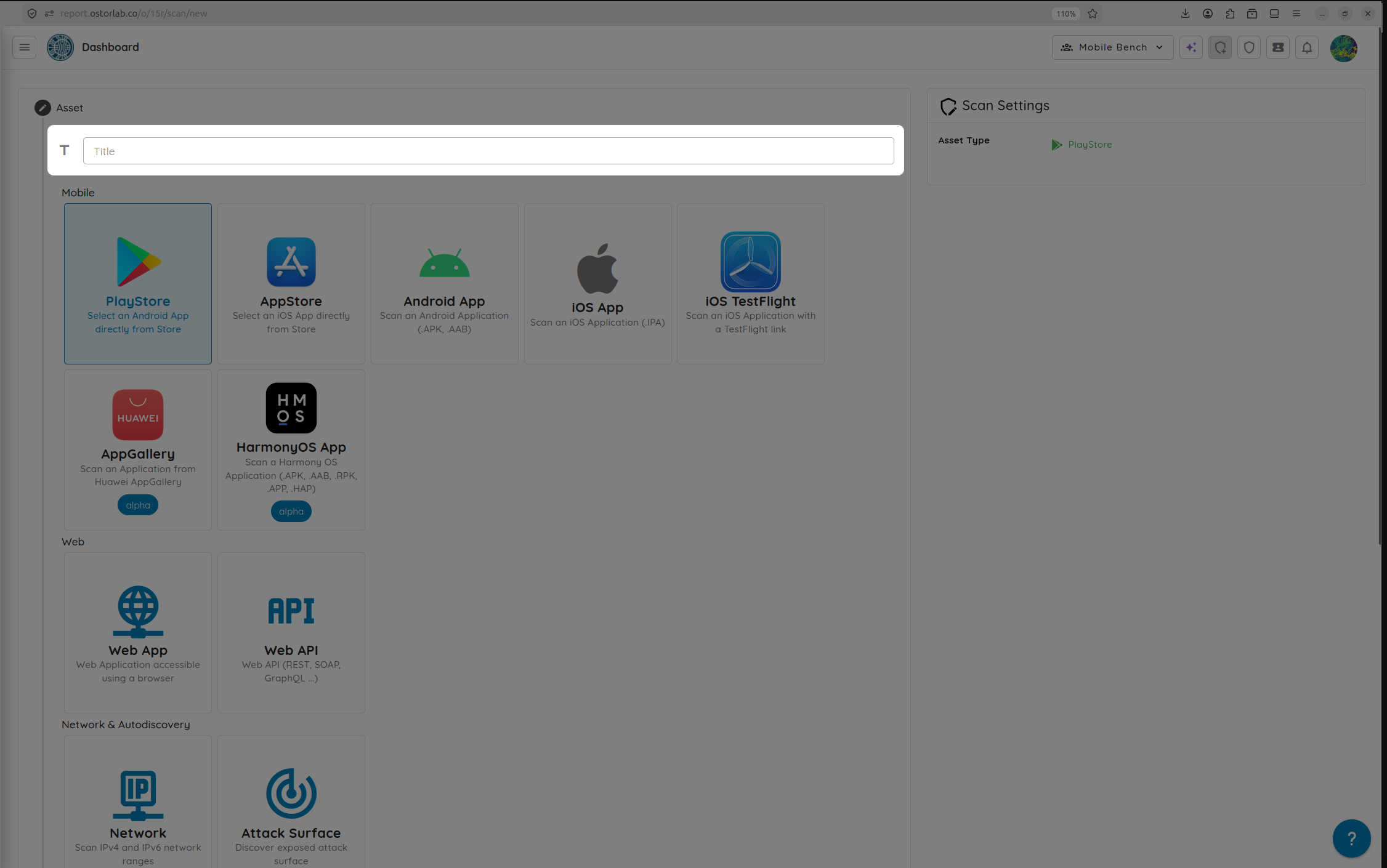
- (Optional) Provide a descriptive title for your security audit.
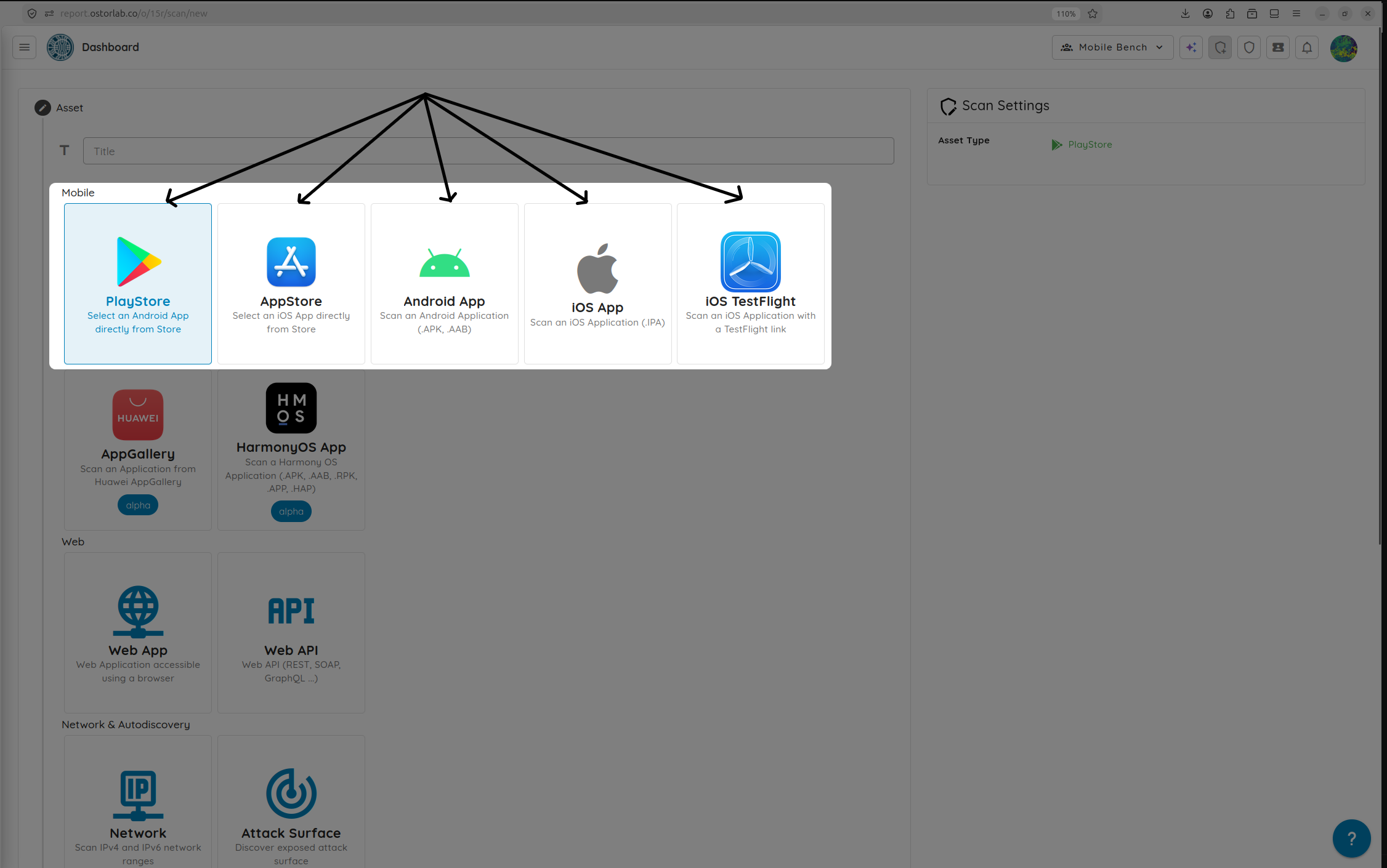
- Select the target asset source: search and select the application directly from the PlayStore / AppStore, or upload your pre-compiled binary (APK/AAB/IPA) or select TestFlight.
- Search for or select the target mobile application.
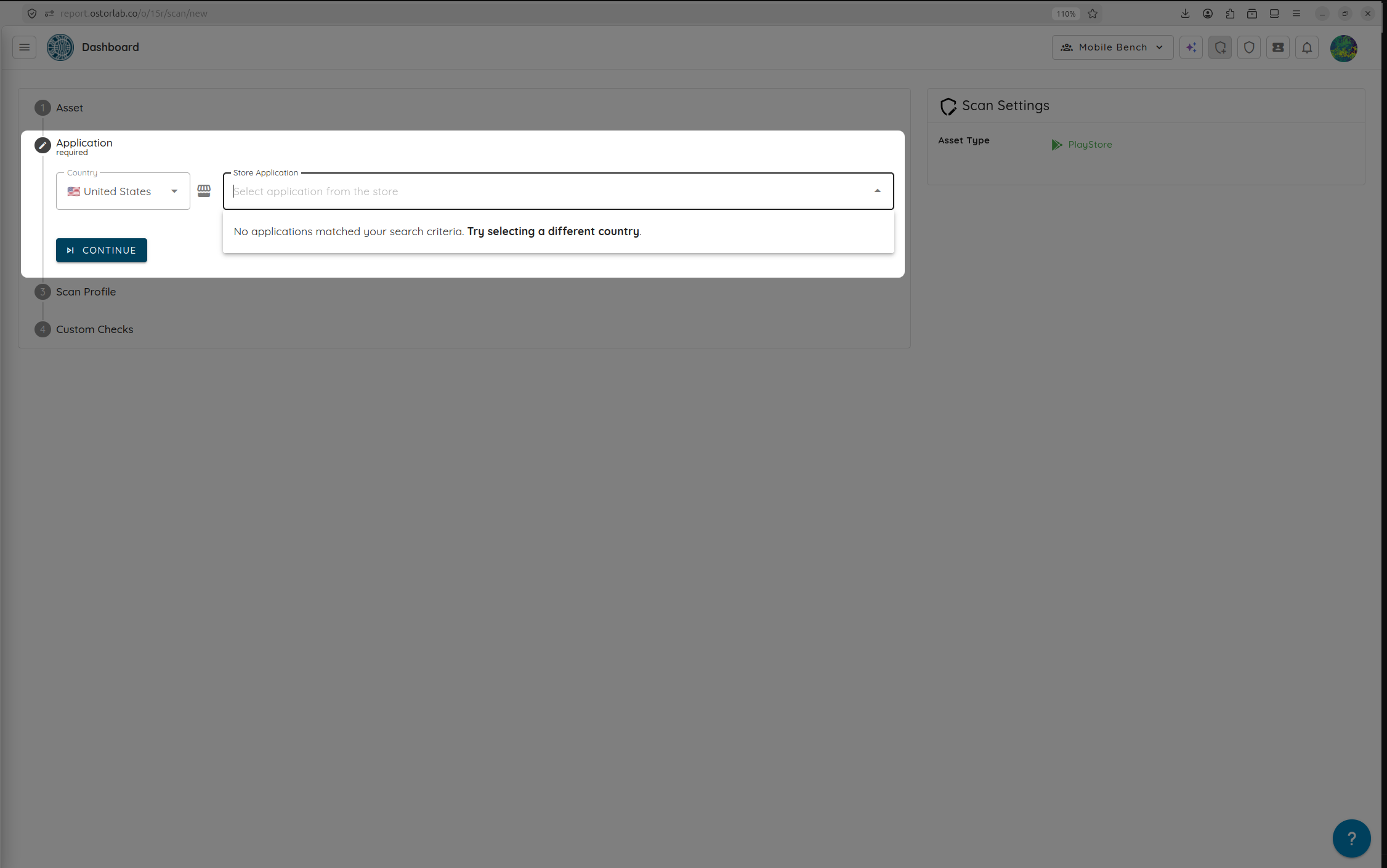
Step 2: Select the Scan Profile
- Under the scan profile options, select Mobile Shielding Scan. This configures the engine to run specialized static and dynamic hardening tests.
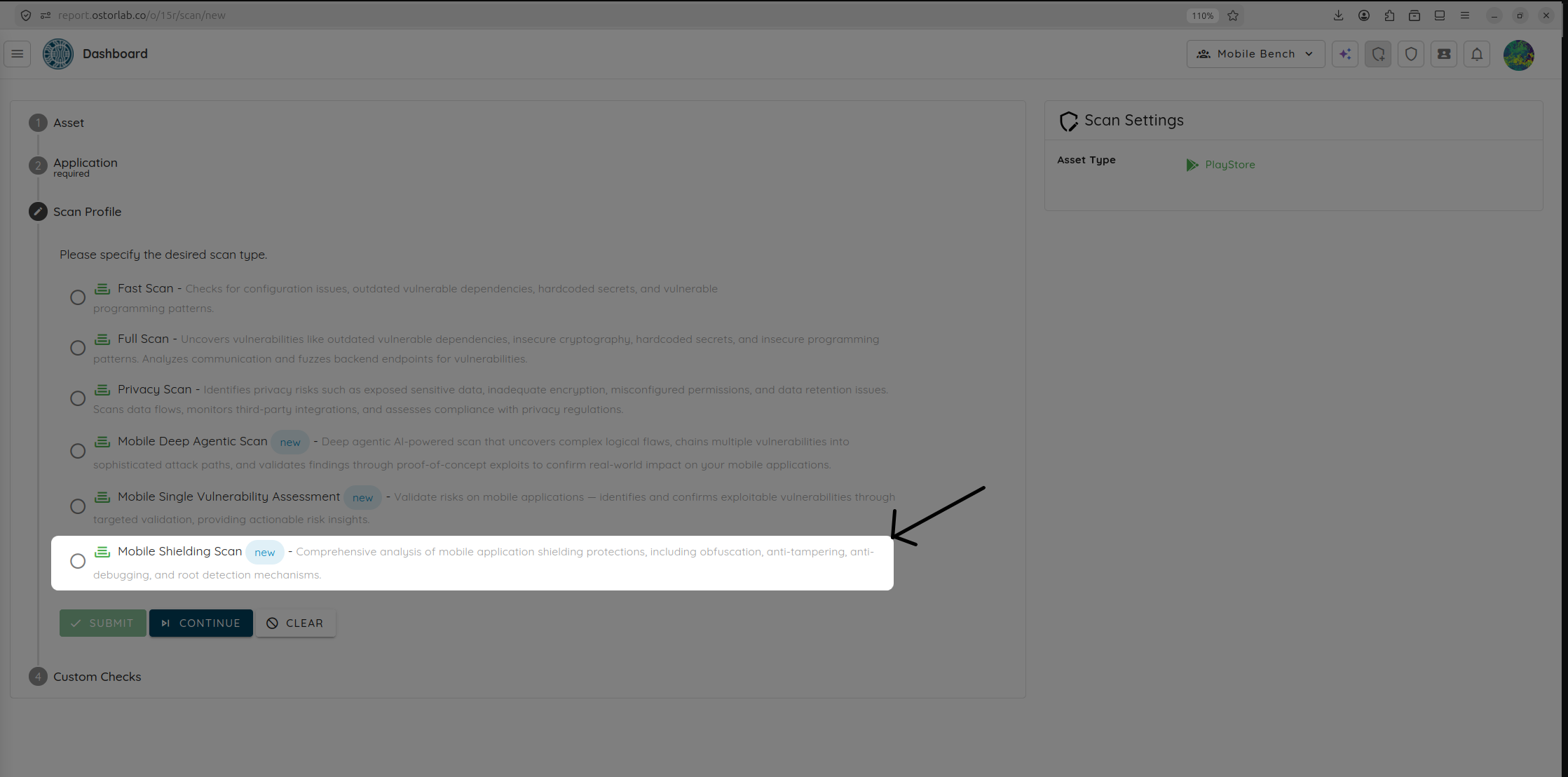
- Click Continue.
Step 3: Configure the AI Provider & Effort
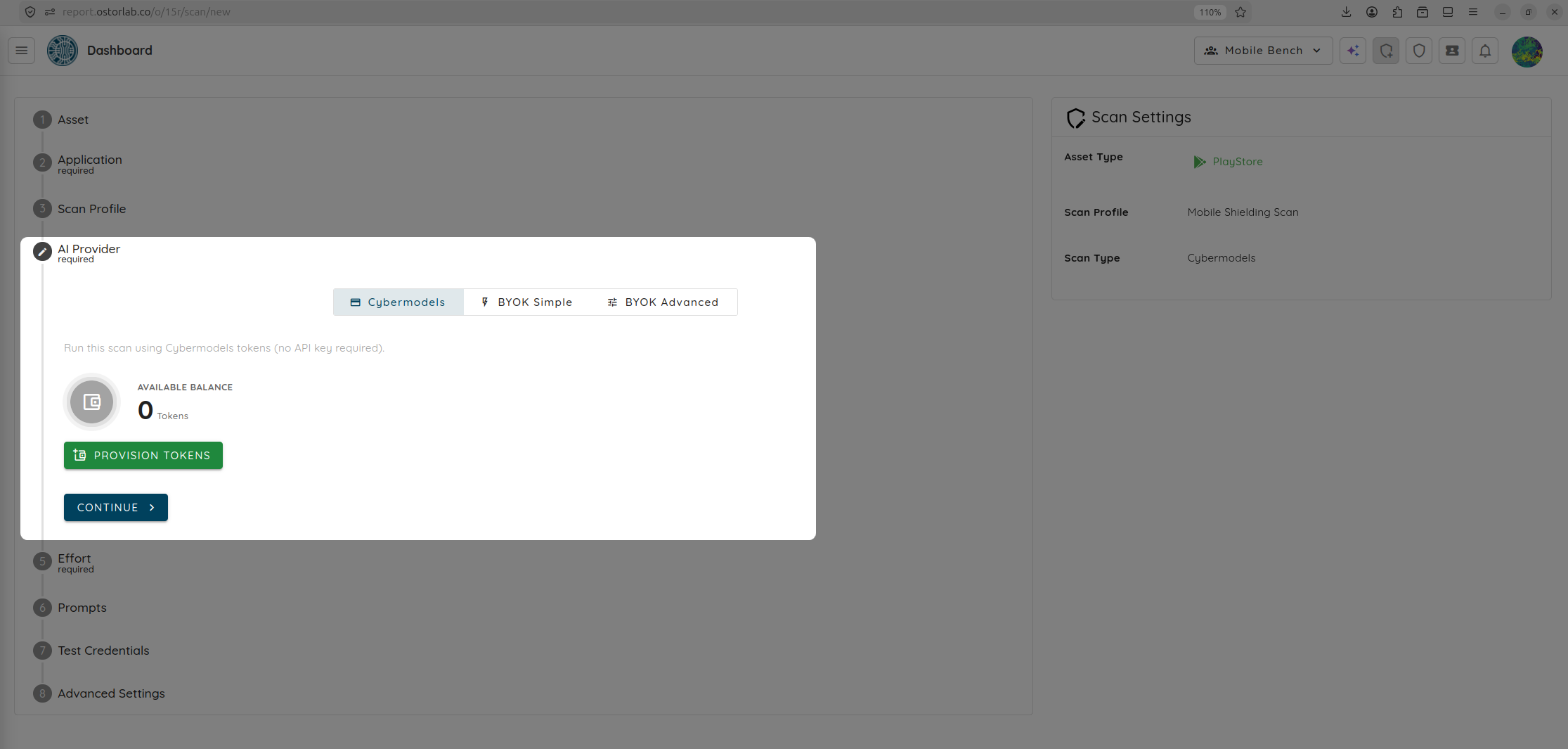
The Mobile Shielding Scan is an agentic, AI-driven scan that can run using Ostorlab’s Cybermodels or your custom API key via Bring Your Own Key (BYOK).
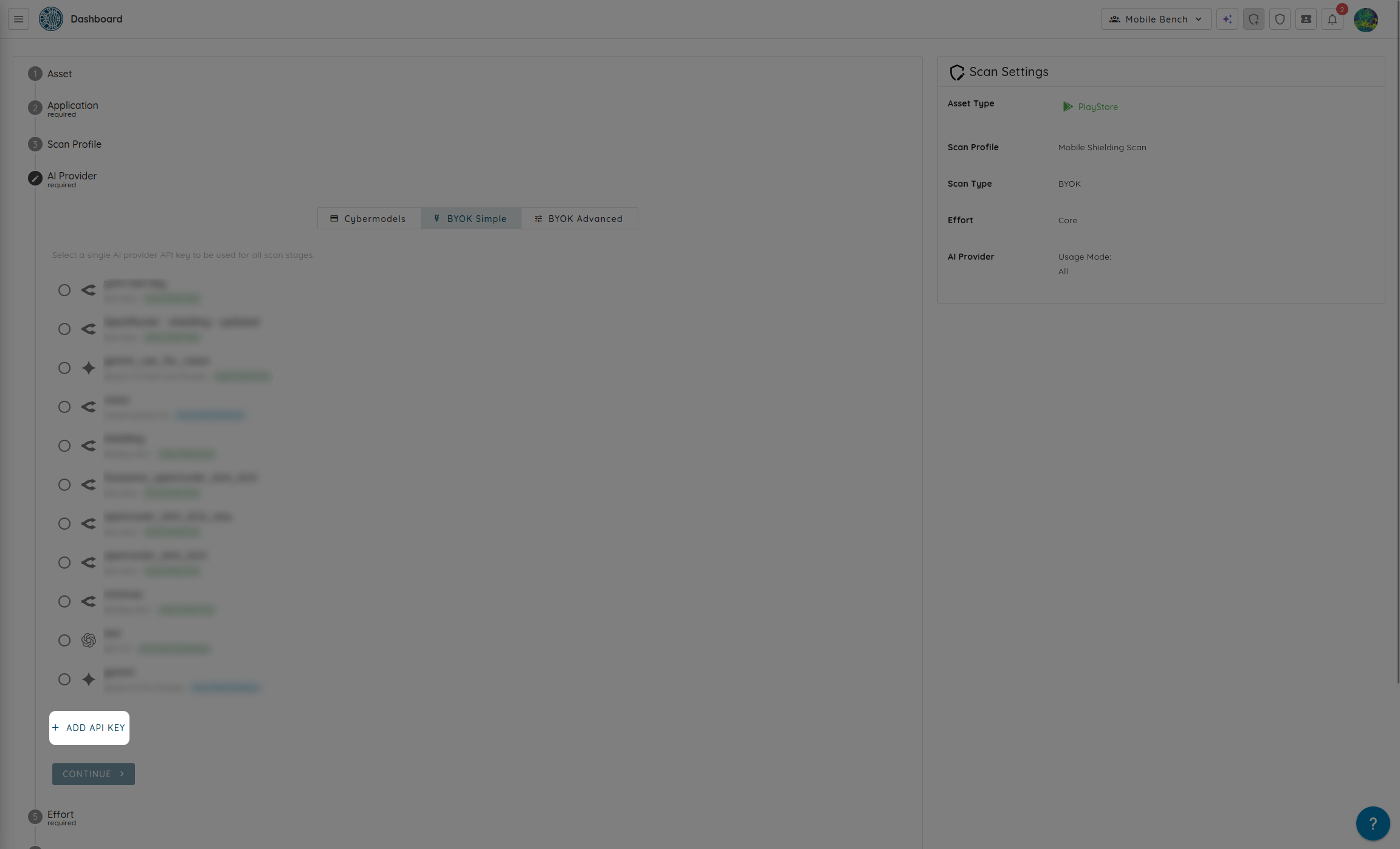
- Select the AI provider you want to use for the scan, either Cybermodels or via BYOK.
Or select BYOK as the AI provider.
- If you choose Cybermodels (Token-based), choose from three preset effort levels based on the complexity and size of your application:
- Core (50 tokens): Rapid baseline verification of standard hardening indicators.
- Advanced (200 tokens): Deep exploration of binary resilience with moderate execution coverage.
- Elite (400 tokens): Exhaustive, highly parallelized assessment simulating state-of-the-art reverse-engineering swarms.
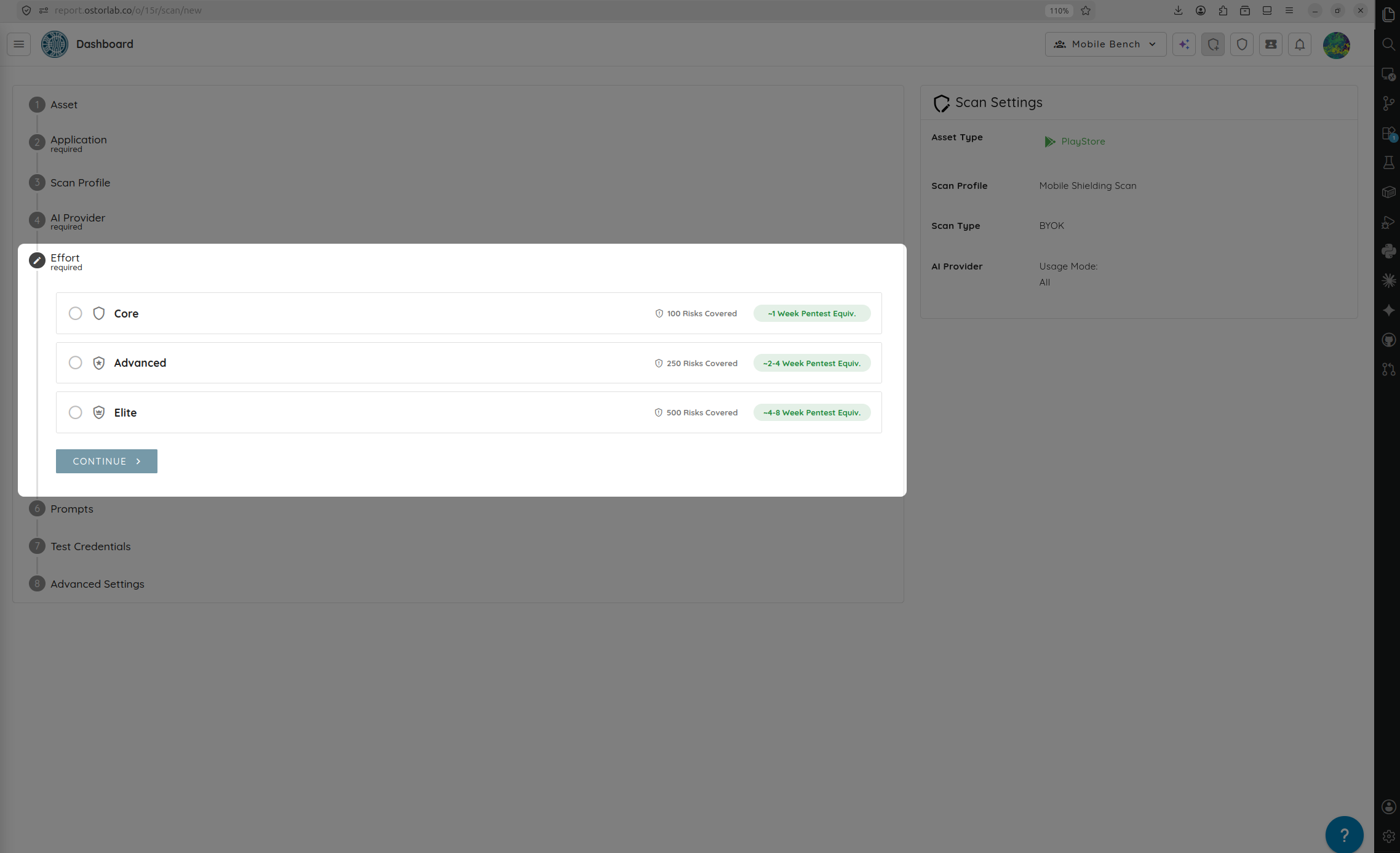
- Click Continue.
Step 4: Add Prompts & Test Credentials (Optional)
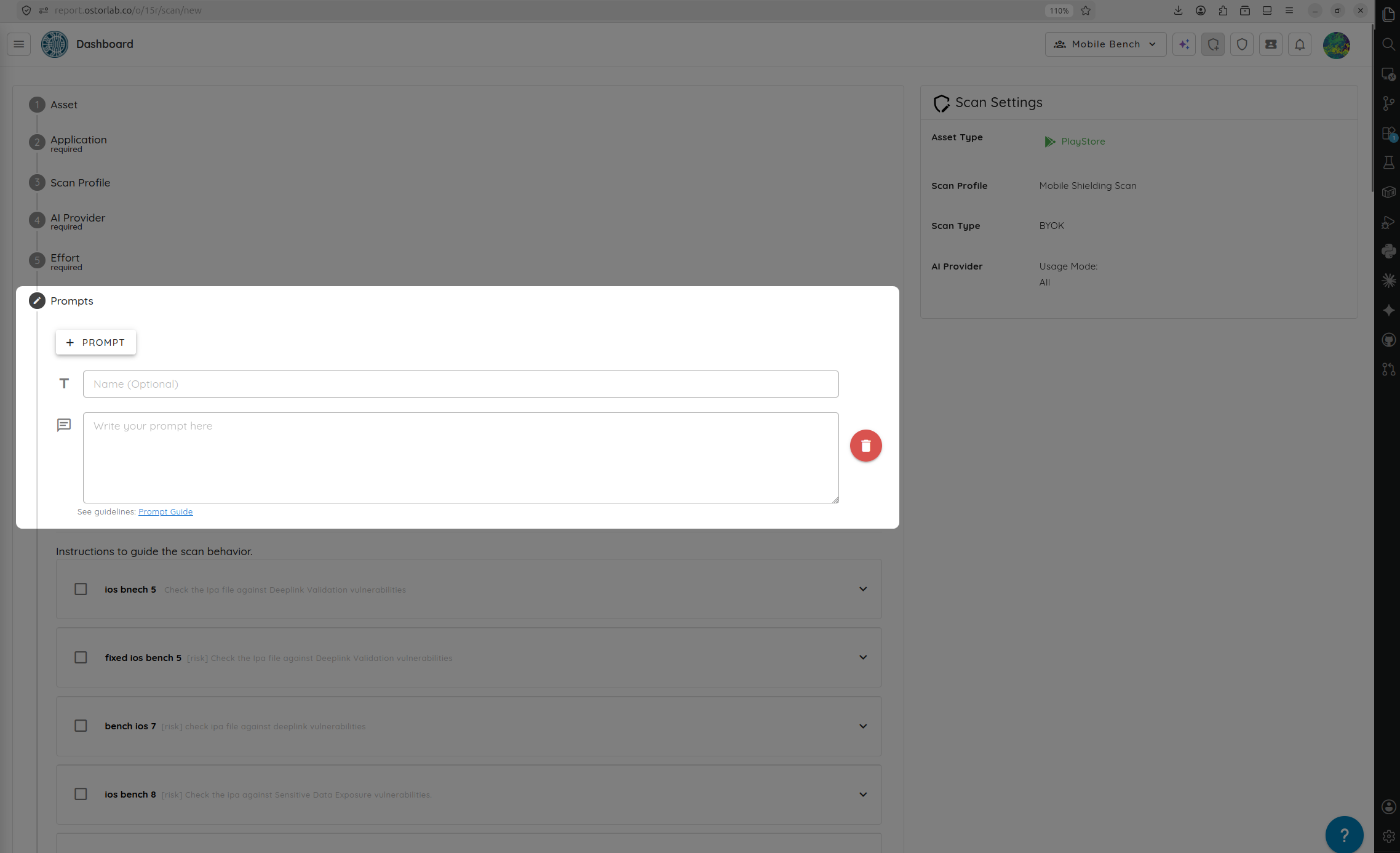
- Add or select custom UI automation Prompts to steer agent interaction.
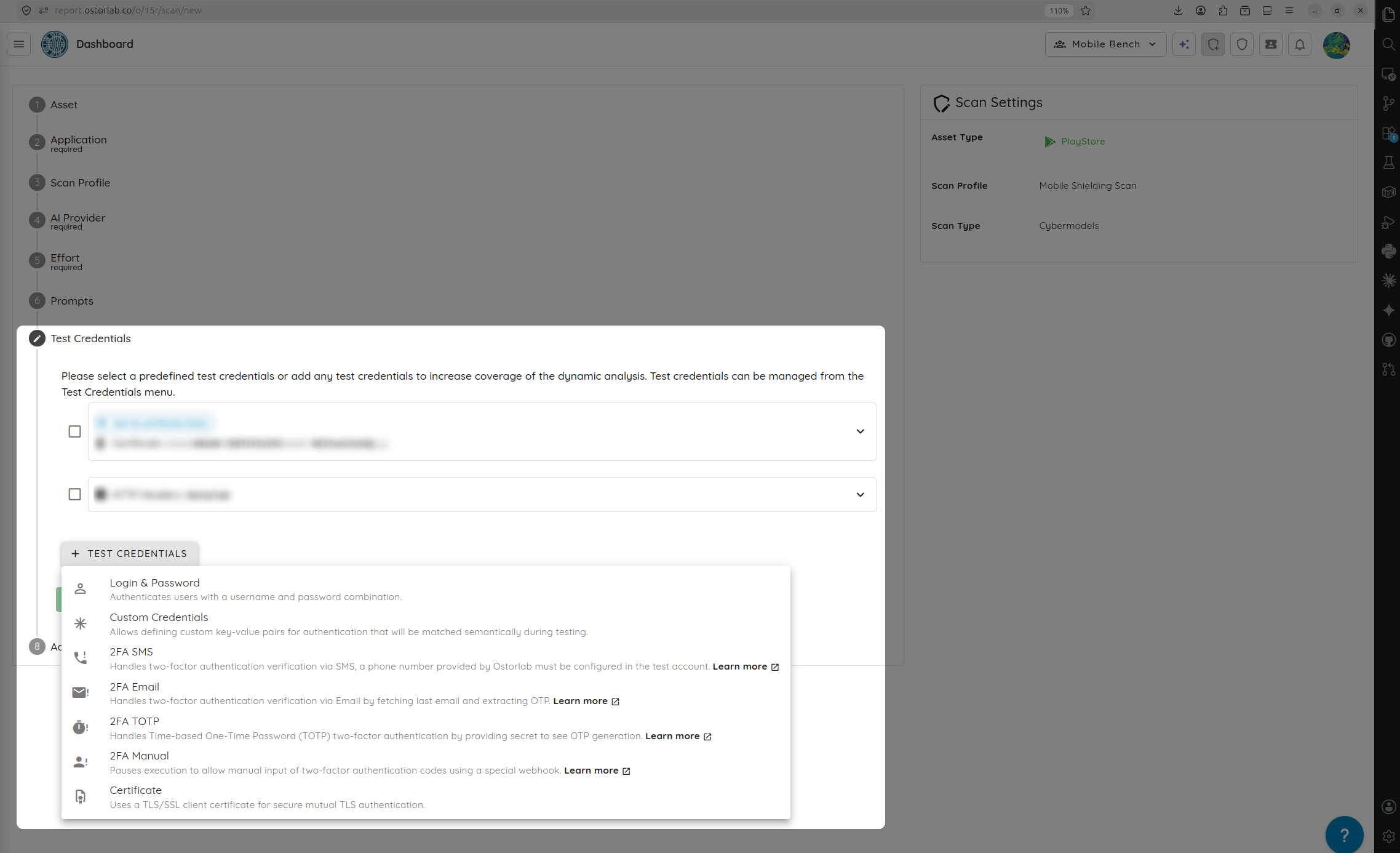
- If your application requires authentication, select or create Test Credentials so the agent can successfully bypass login gateways and test the shielding controls in post-authenticated states.
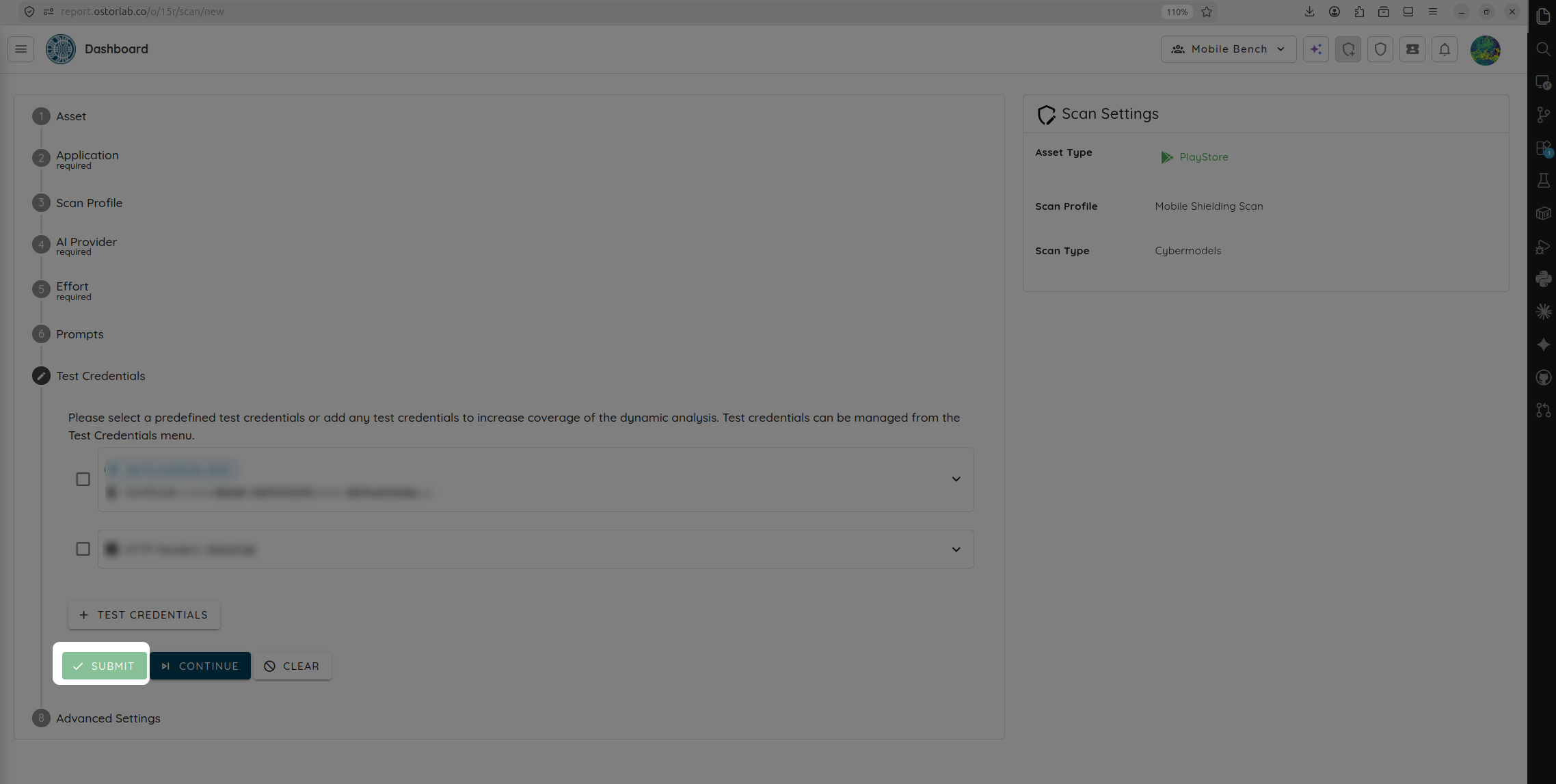
- Click Submit to queue and launch your scan.
📊 Reviewing Scan Results
Once the assessment is complete, the dashboard displays a comprehensive overview of your binary's defensive posture:
- Security Hardening Score: An overall coverage score (from 0% to 100%) indicating the effectiveness of binary protections.
- Vector Analysis: Specific pass/fail ratings and detailed coverage stats for Obfuscation, Anti-Tampering, and Anti-Debugging.
- Validated Shielding Features: A detailed ledger of successfully verified checks, including String Encryption, Code Protection, Jailbreak Detection, and Integrity Verification.