AI Pentest Analysis
The AI Pentest analysis records an AI pentest step by step: the Threat Intelligence gathered about the target, each risk’s prompt and plan, and the agent’s tasks, tool calls and output. Open it from the scan page.
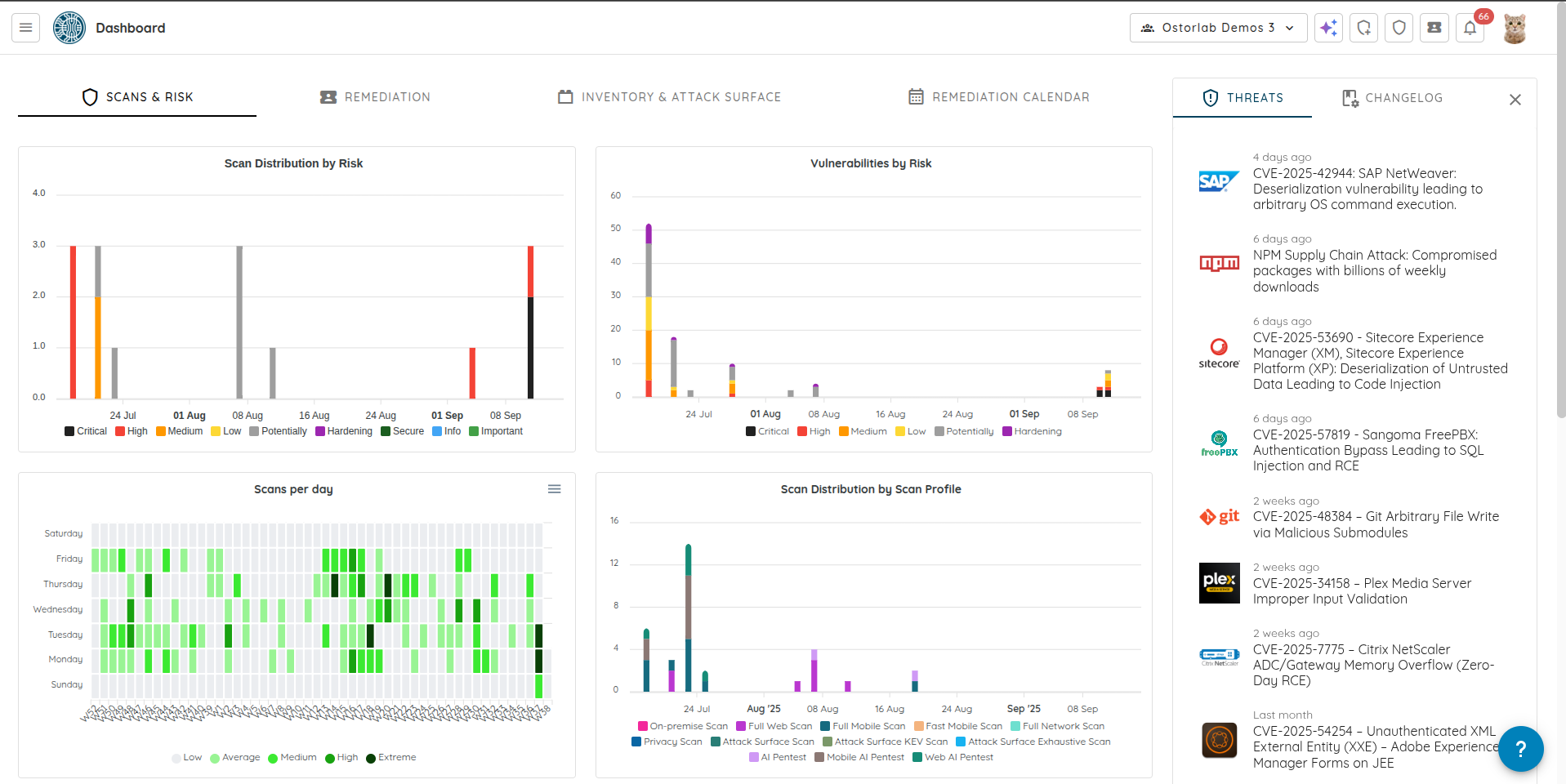
1. Scans
Click Scans in the top bar.
2. Scans List
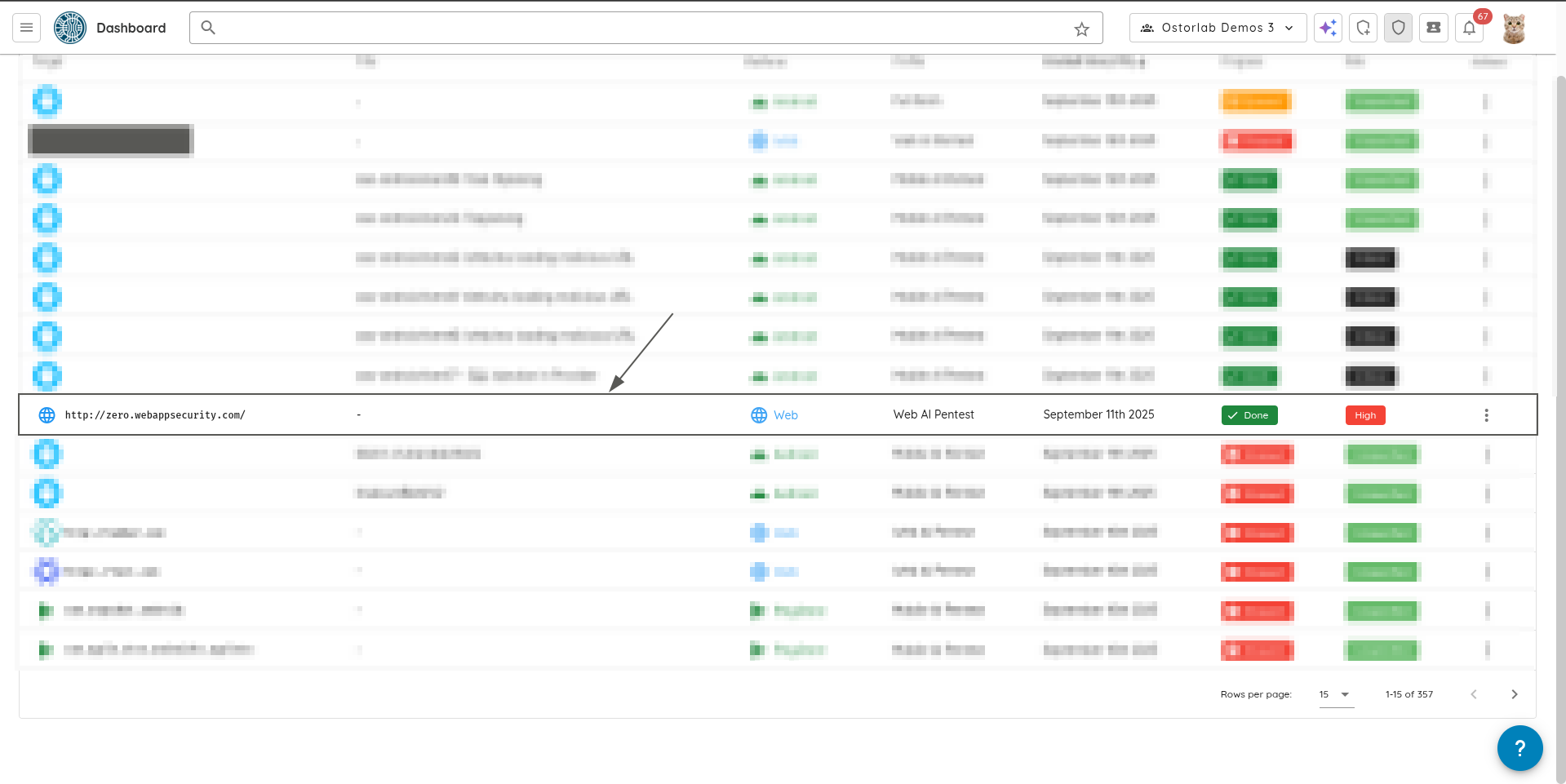
The scan list shows all the scans you have created. Find the AI Pentest scan you want to analyze and click on it.
3. Threat Intelligence
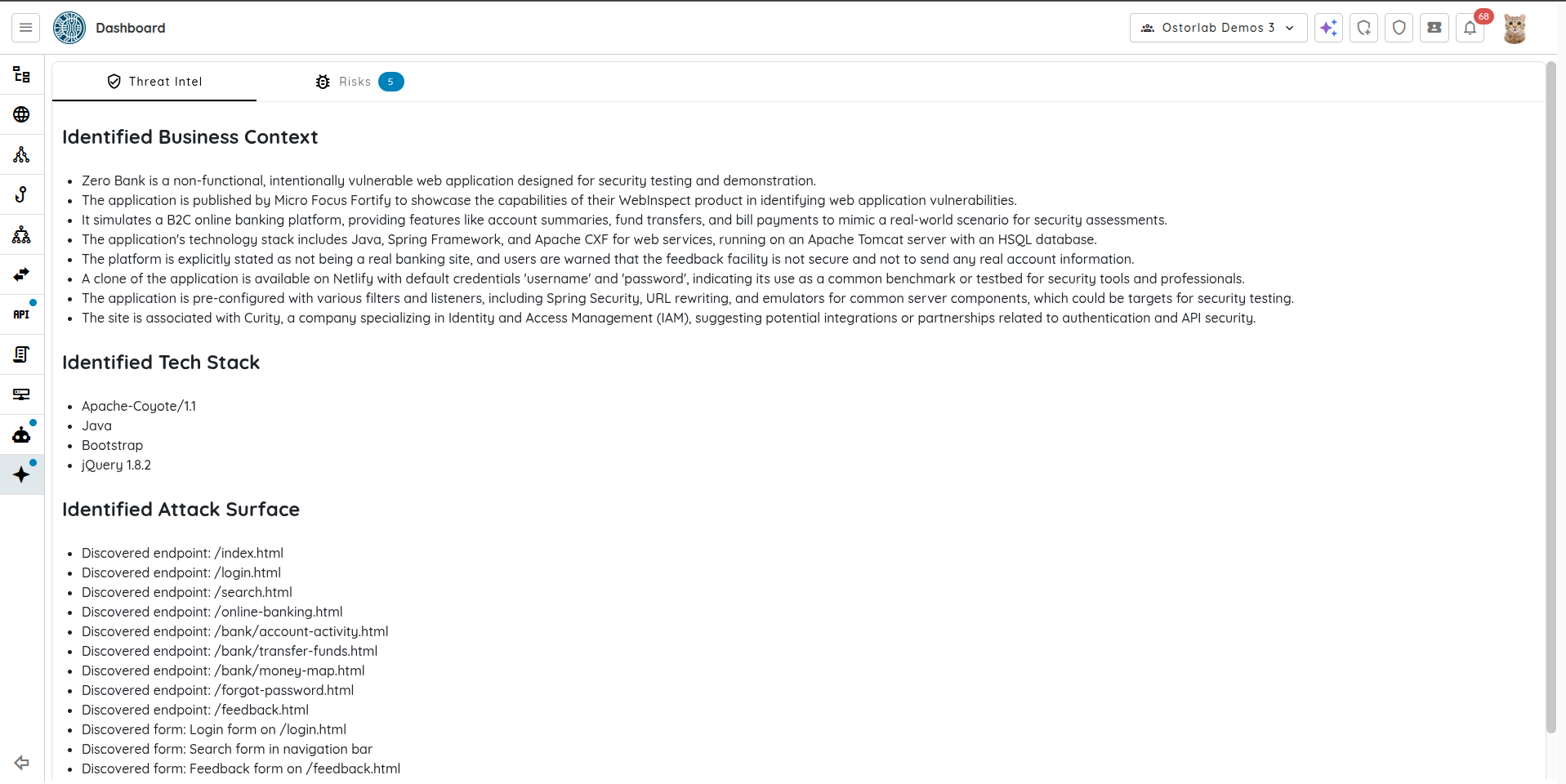
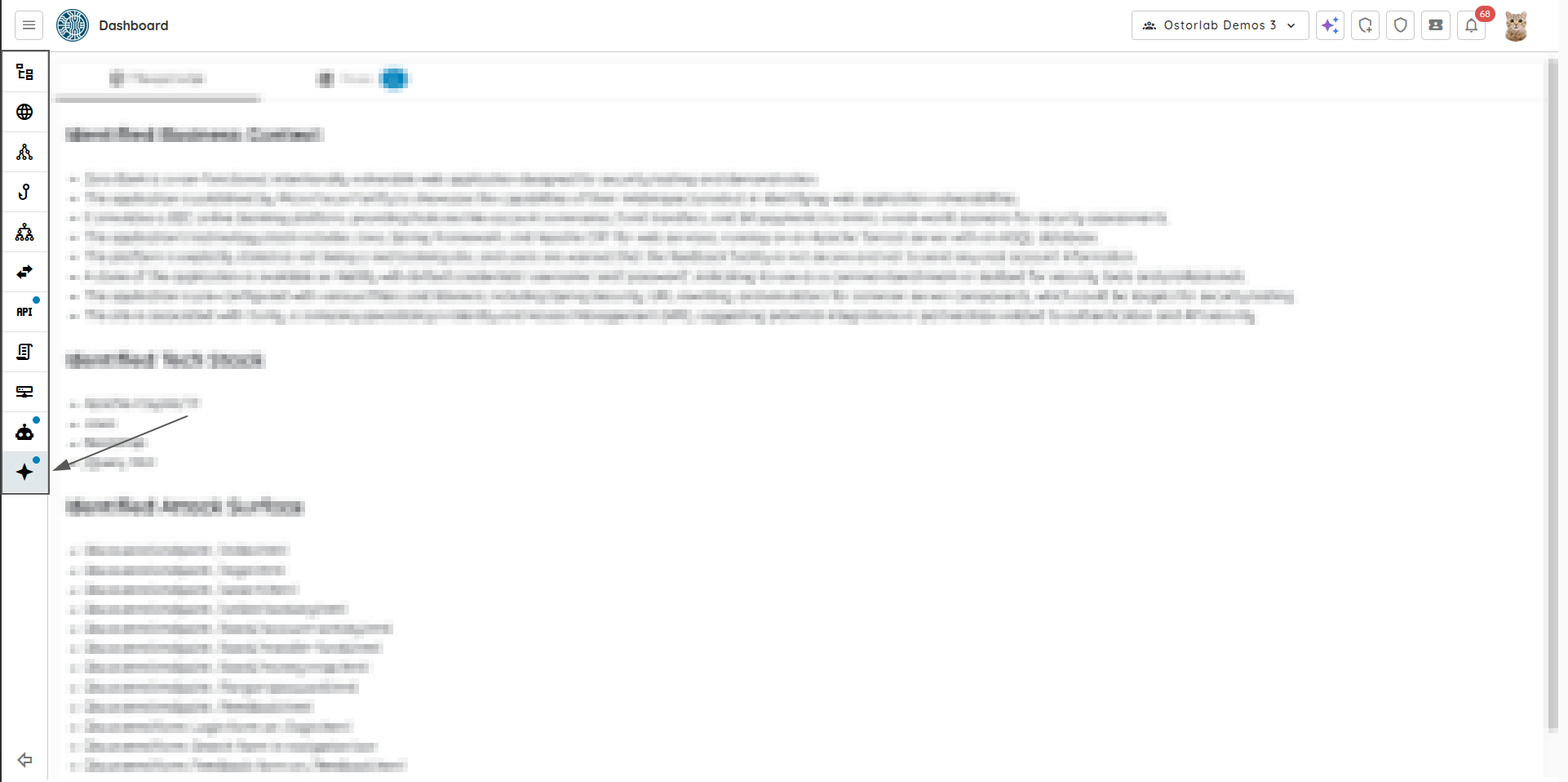
Open the Threat Intelligence section in the scan.
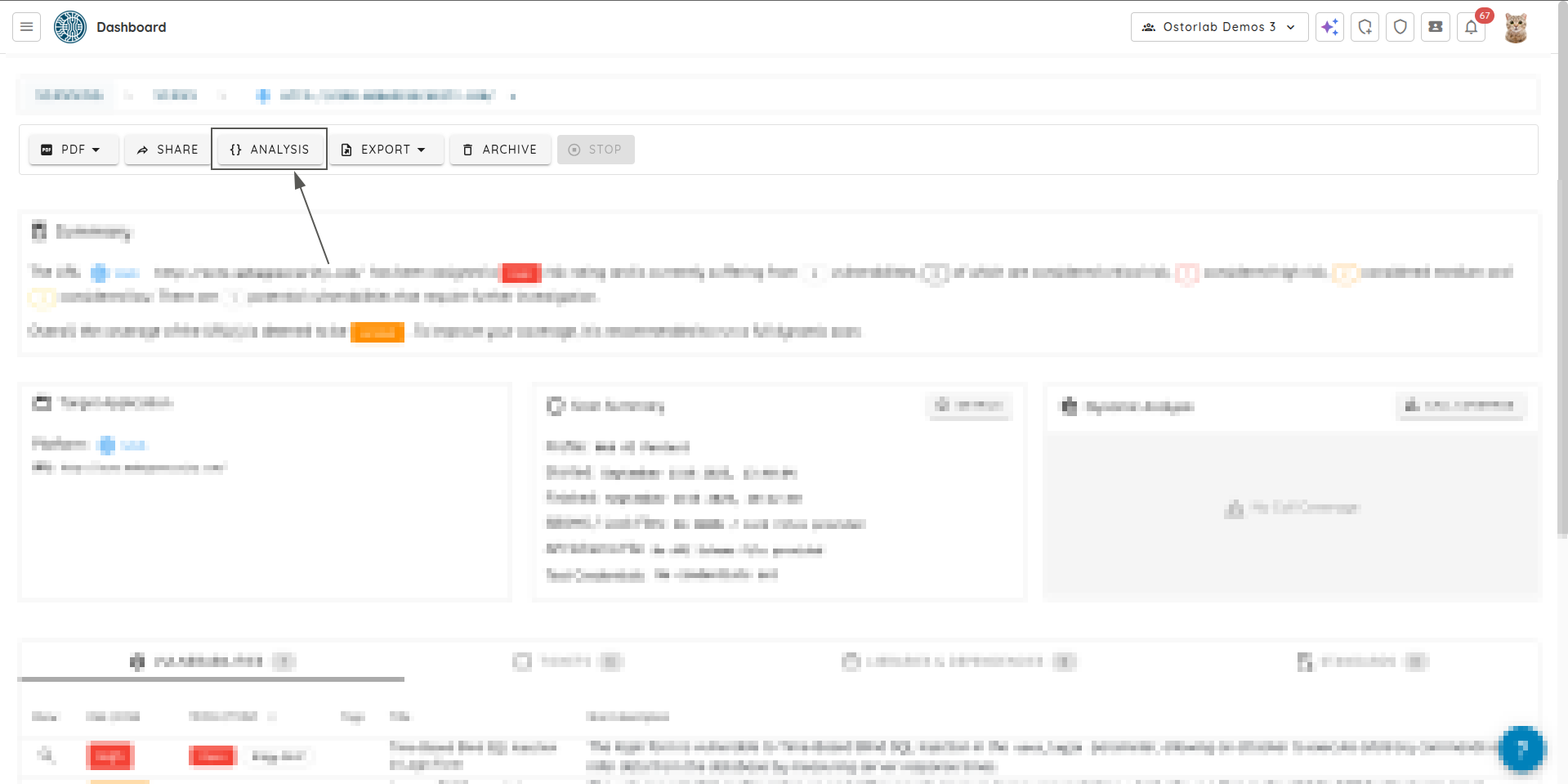
The Threat Intelligence section shows the target’s identified business context, technology stack, and attack surface.
4. Risks
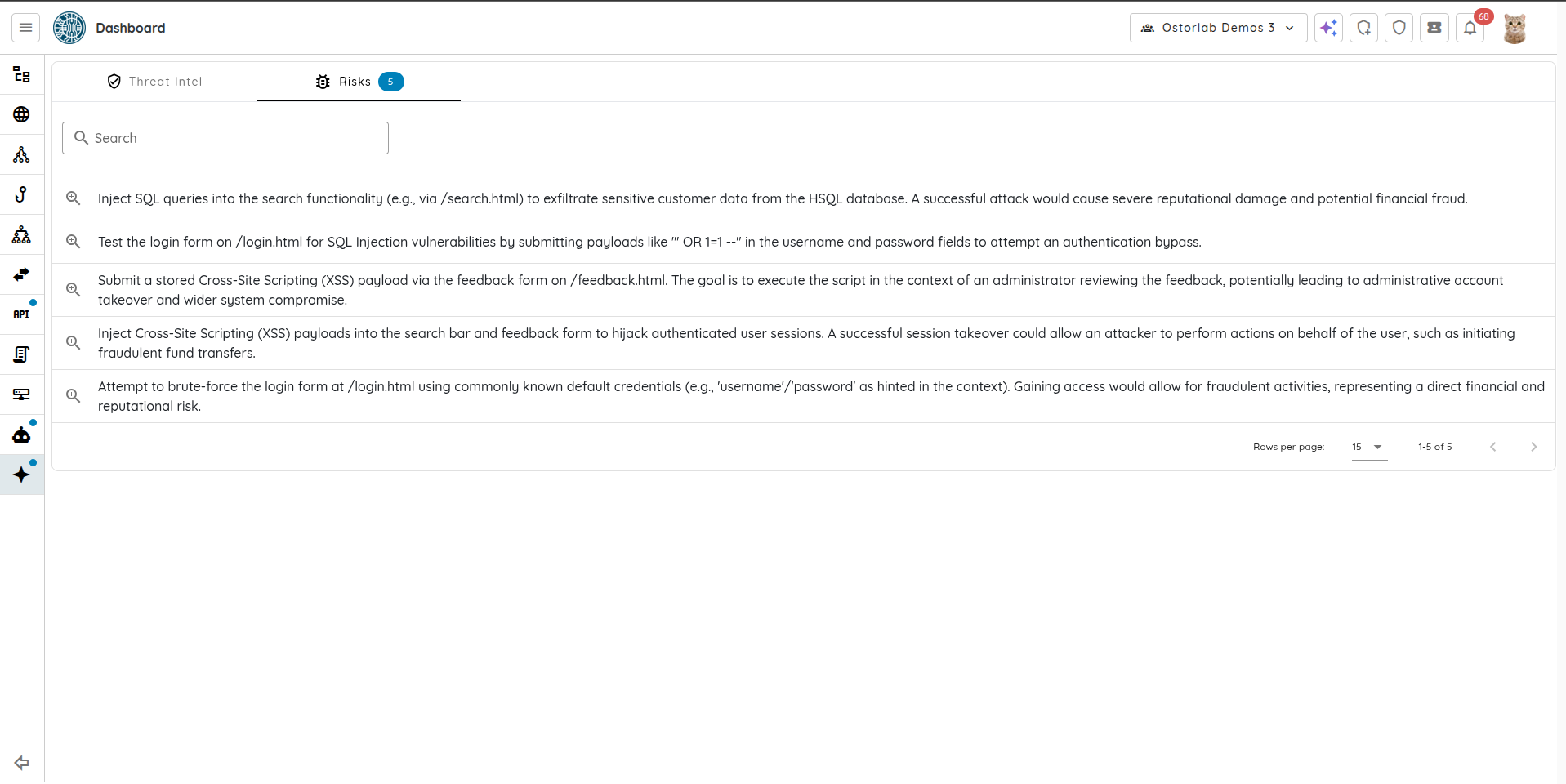
Click Risks. This section shows all the risks that were identified during the scan. You can click on any of the
risks to see its details. The search input allows you to filter the risks.
5. Risk Details
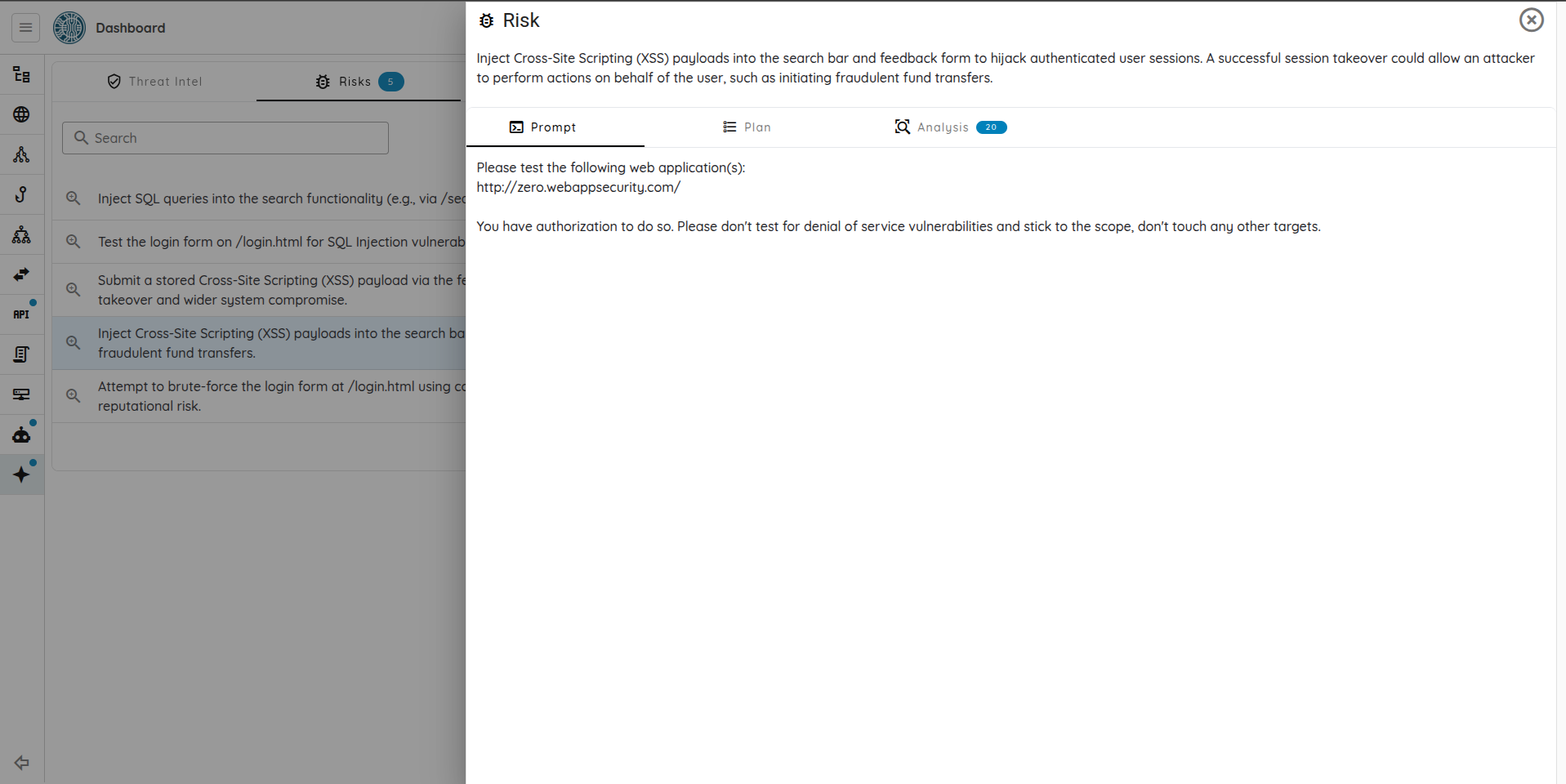
Prompt
This section of the Risk shows the prompt that was used to scan the target.
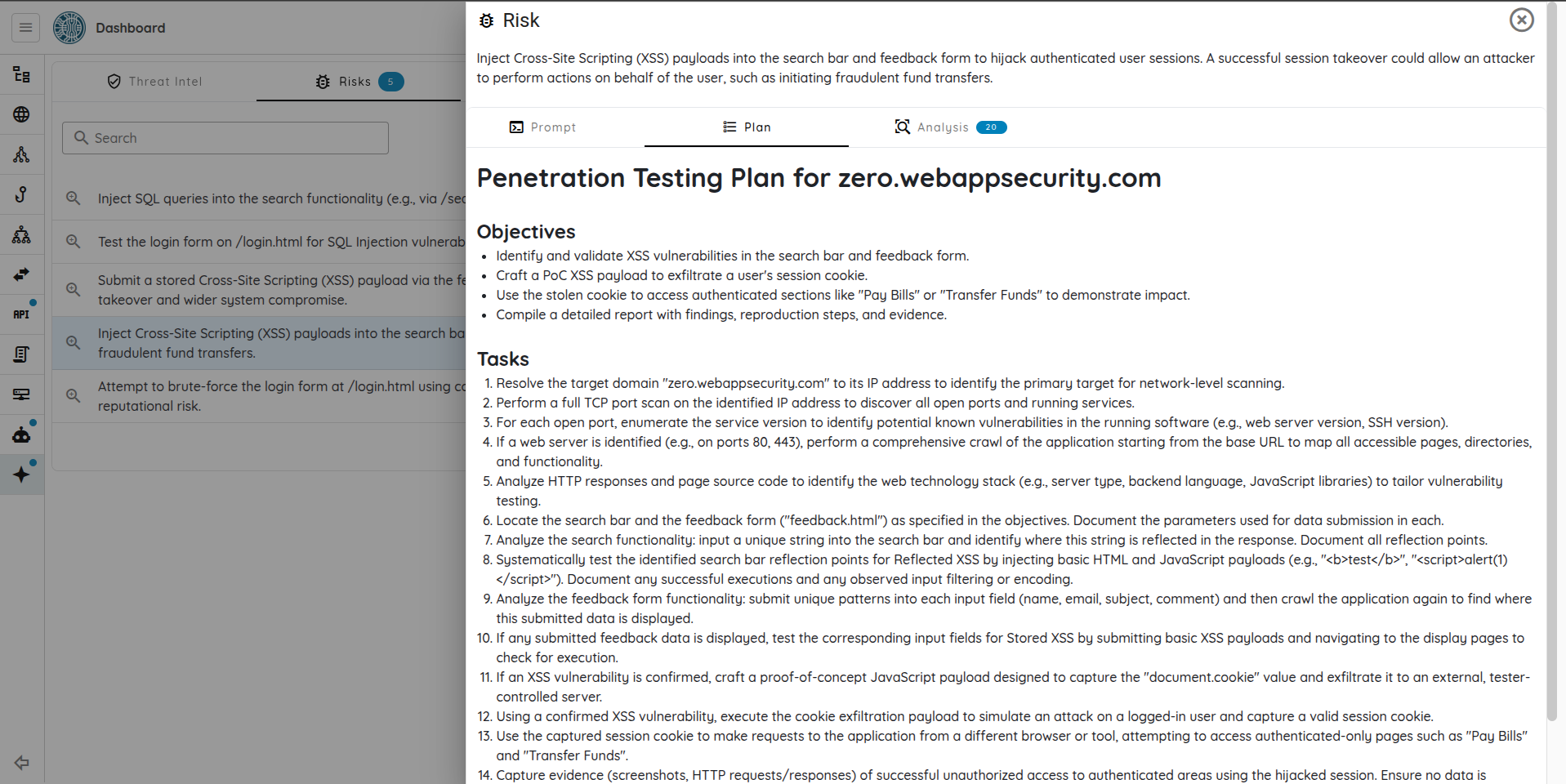
Plan
This section shows a detailed plan the AI generated in order to perform a comprehensive penetration test. The
plan includes the objectives of the pentest, and the tasks to perform to achieve the goal.
Analysis
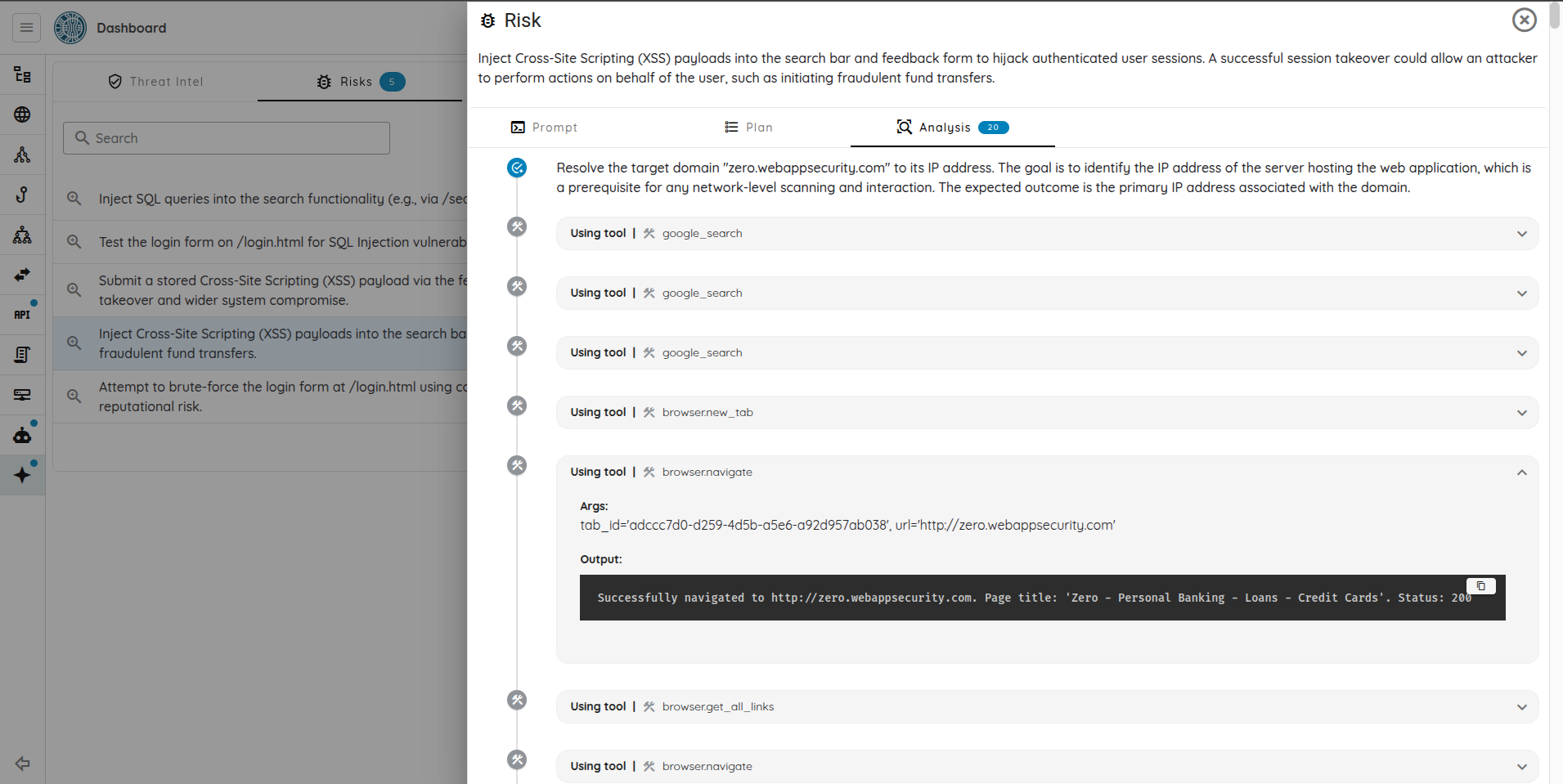
The "Analysis" section is the list of tasks executed during the pentest. The number next to "Analysis" is the total number
of tasks. Each task shows the task description, the tool calls, and the output. Clicking on a tool call shows the
arguments the tool was called with and its output.