Generate a BYOK Scan Key
This guide explains how to configure BYOK in Agents > BYOK and manage keys (create, update, delete).
To add your BYOK key:
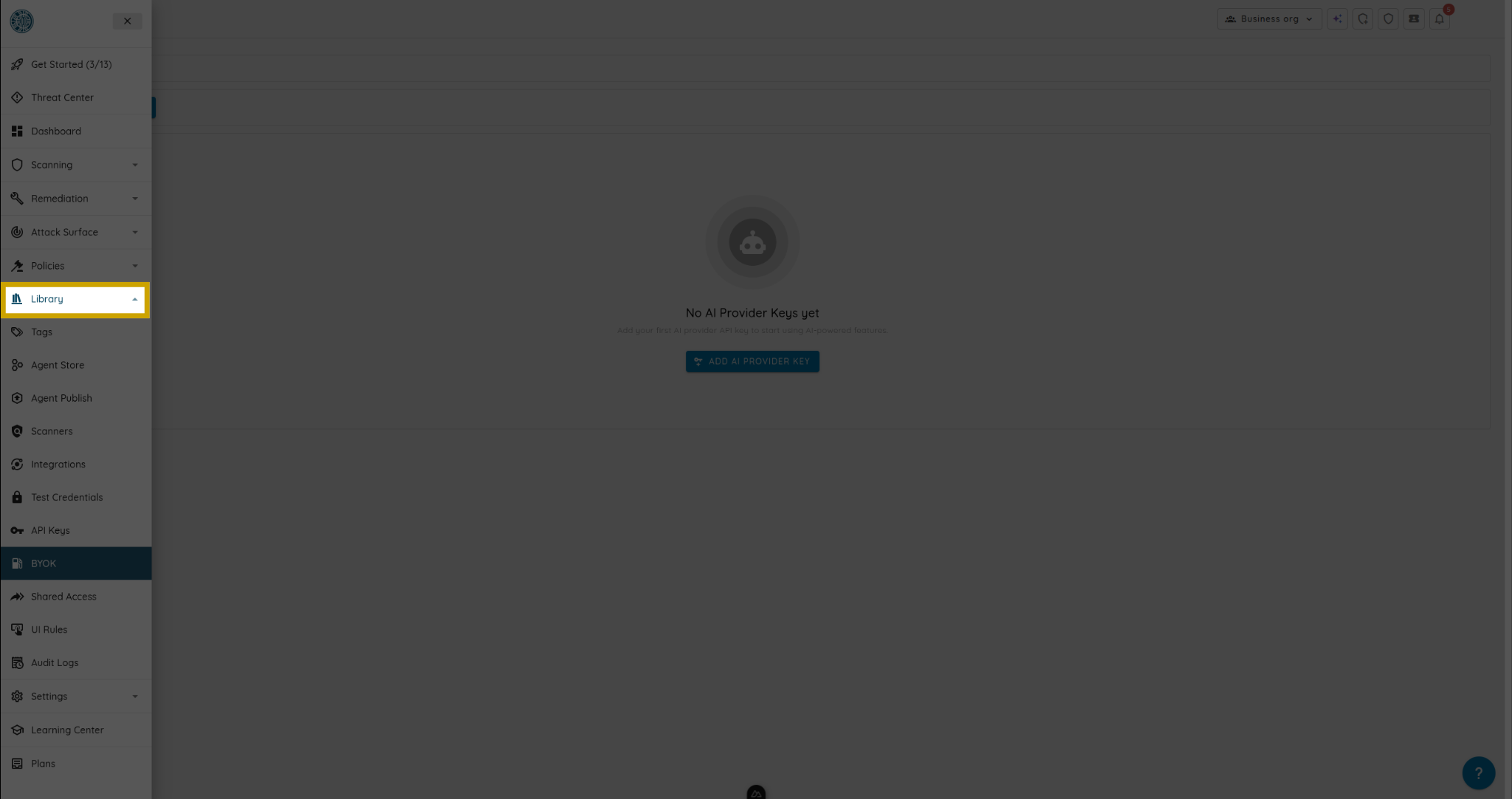
- Open the left menu and go to Agents.
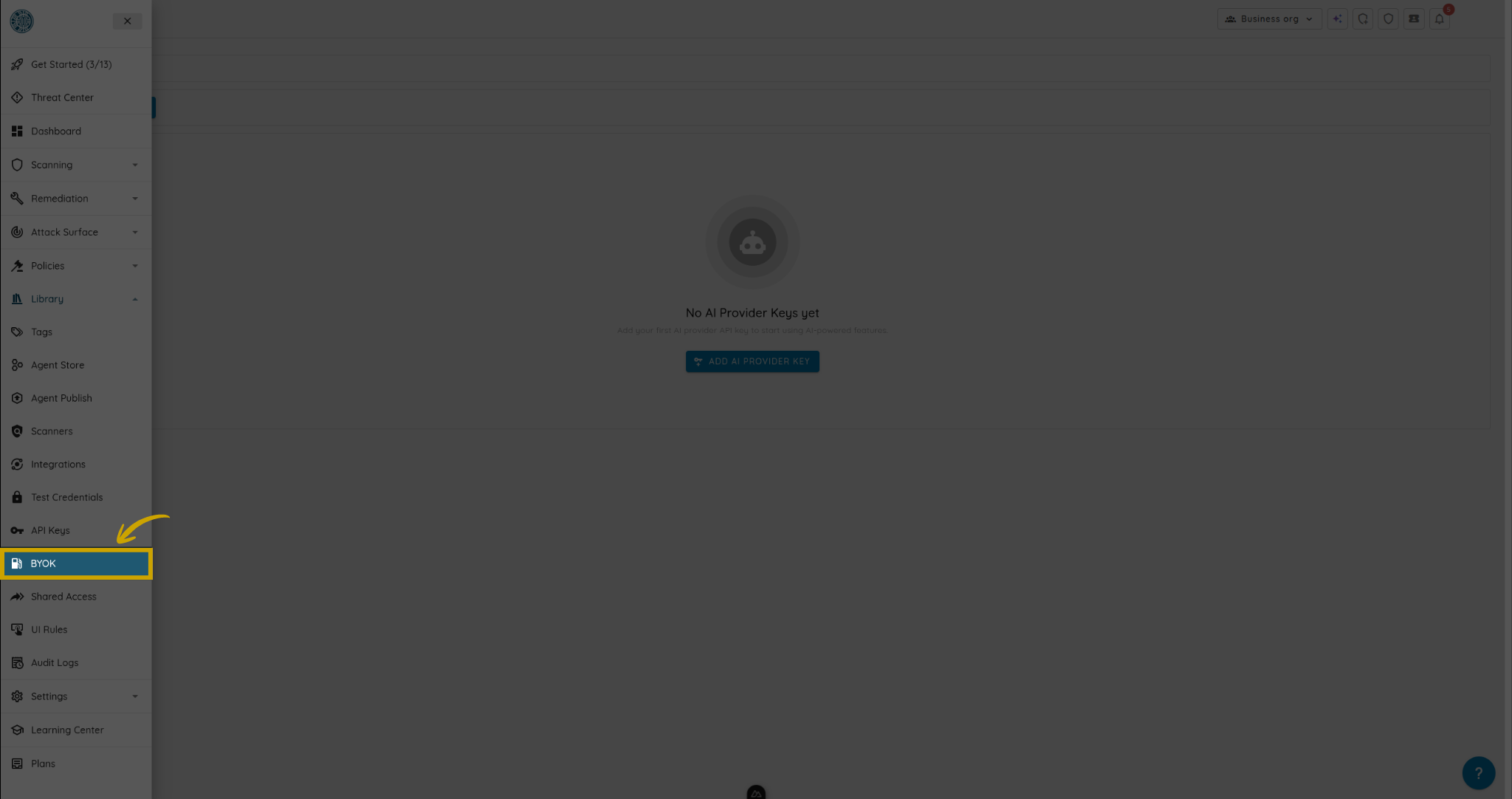
- Open BYOK.
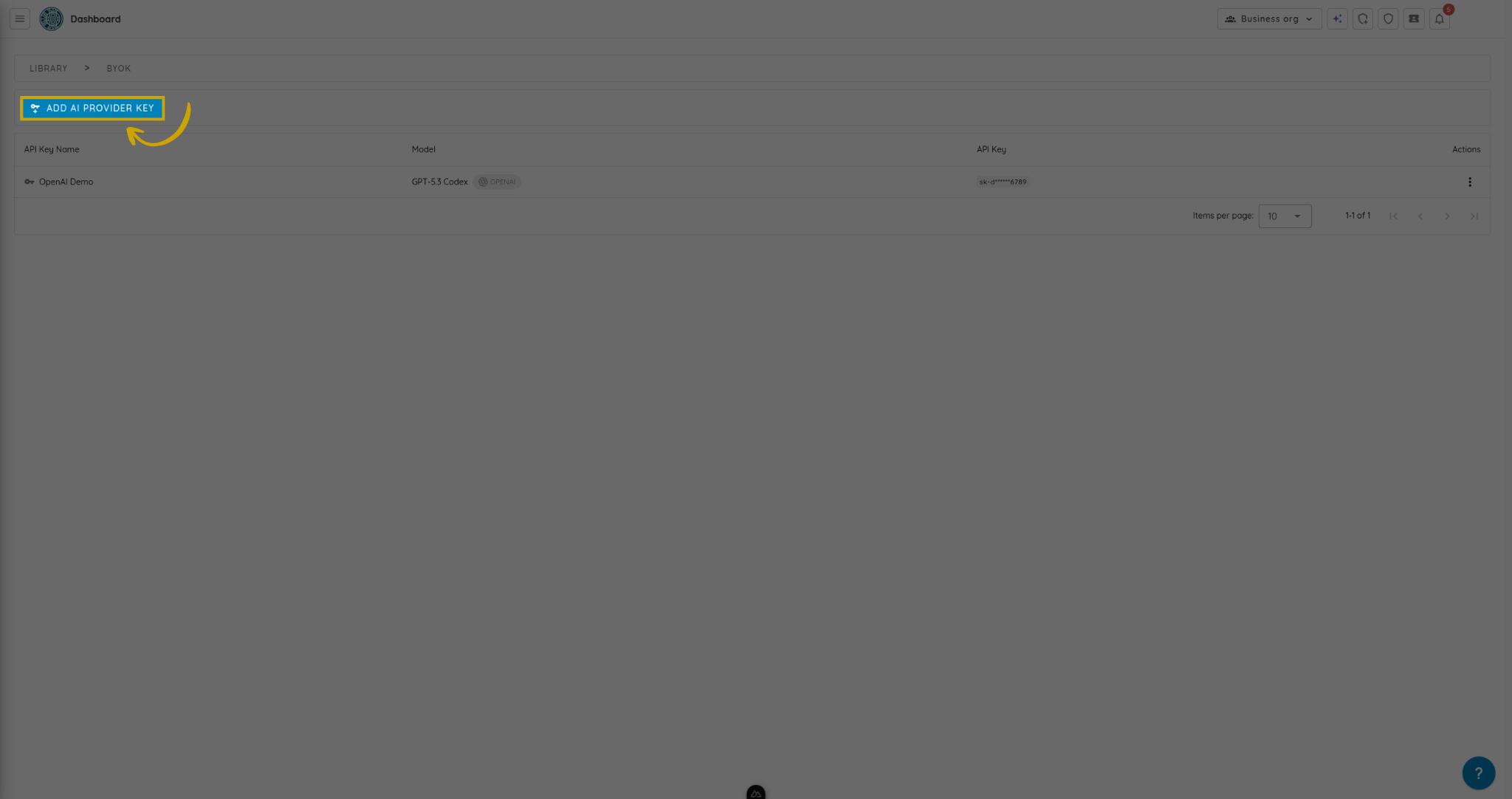
- Click Add AI Provider Key.
-
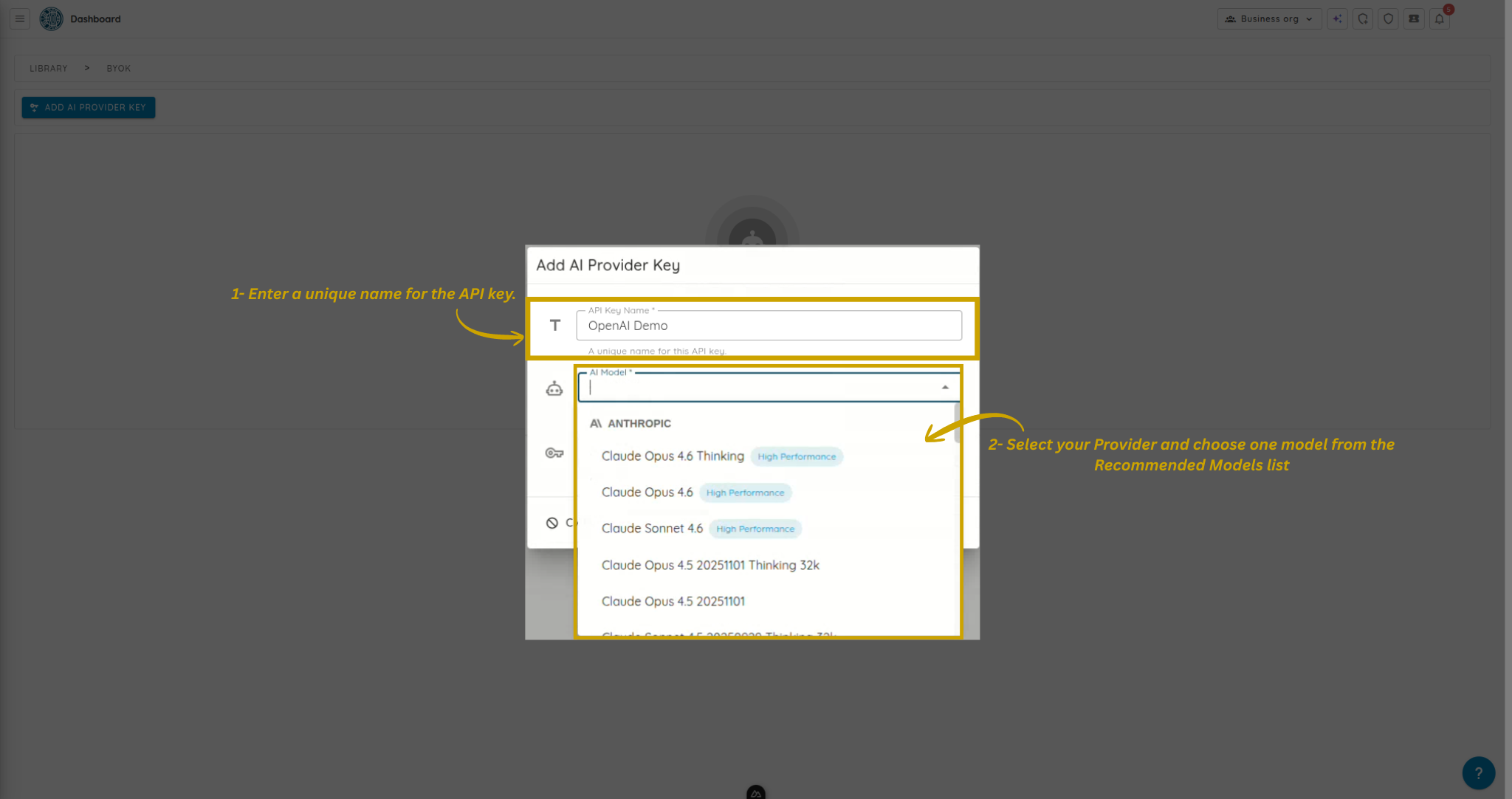
Enter a unique name for the API key.
-
Select your Provider and choose one model from the Recommended Models list.
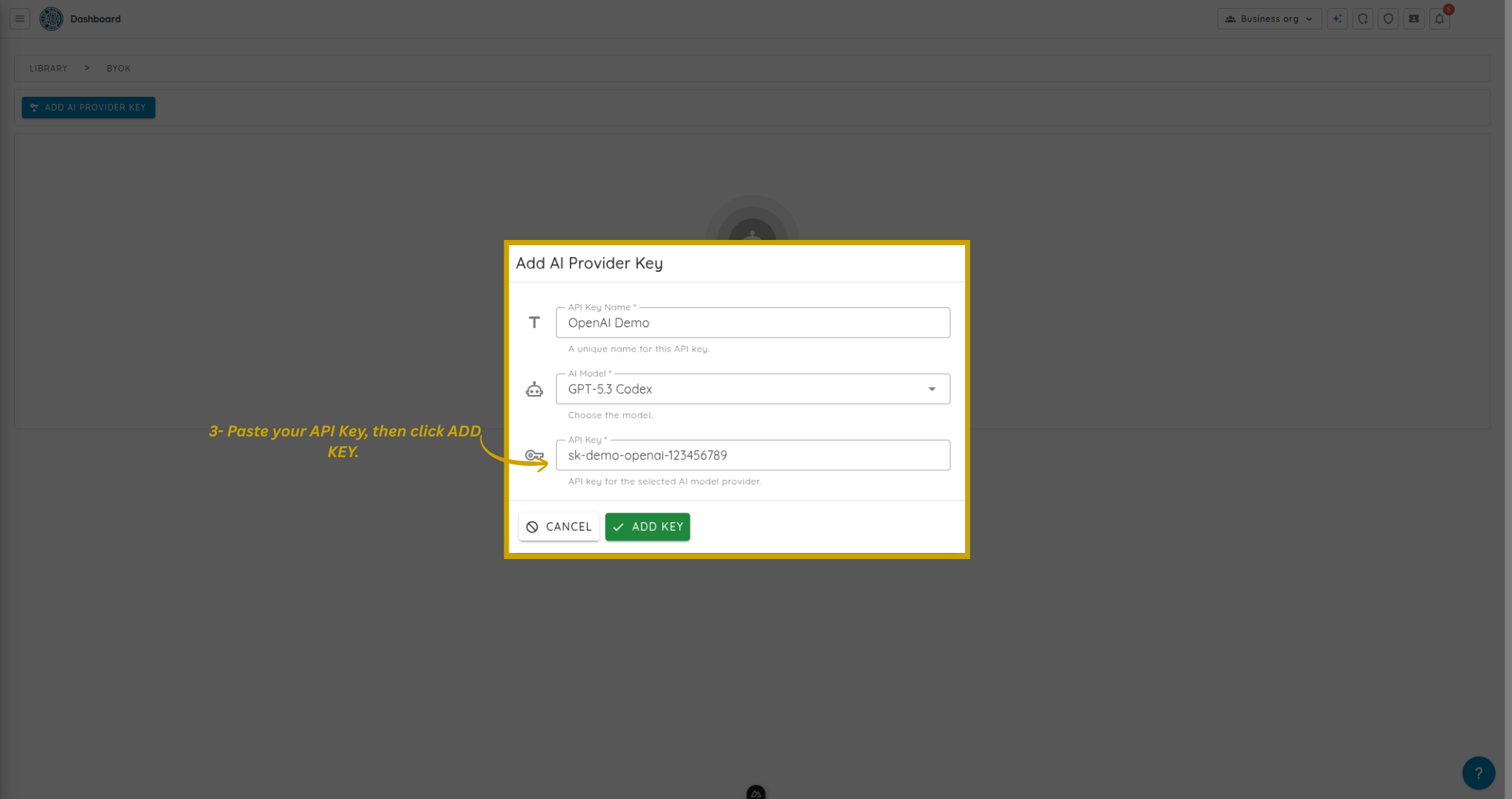
- Paste your API Key, then click ADD KEY.
After creation, your key appears in the BYOK keys list.
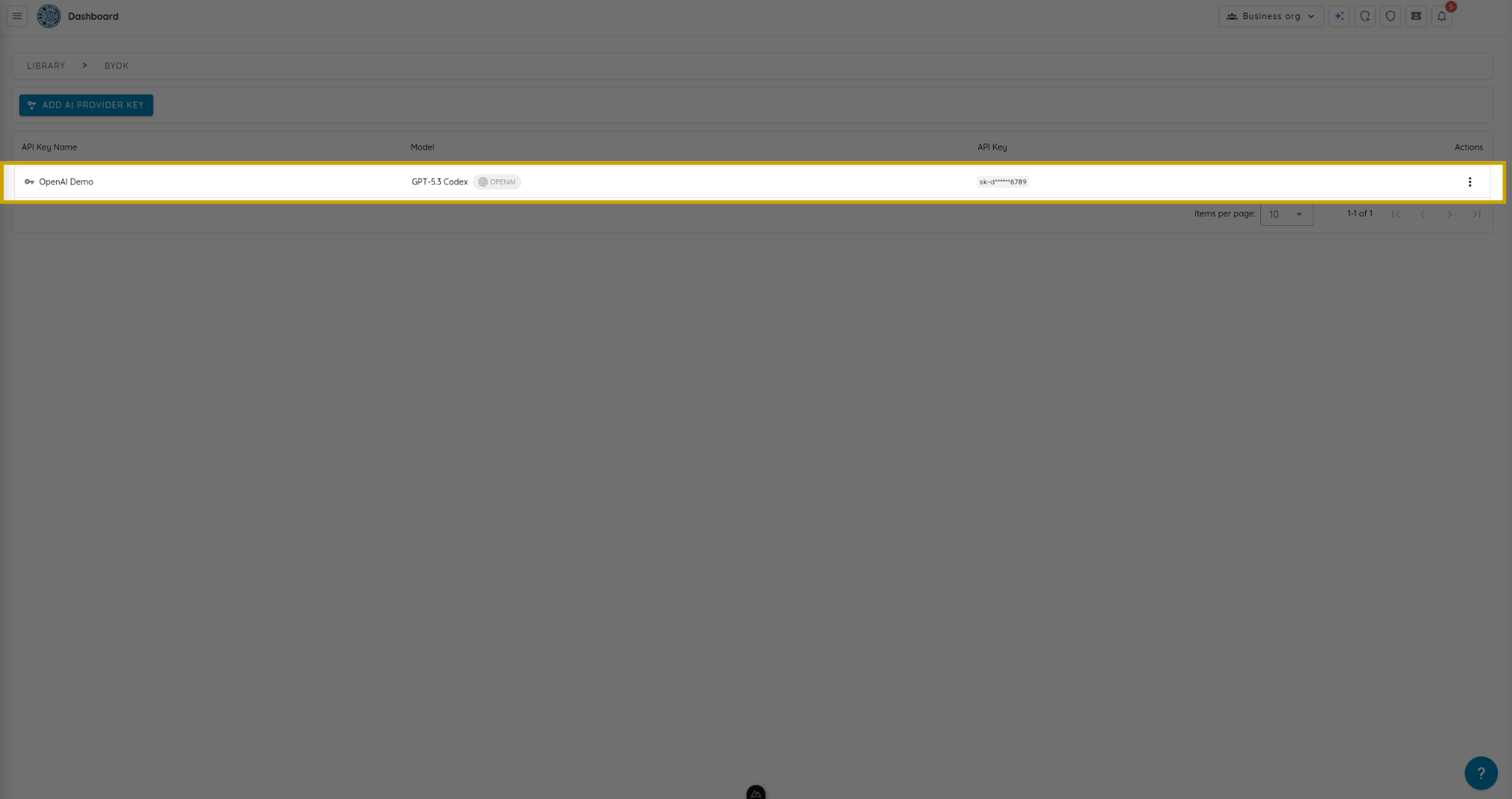
The created key is now available for Deep Agentic Scan configuration during scan creation.
Update a BYOK key
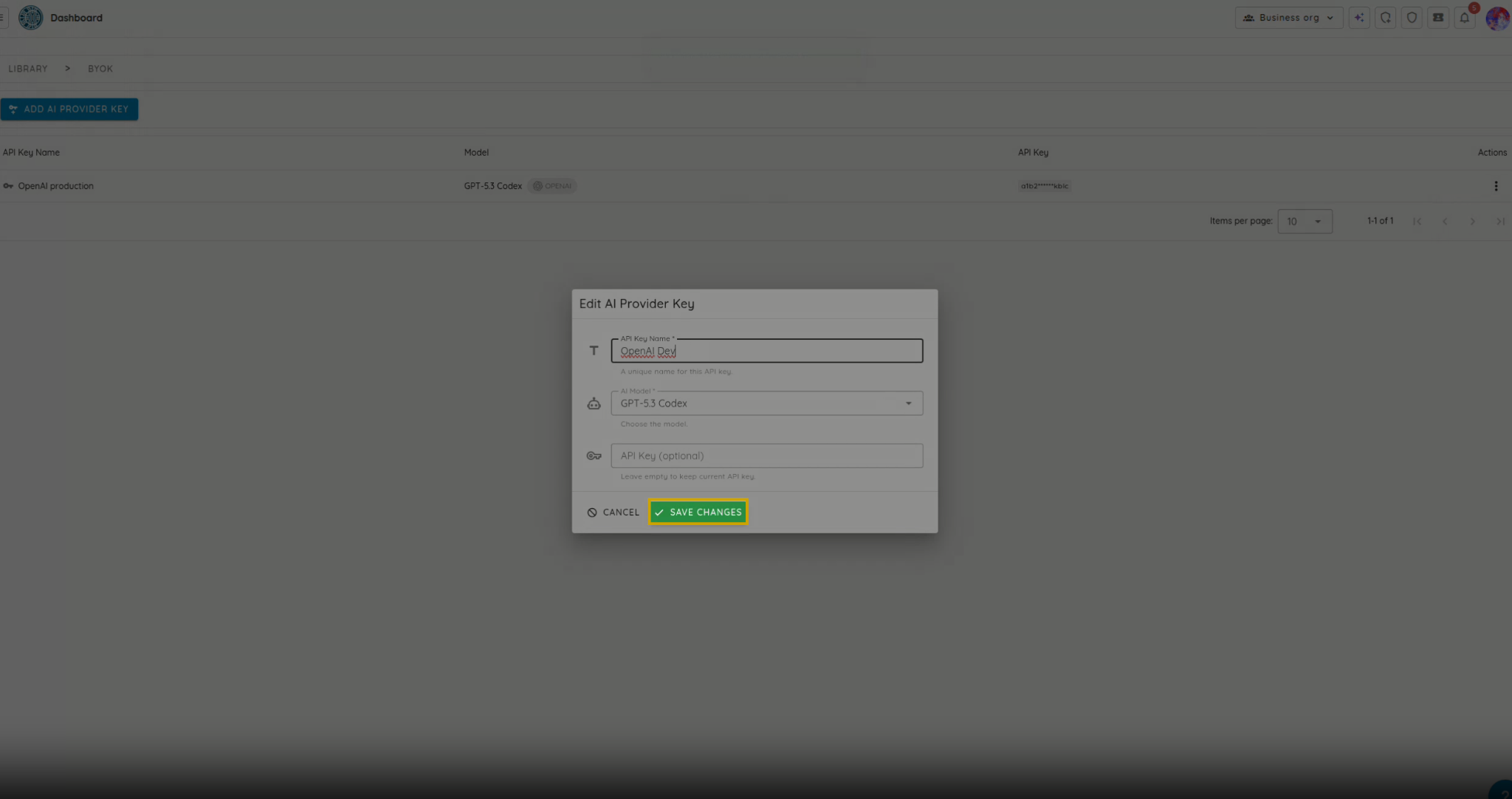
- In Agents > BYOK, find your key and click Edit.
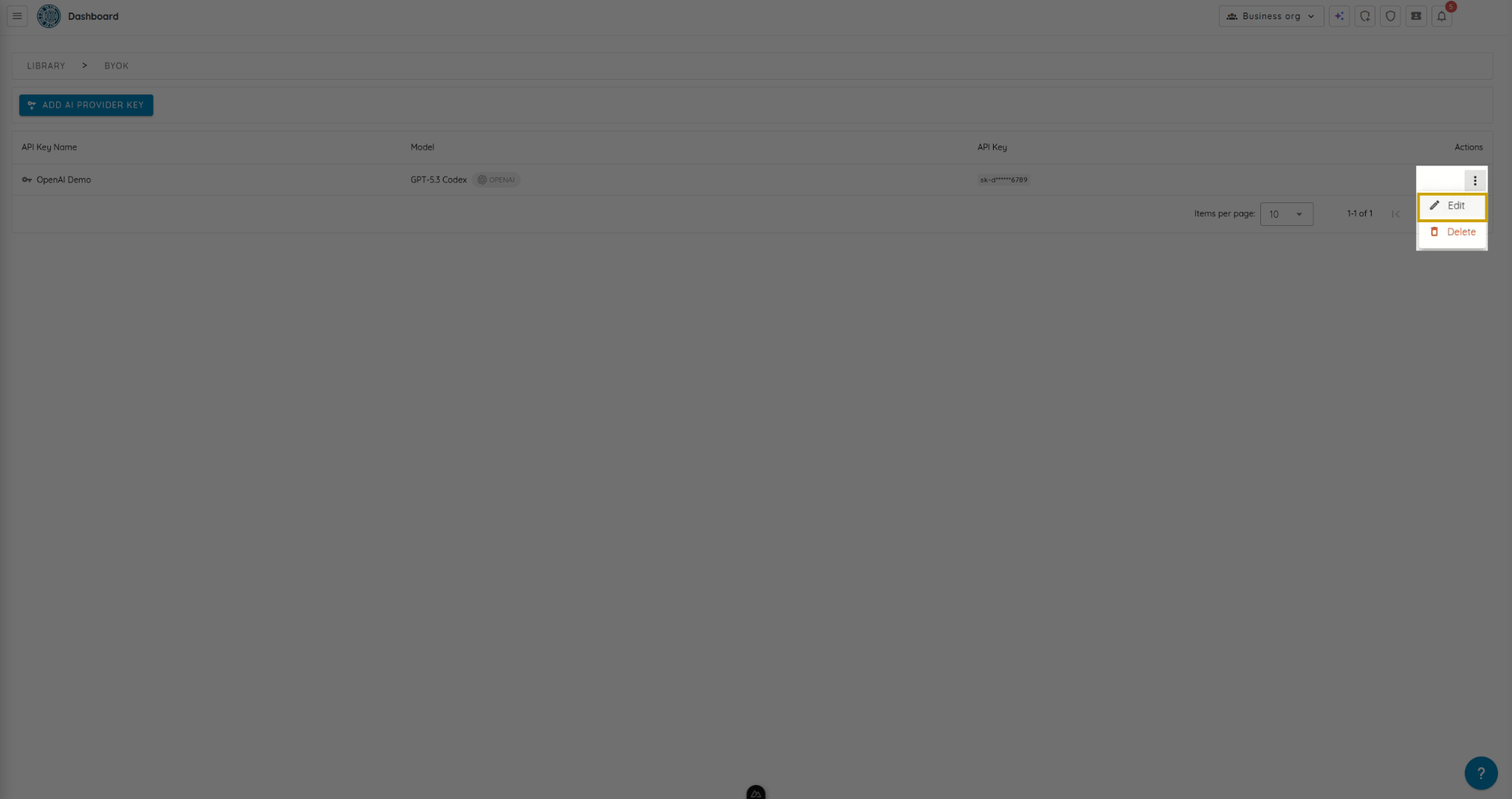
- Modify the needed fields, then click Save Changes.
Delete a BYOK key
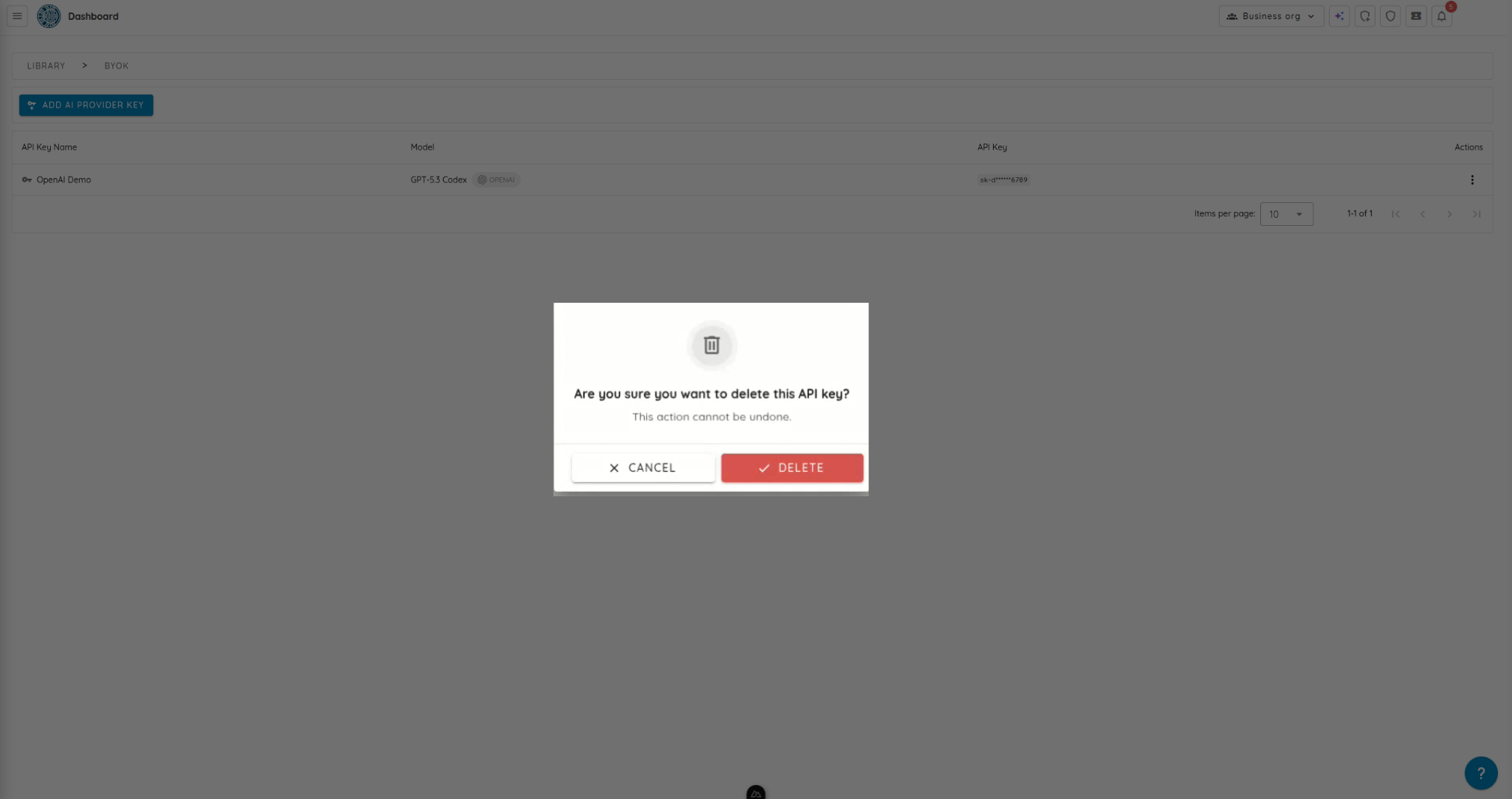
- In Agents > BYOK, click Delete on the key you want to remove.
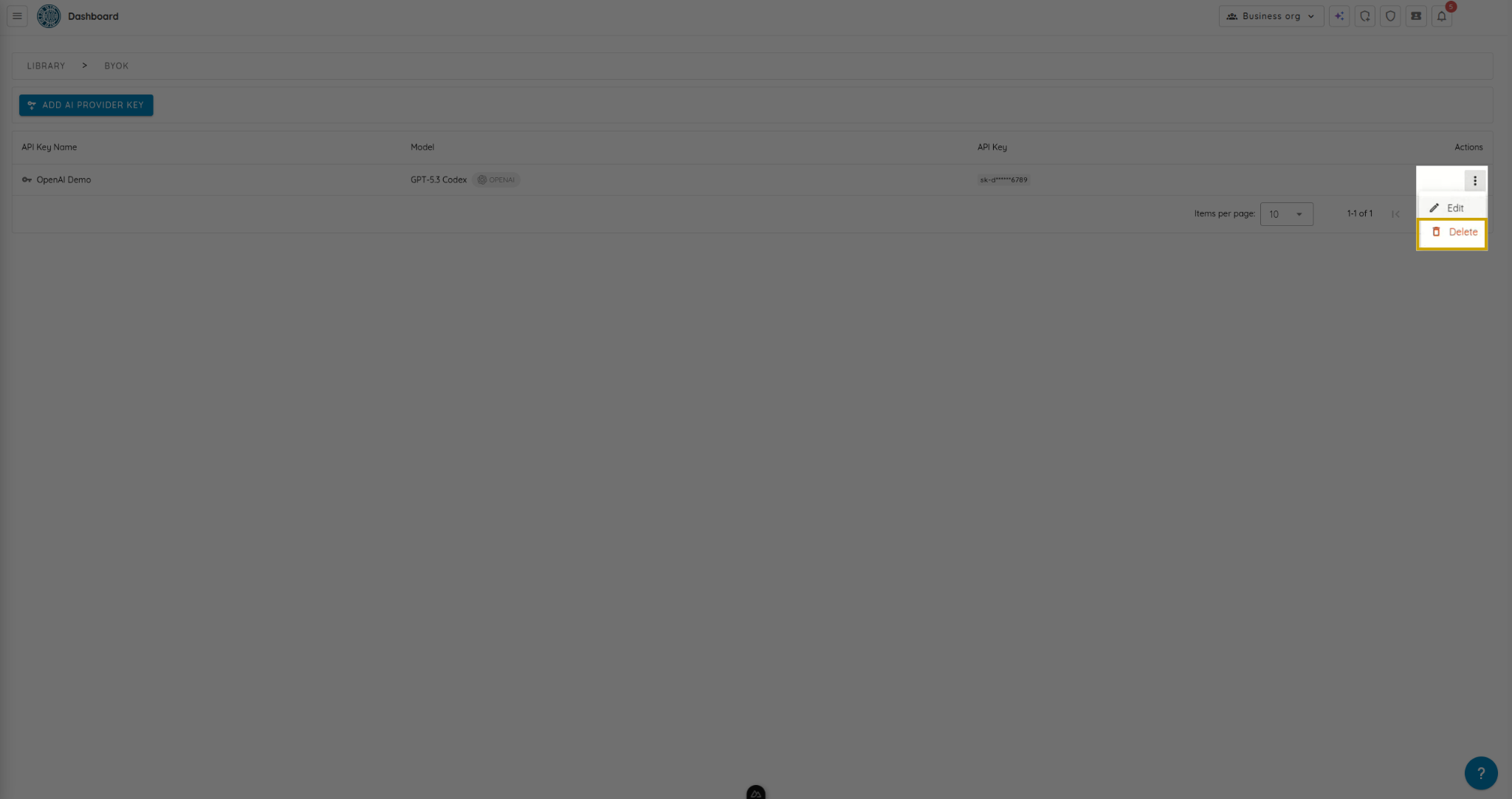
- Confirm the deletion.