AI Agent Attack Surface Discovery
Describe your organisation to the AI Seed Generator (full name, abbreviations, brand keywords) and it returns a list of candidate domains. Select the ones you own and click Confirm: Ostorlab adds them as confirmed assets and scans them as part of your attack surface.
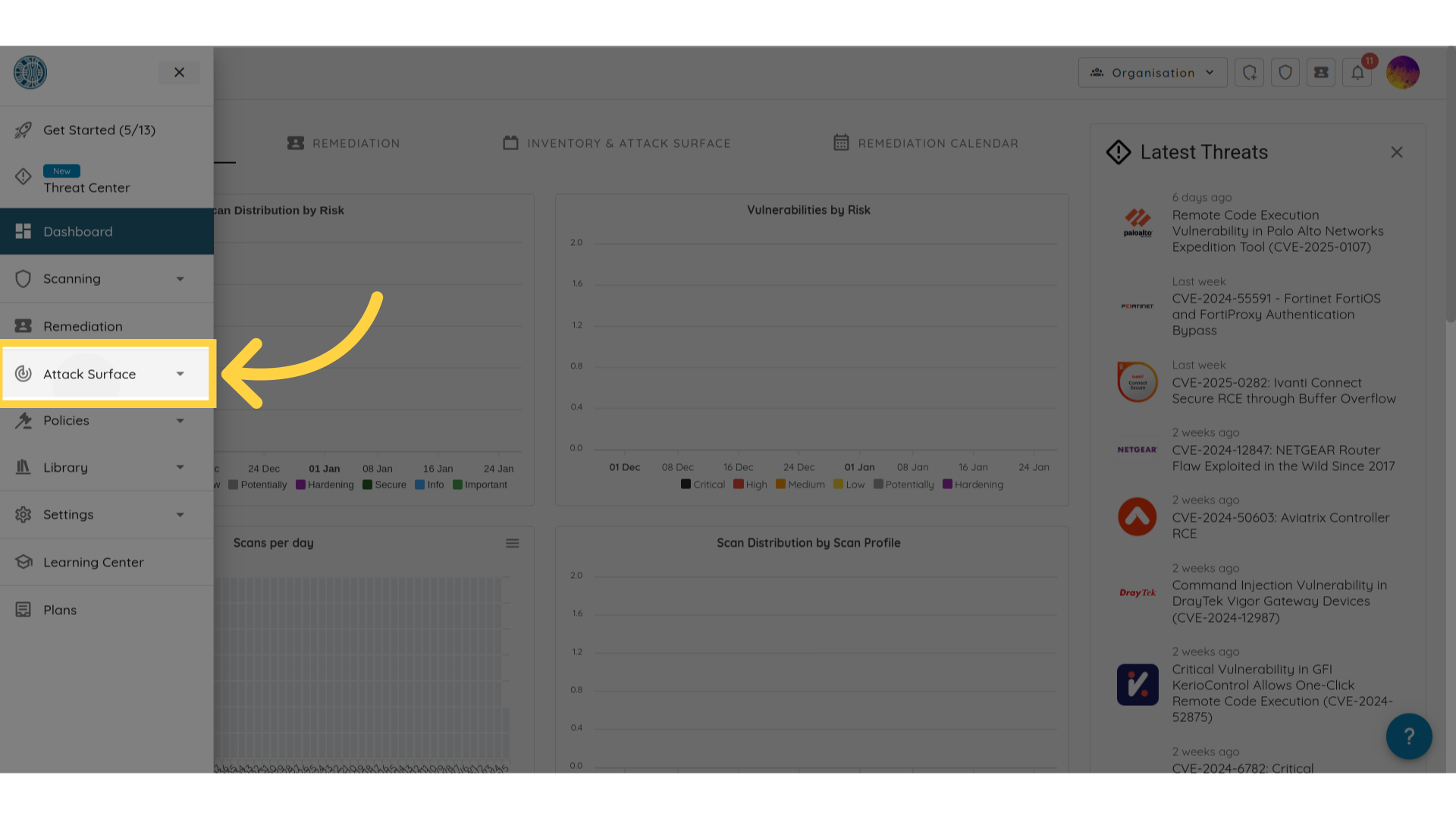
1. Open Attack Surface in the menu
On report.ostorlab.co, open Attack Surface in the menu.
2. Select Discovery

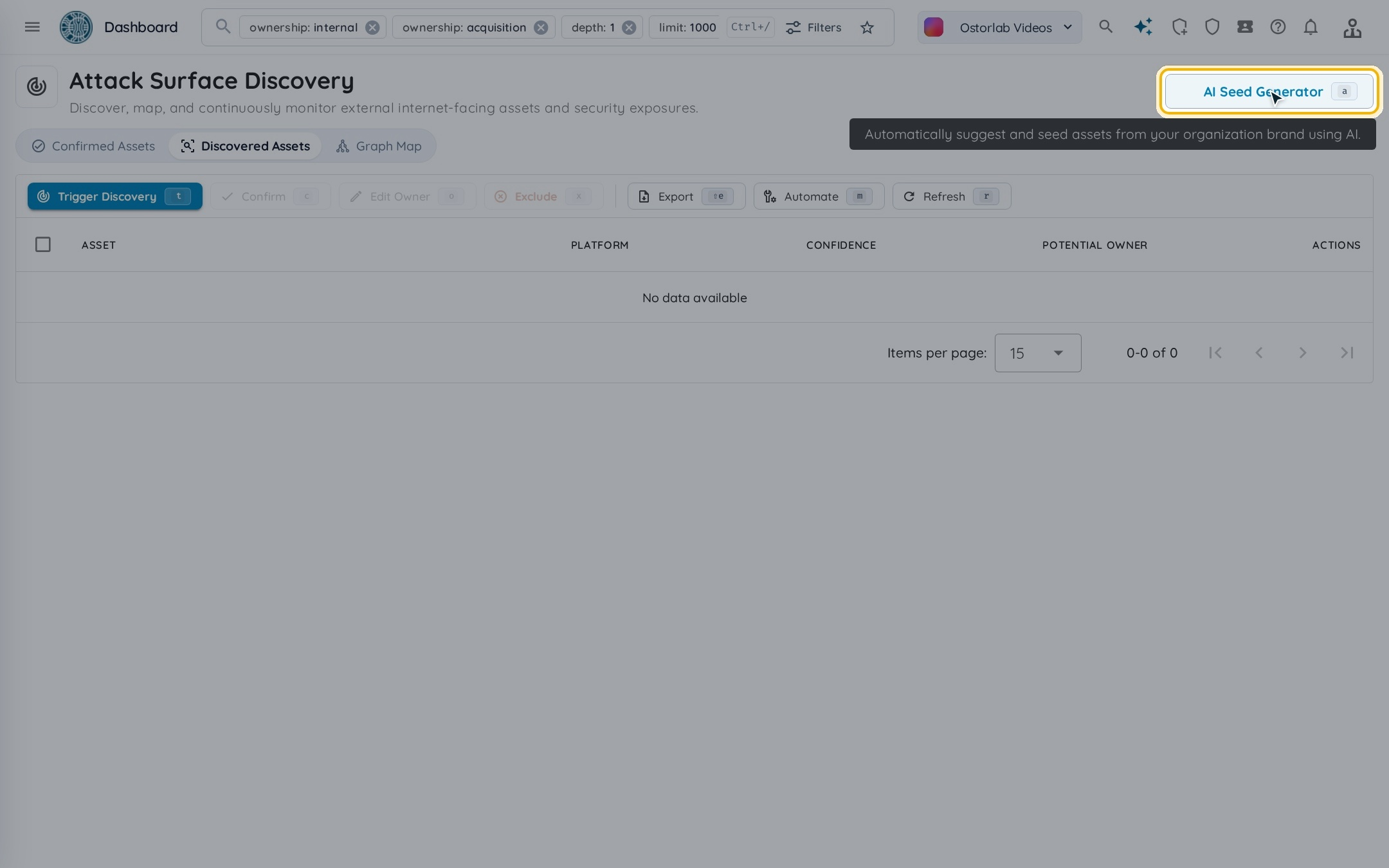
3. Click AI Seed Generator
The AI Seed Generator button shows at the top of the page while your organisation has no assets yet.
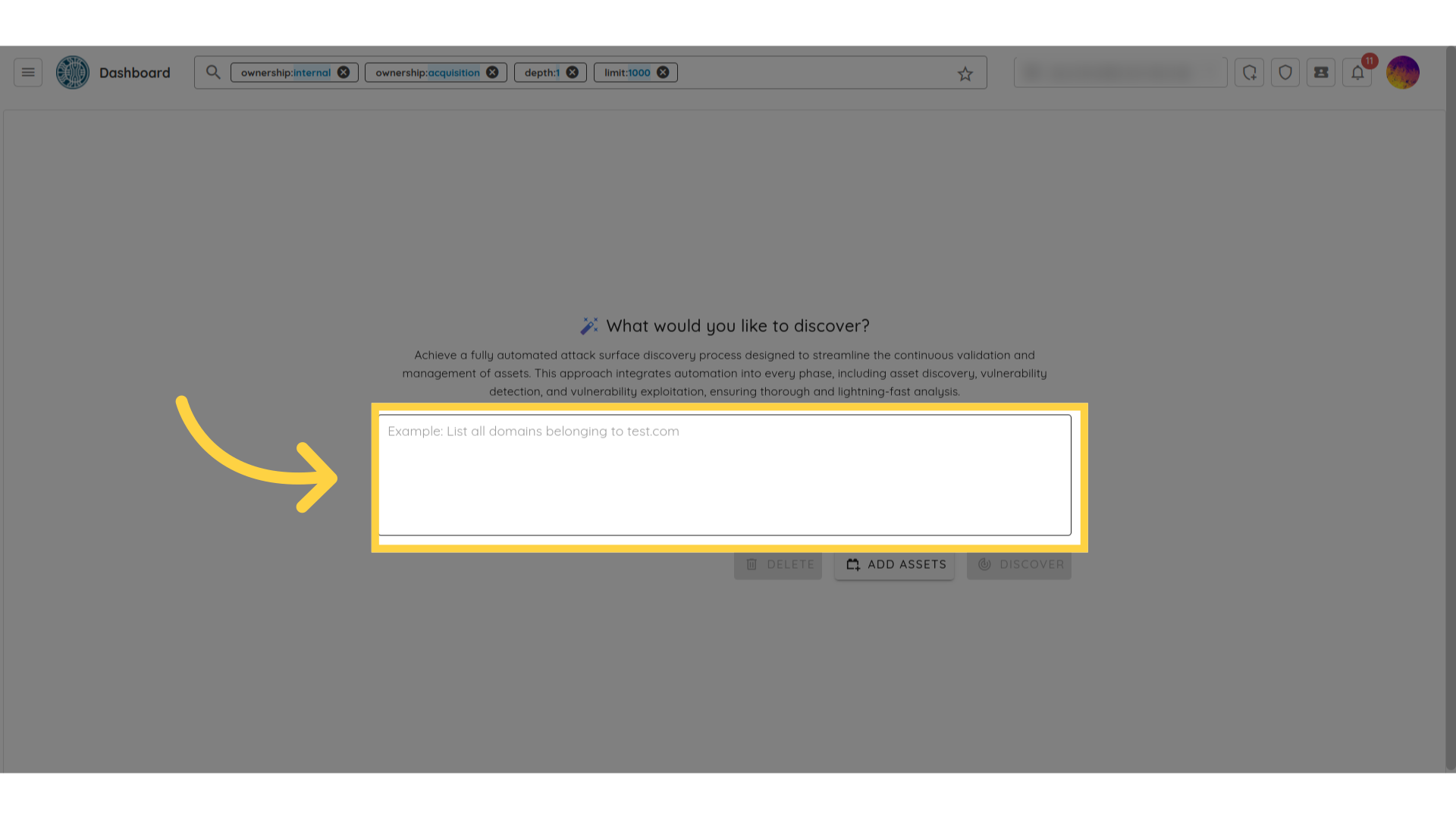
4. Enter your prompt
Enter a prompt that uniquely identifies your organisation, such as the full name, commonly used abbreviations, brand keywords, industry type, or any distinguishing attributes that can help pinpoint your organisation among others.
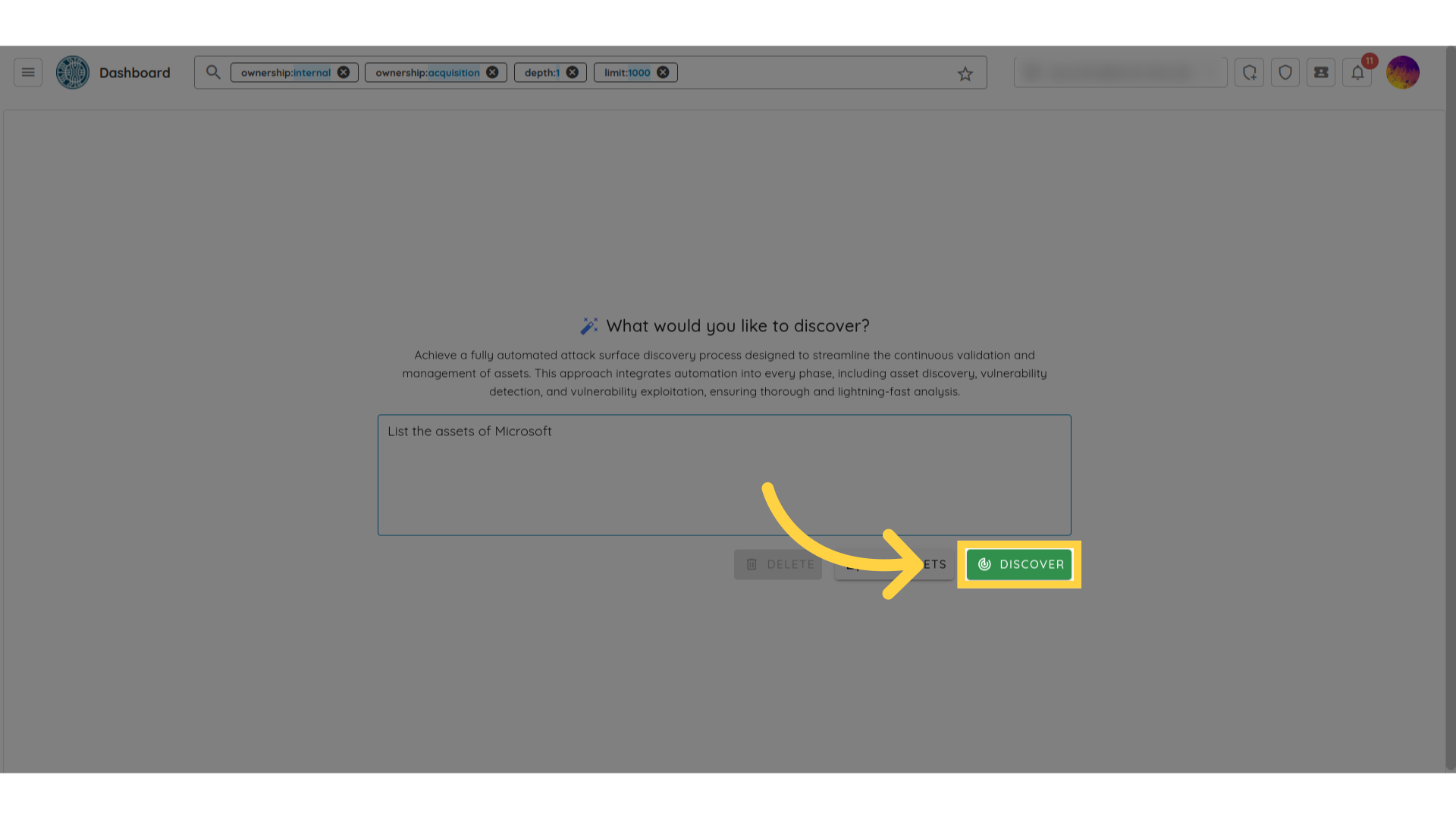
5. Start the discovery
Click Discover. The suggested domains appear under Discovered Domains.
6. Select your assets
Select the domains you would like to include.
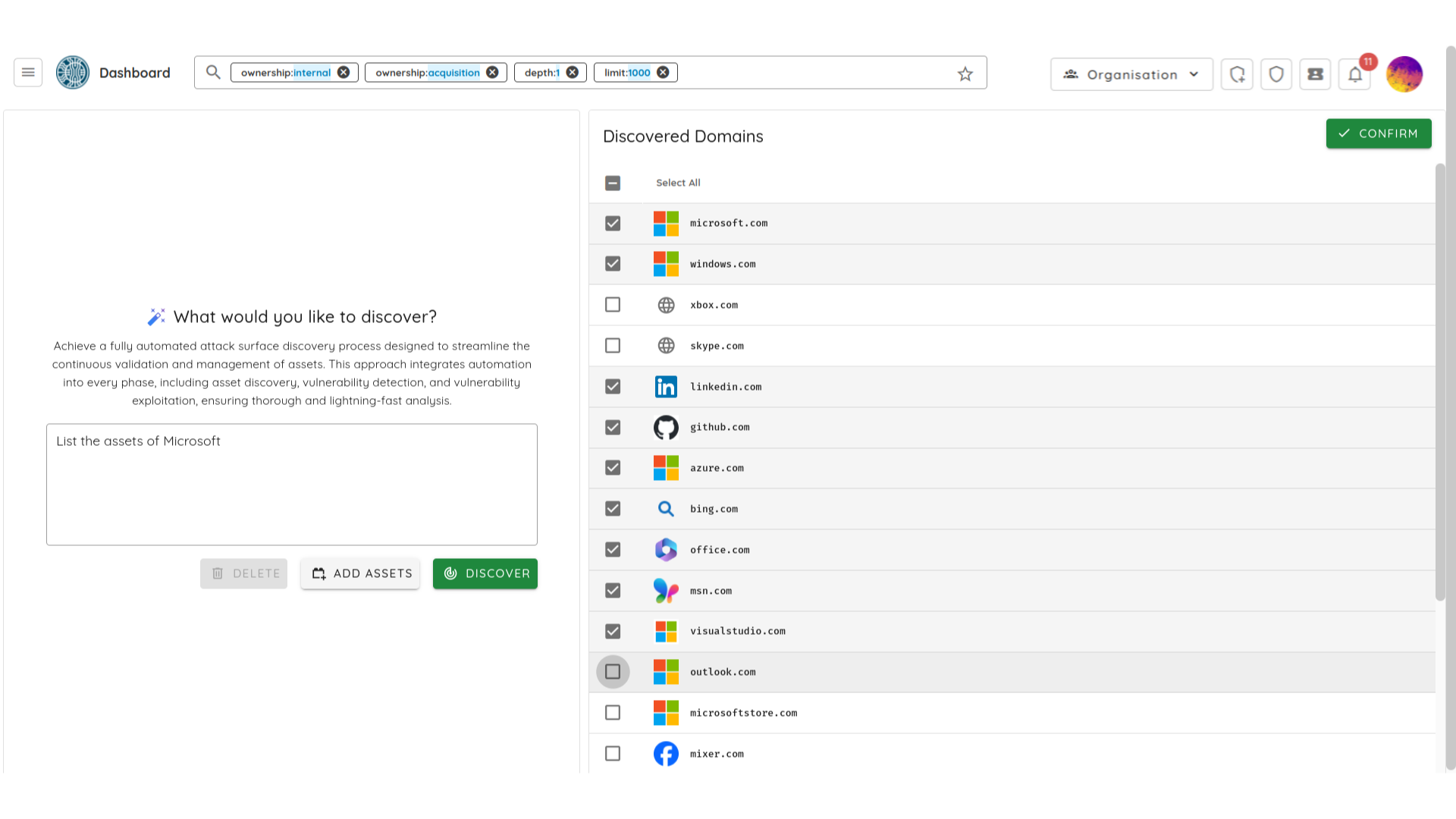
7. Click "Confirm"
This adds the assets as confirmed, and they are scanned as part of the attack surface discovery.
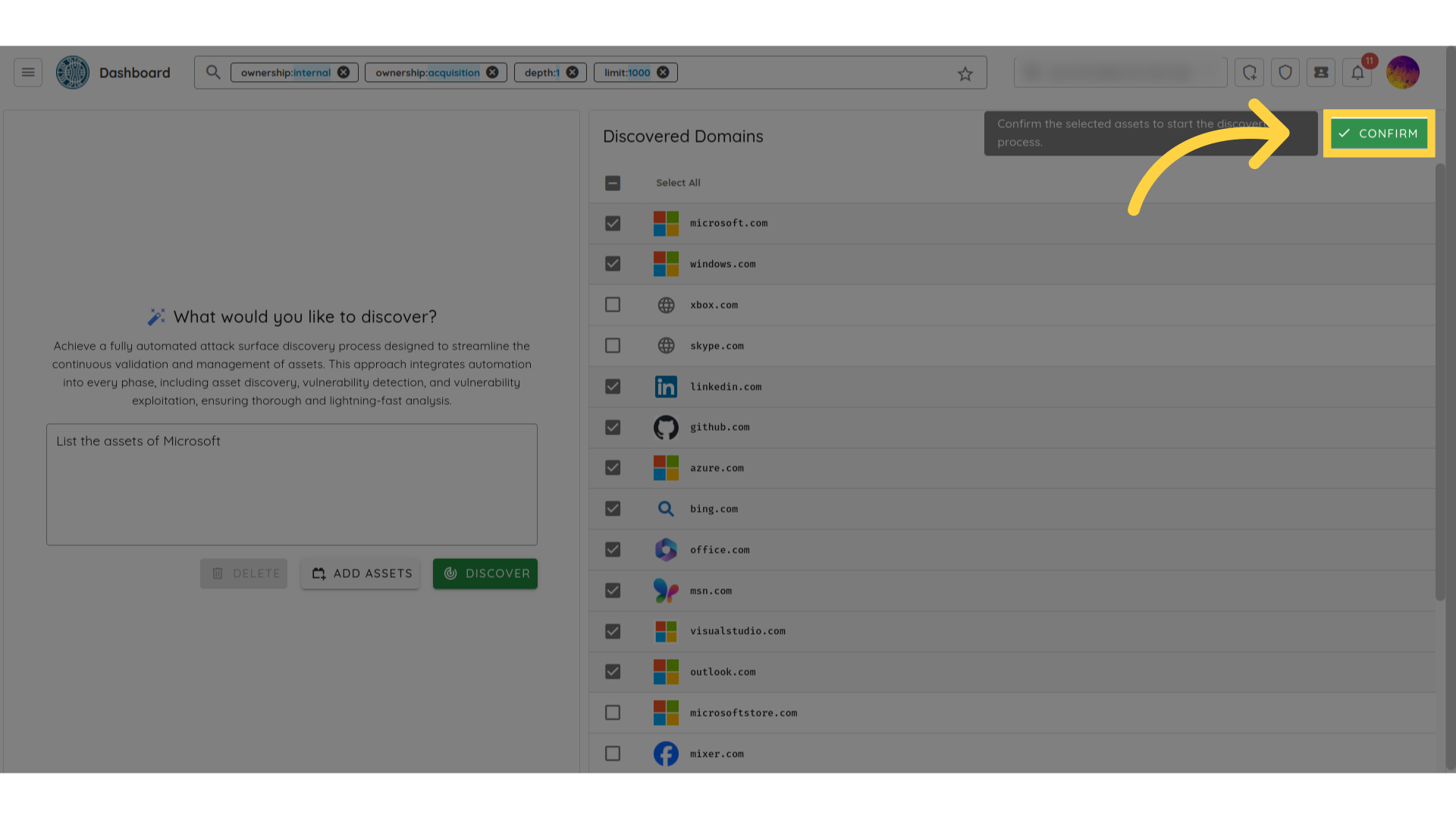
The graph of your attack surface is then drawn.
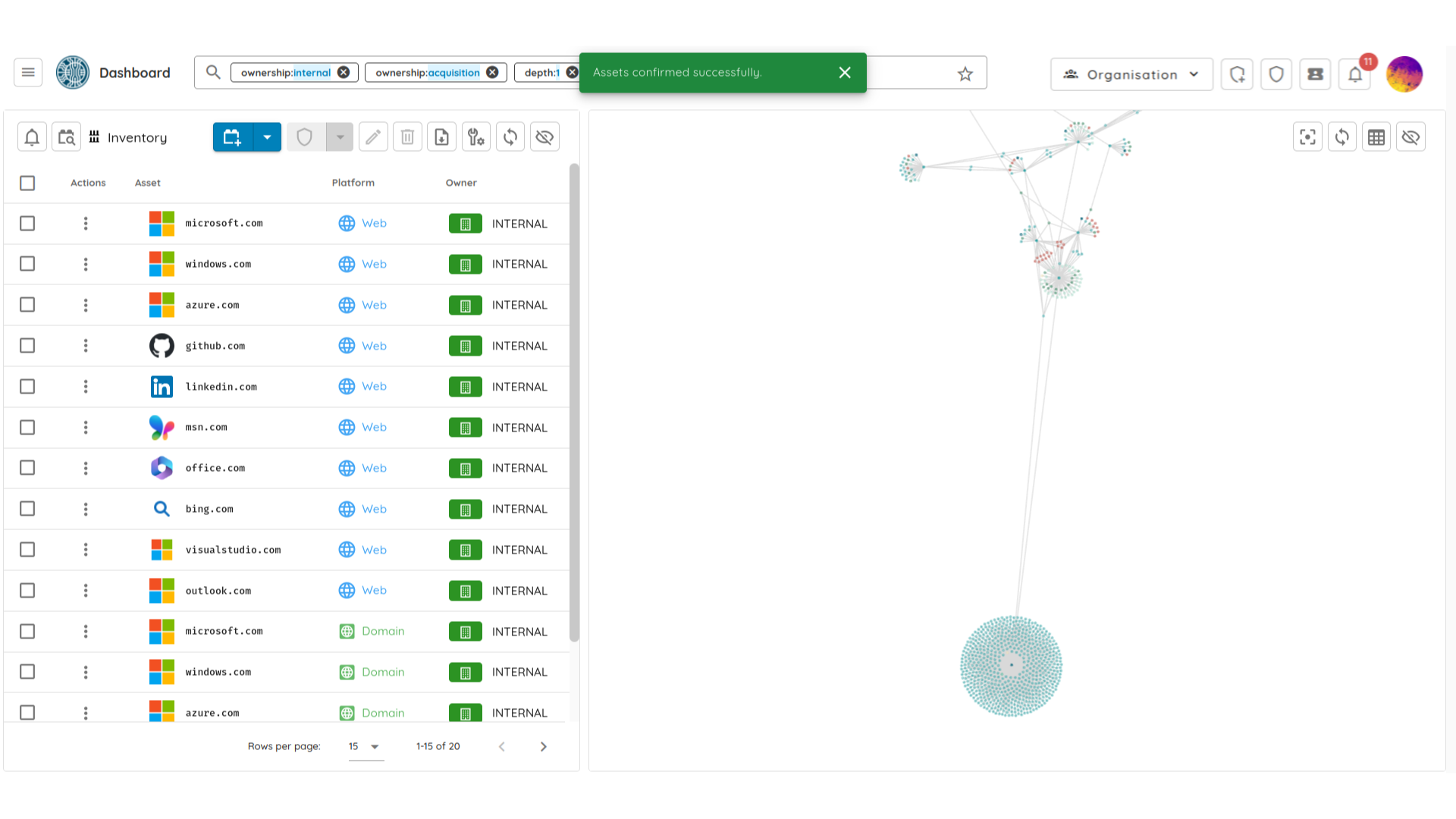
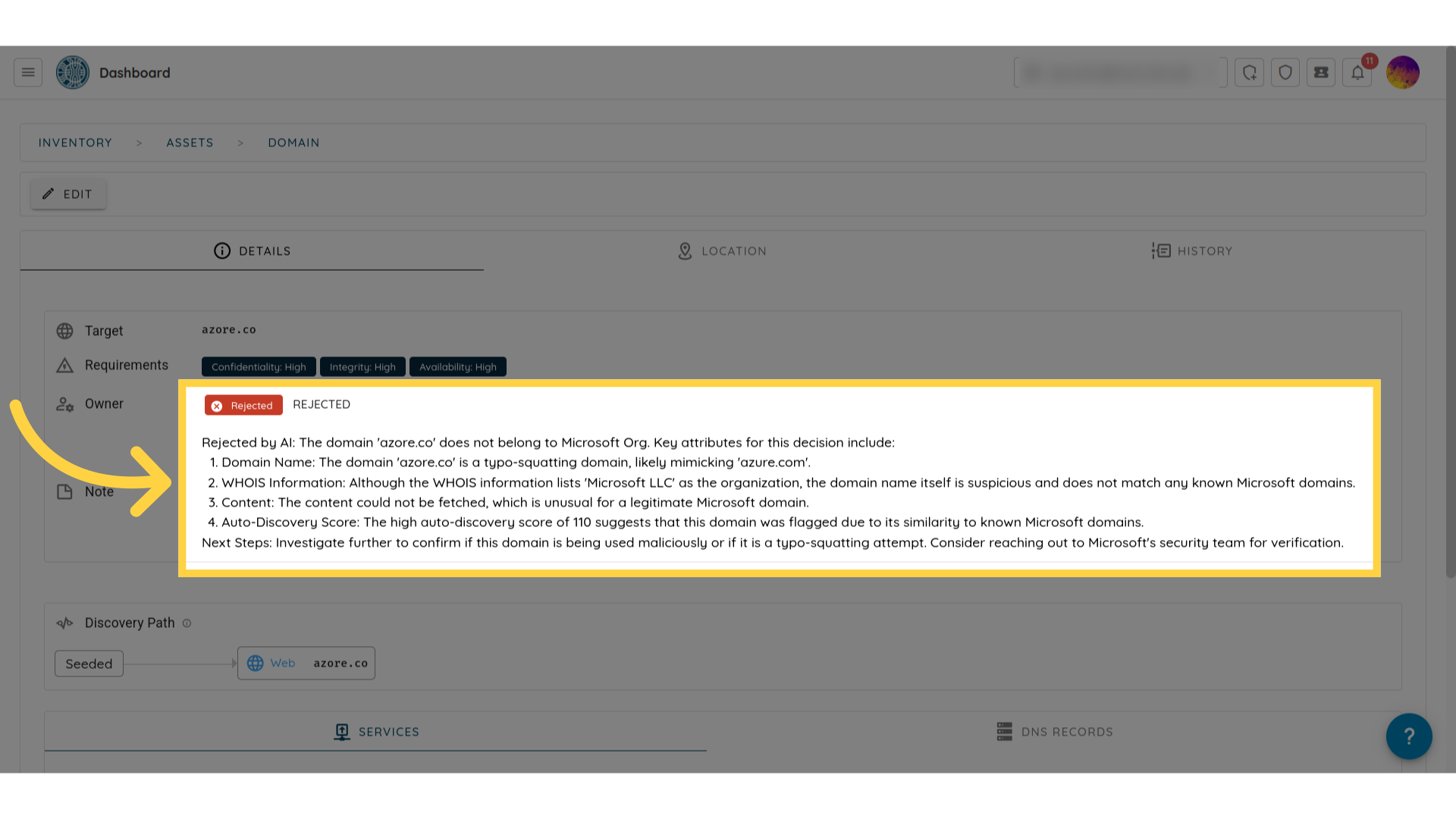
Note that the confirmation and rejection of discovered assets is also handled by AI.
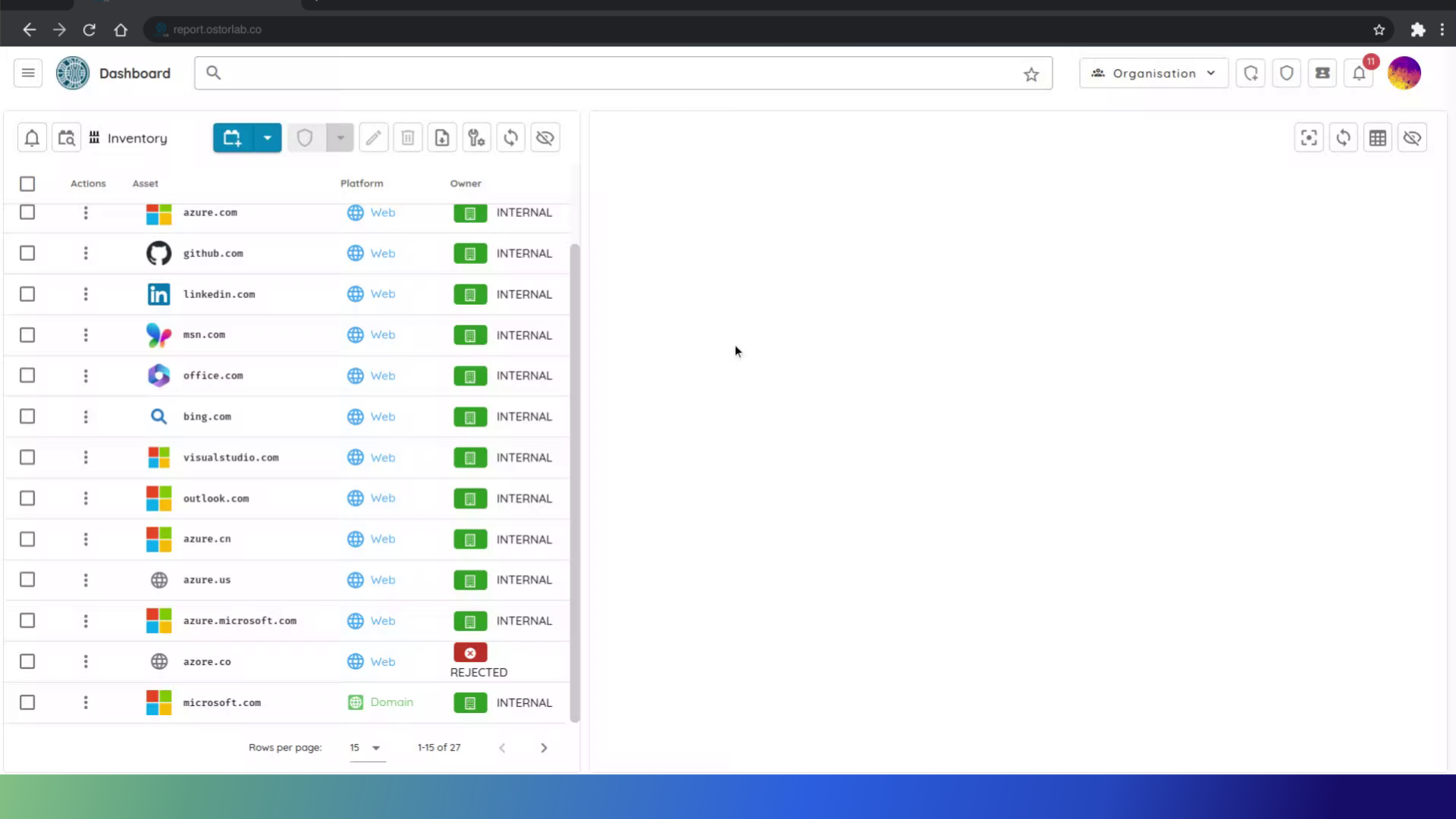
To see the reasoning behind the AI's decision, open the asset you want to review.
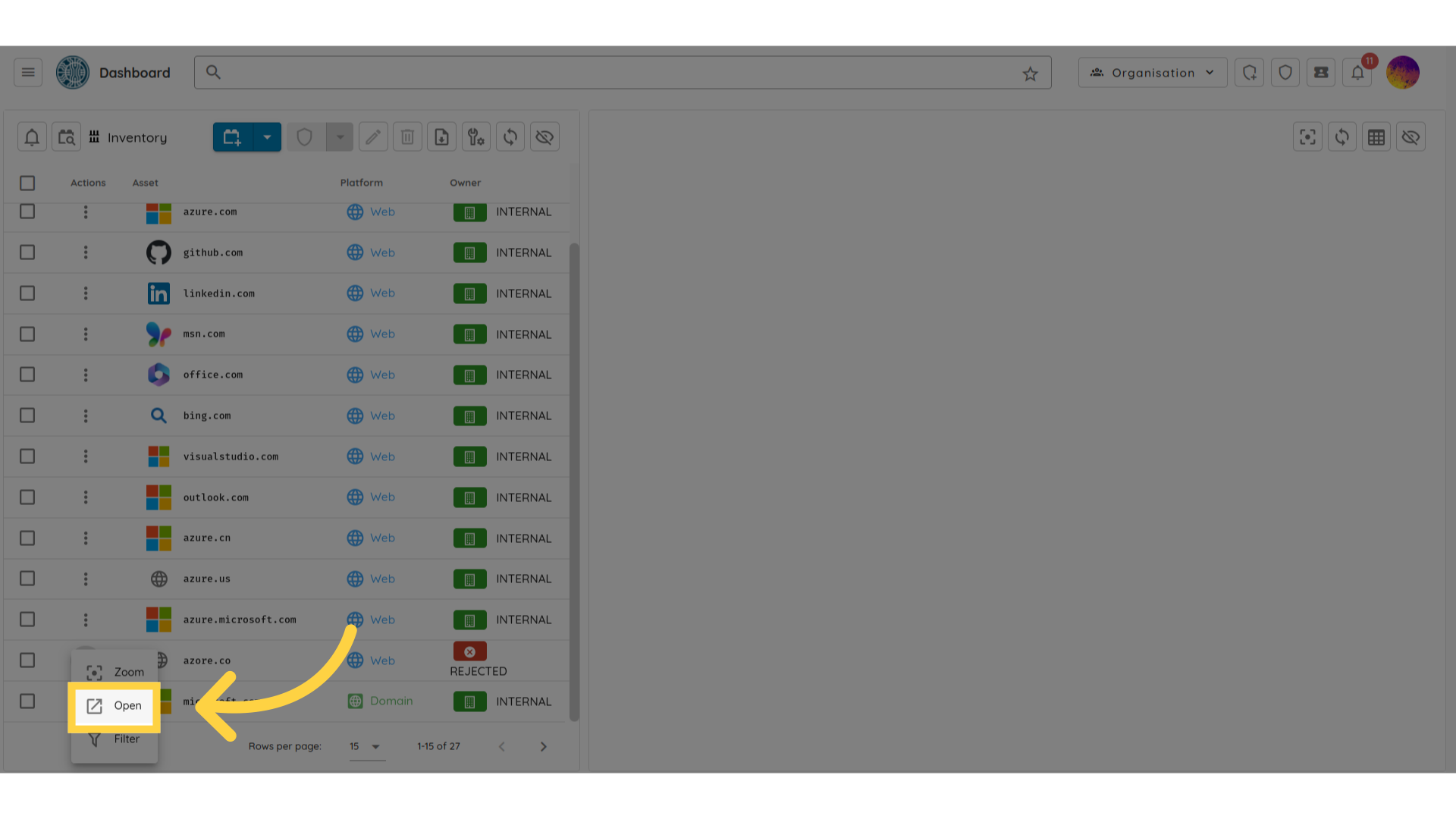
There, in the note field, you'll find a detailed explanation of why the AI confirmed or rejected the asset.
Next, confirm, re-assign or exclude the assets the AI discovers: see Attack Surface Discovery.