Use Ticket Timeline
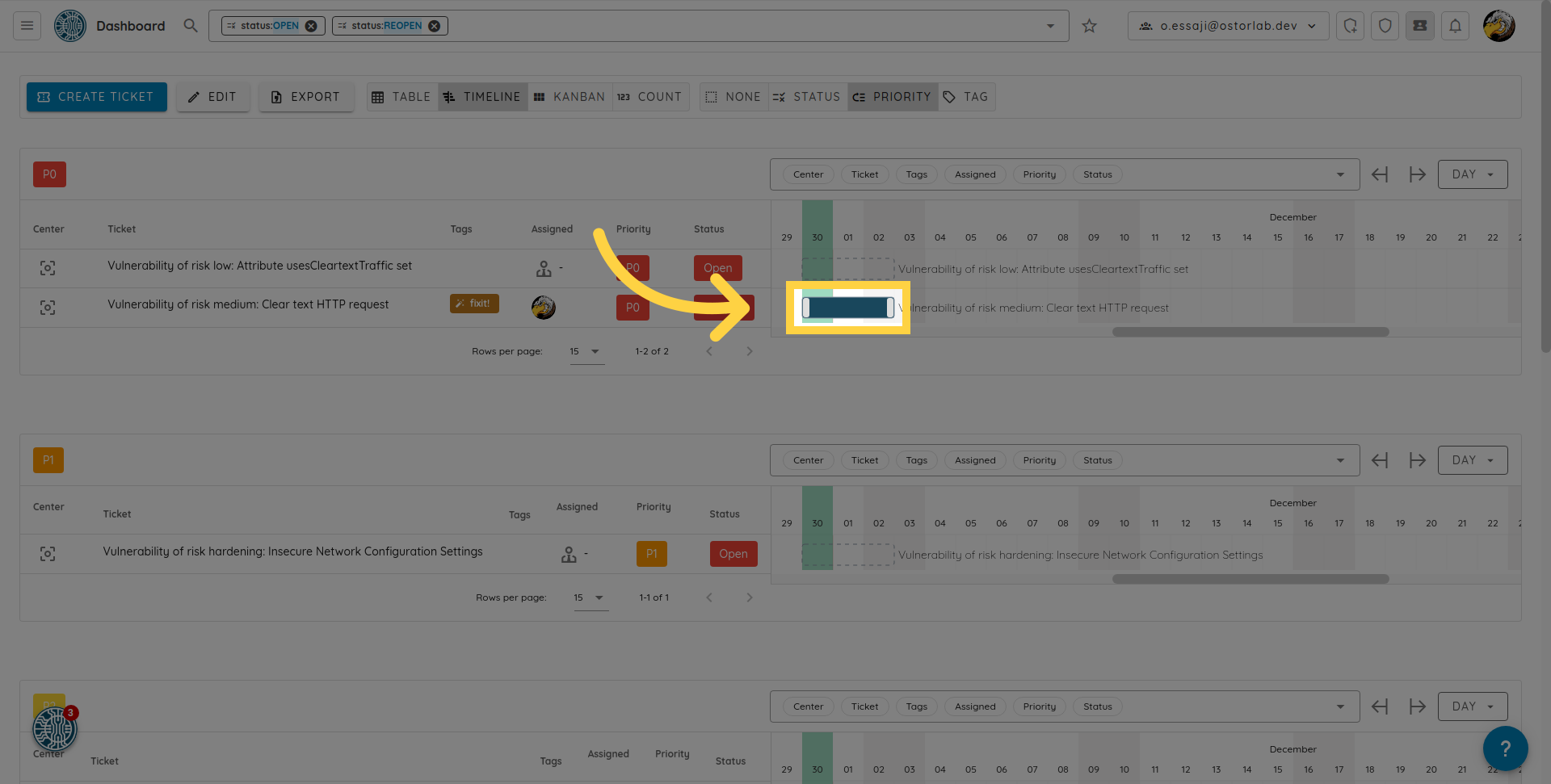
The Timeline view offers a comprehensive look at the ticket's duration.
In the menu, open Remediation, then Tickets, and click "Timeline" above the list. Each ticket shows as a bar from its start date to its end date, grouped like the table (by priority by default). Use the arrows and the scale (day, week, month) to move along the timeline, and the center icon to jump to a ticket.