Sharing Scan Reports
This guide will walk you through the process of sharing your security scan results with others using the Ostorlab platform.
Overview
Ostorlab allows you to share scan results with team members, stakeholders, or clients through a secure shareable link. This enables collaborative security analysis and reporting without requiring recipients to have an Ostorlab account.
Step-by-Step Guide
1. Navigate to Your Scans List
Access your scans dashboard to view all available scans.
2. Select the Scan to Share
Click on the scan you want to share to open its detailed view.
3. Click the Share Button
Locate and click the Share button on the scan details page.
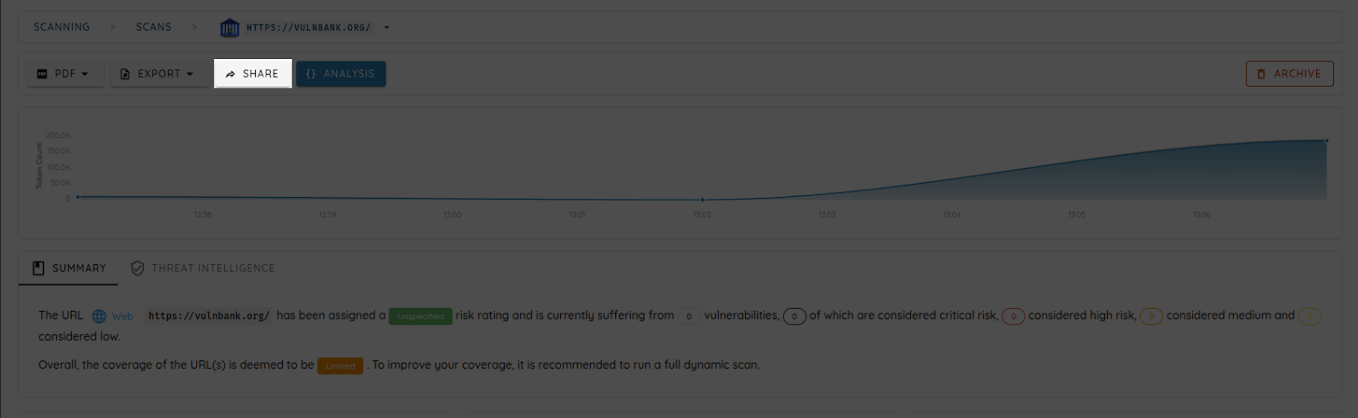
4. Access the Share Dialog
A dialog box will appear displaying the share access information.
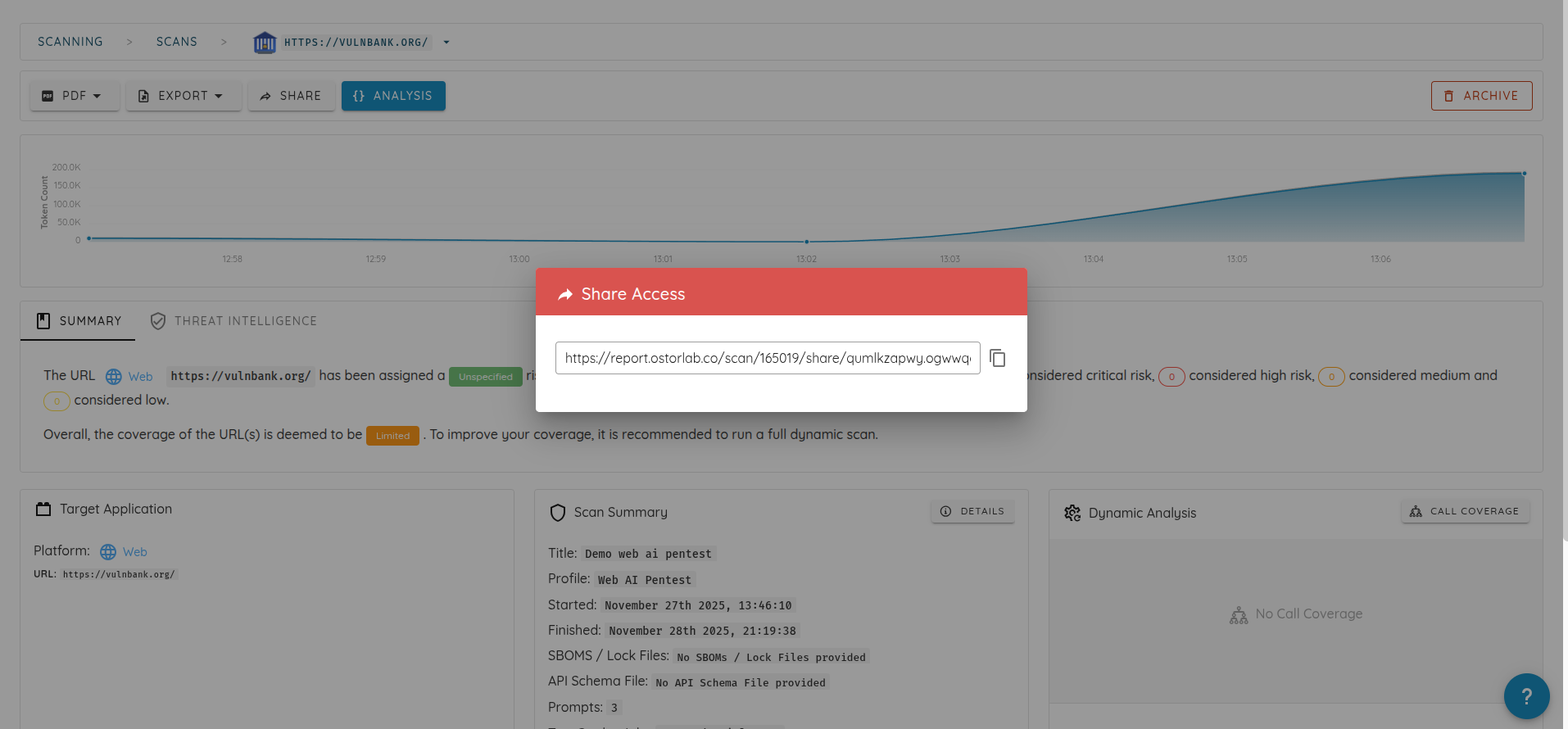
5. Copy the Shareable Link
The share dialog will display a unique URL for your scan:
https://report.ostorlab.co/scan/share/xxxxxxxxxx.xxxxxxxxxxxxxxxxxxxxxxxxxxxxxxxxxxxxxxxxxxxxxxxxxxxxxxxxxxxxxx
Copy this link and share it with your intended recipients.