Use your BYOK Scan Key in a Scan Profile
This guide explains how to select your BYOK key when running a scan.
To use BYOK in scan creation, make sure you already configured at least one key in Agents > BYOK.
To run a scan with BYOK:
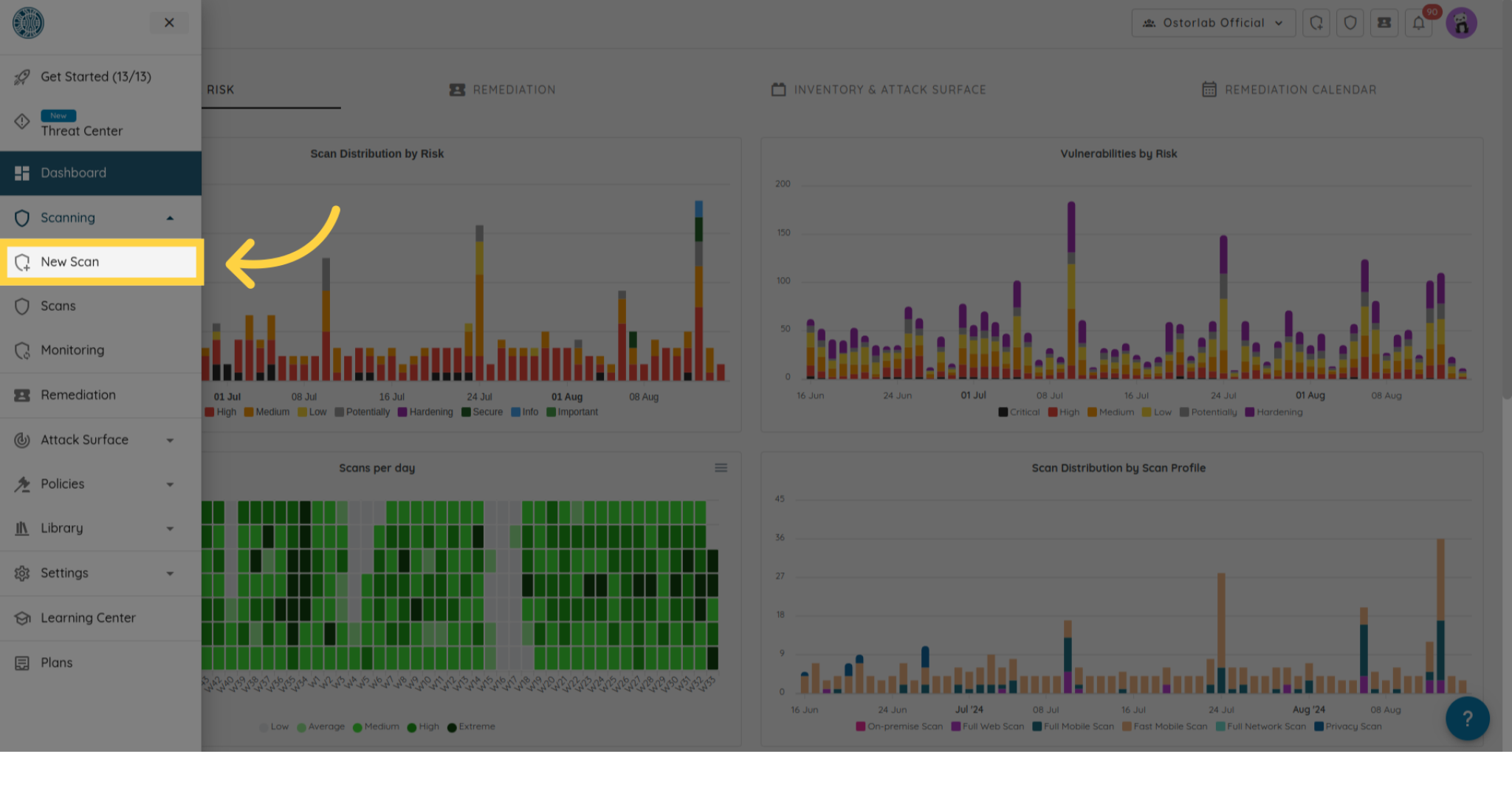
- Navigate to the New Scan flow and choose your target type.
- Complete the scan setup steps (target and profile), choose Deep Agentic Scan option, then continue until you reach the AI Provider step.
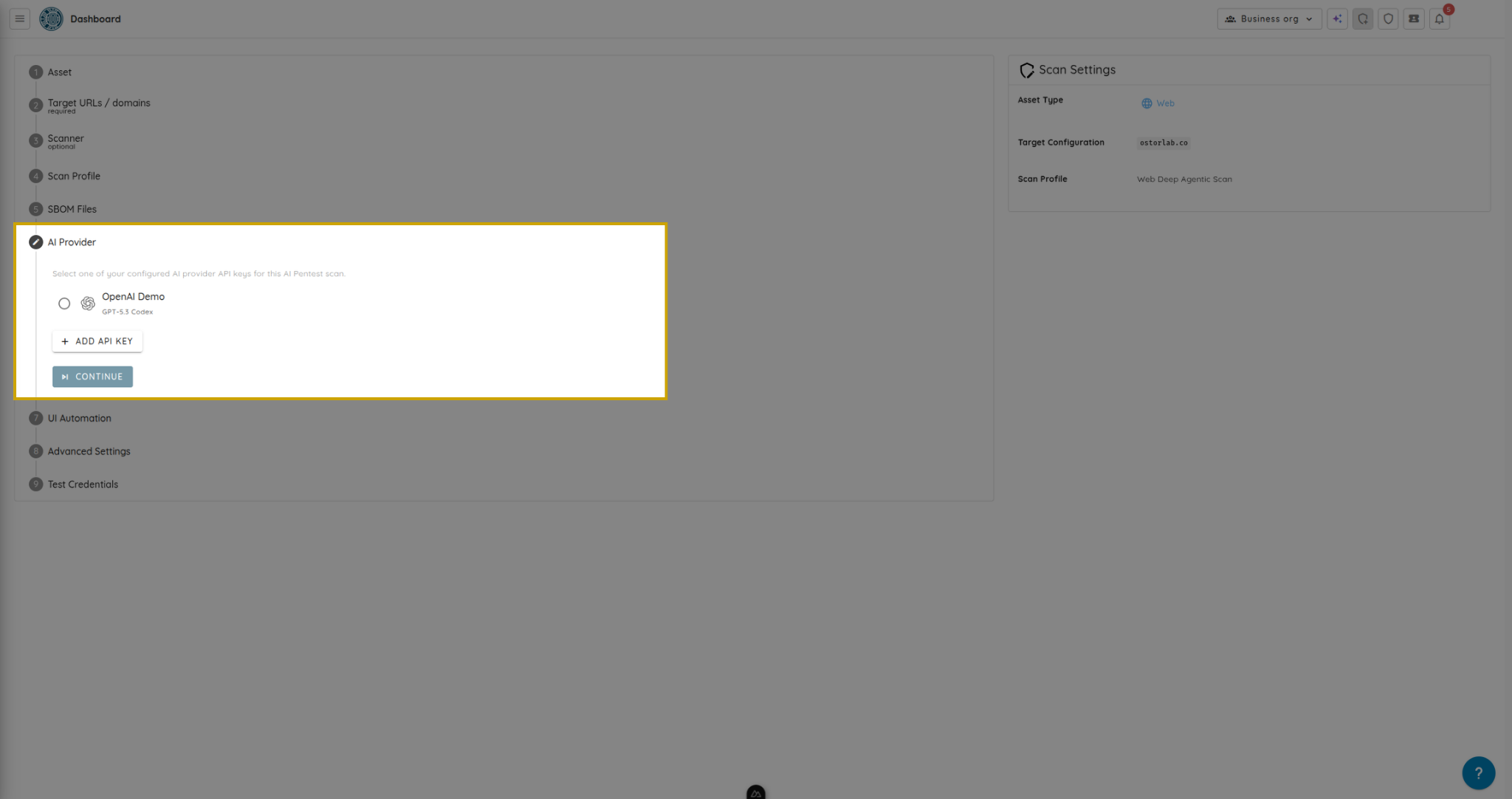
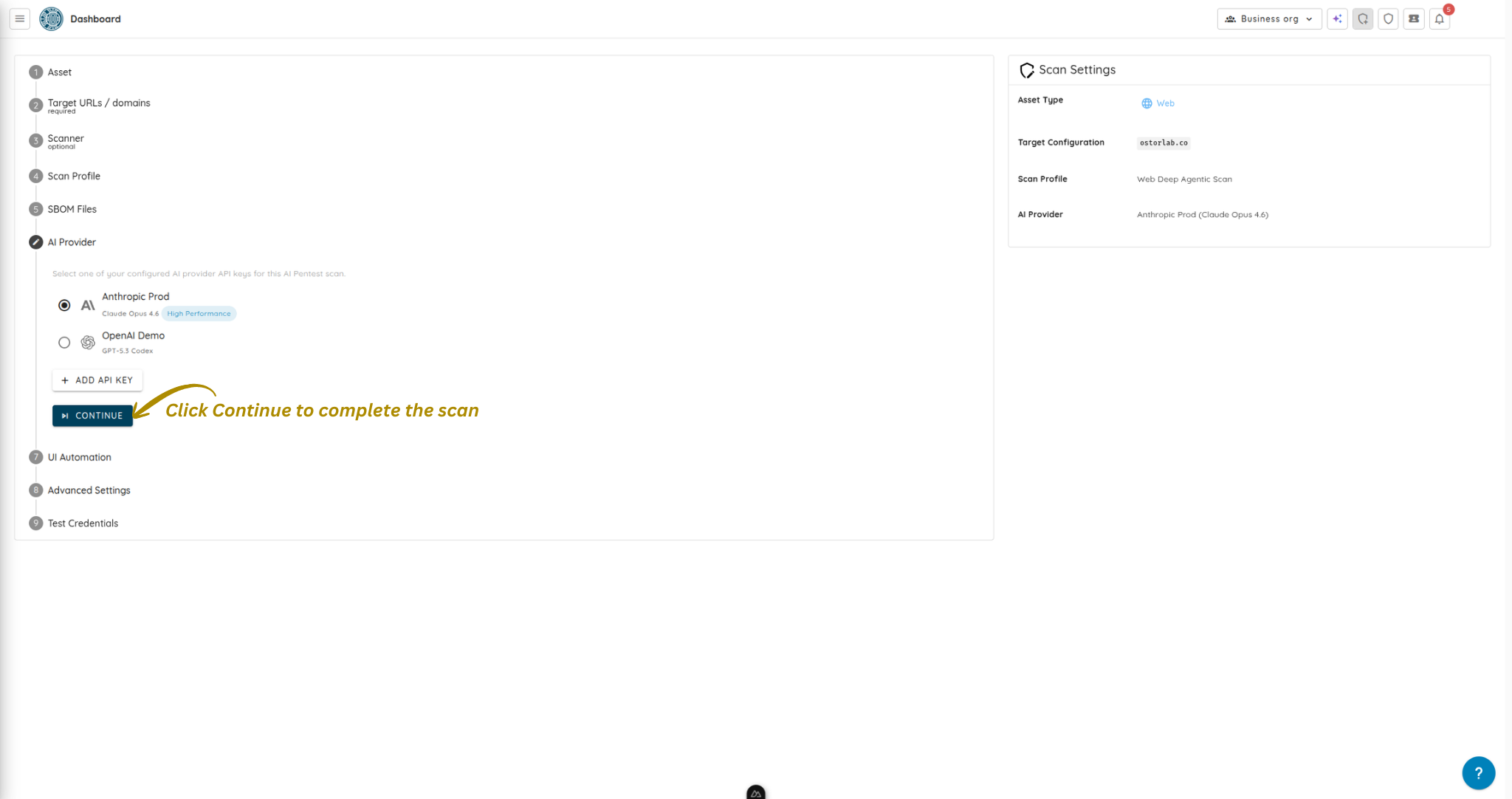
- Select one of your configured API keys from the list.
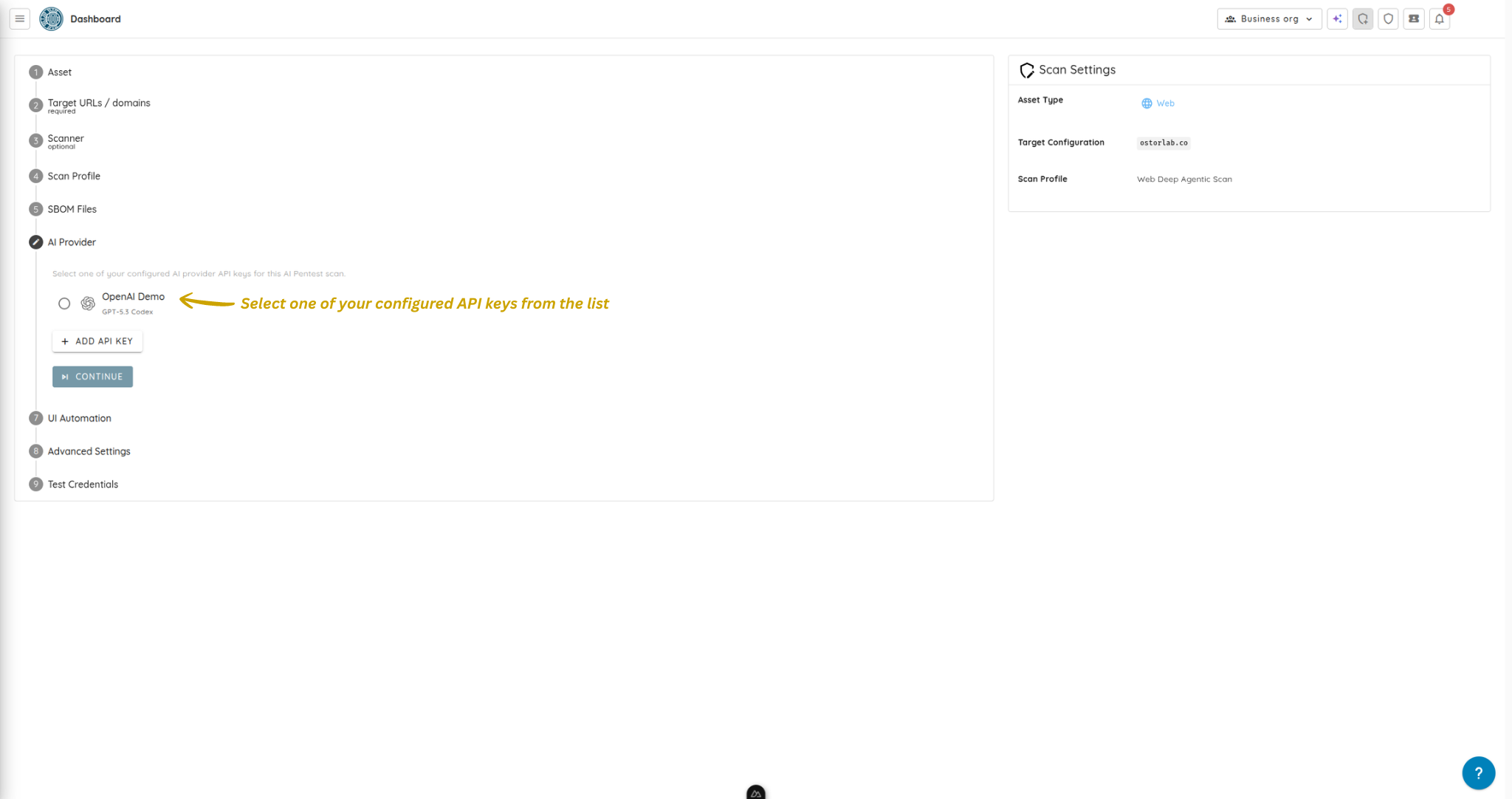
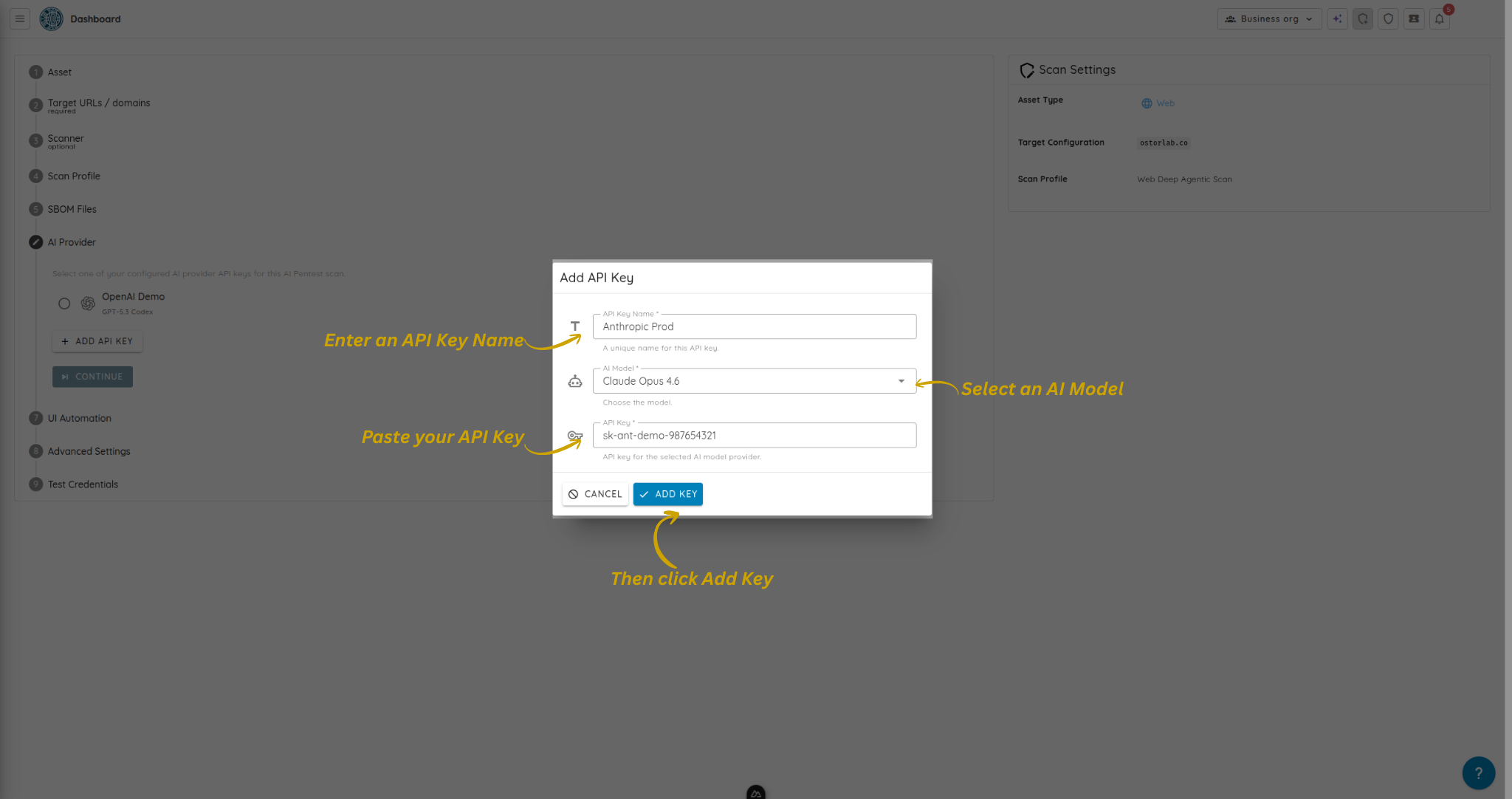
- If needed, click Add API Key.
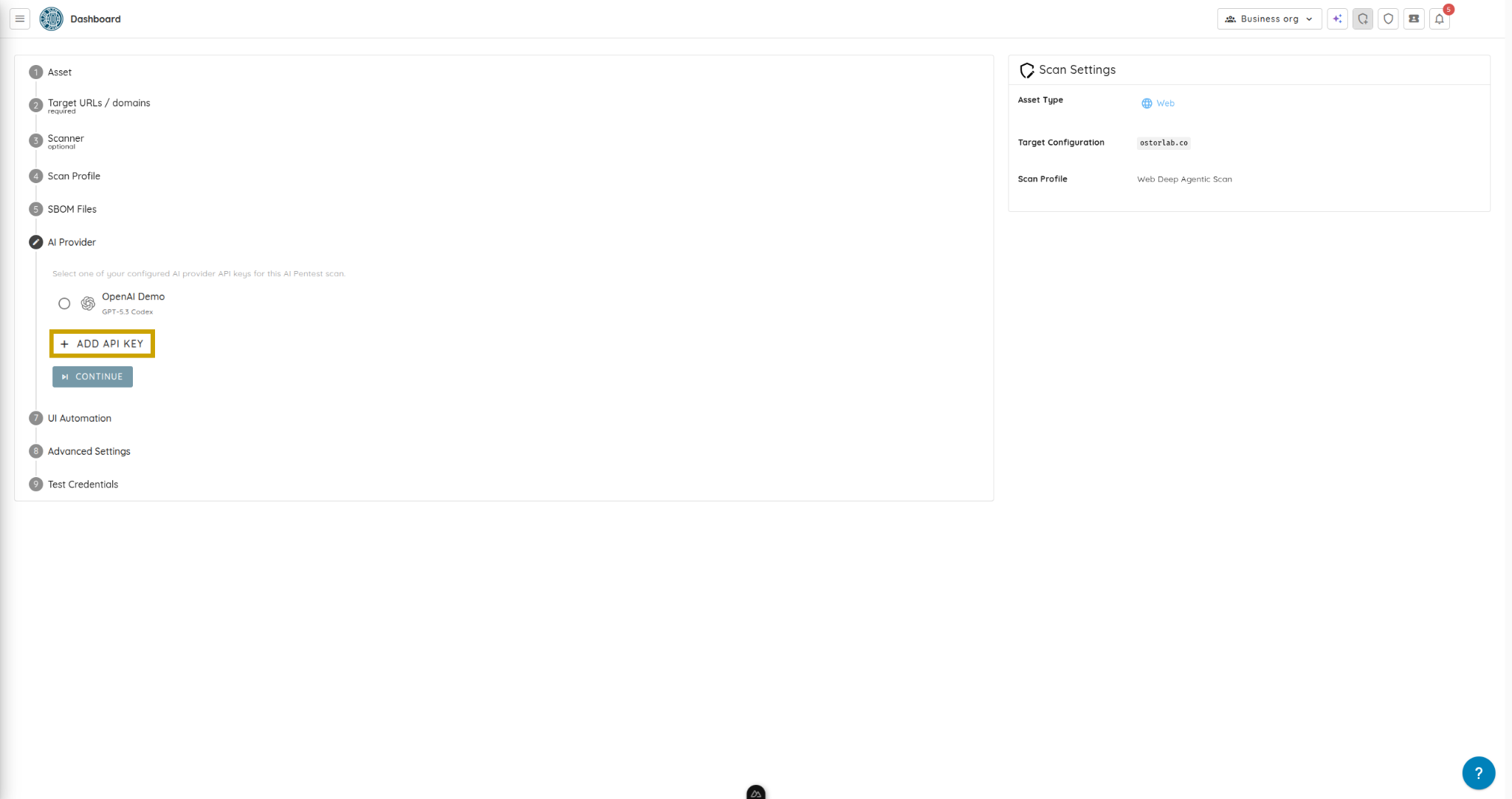
- In the dialog, enter API Key Name, select AI Model, paste your API Key, then click Add Key.
- Click Continue to move to the next step.
- Click Submit to run your scan.
Your scan will run using the selected BYOK credential.