Organisation
Add and manage Organisation tags
To add or remove tags on your organisation:
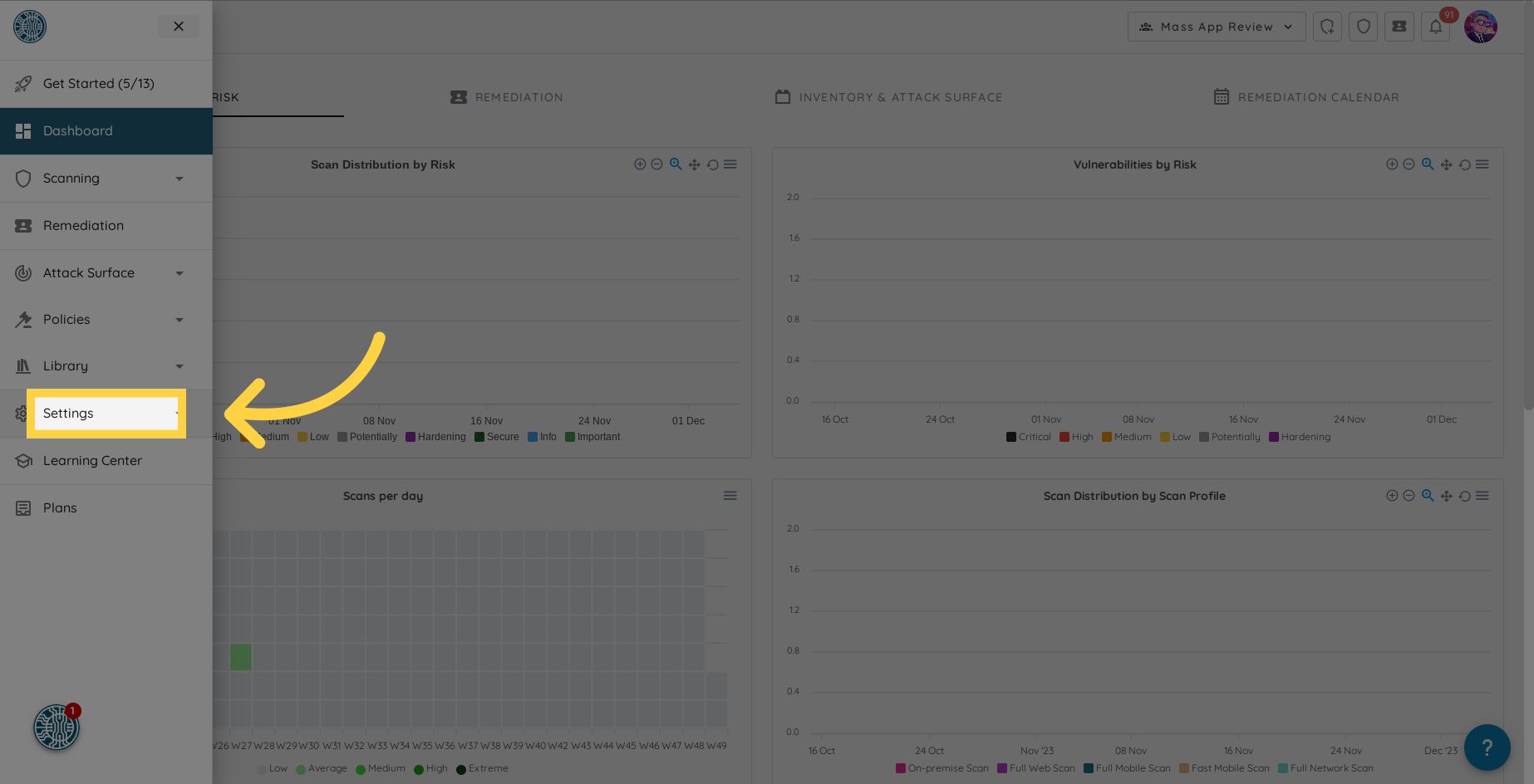
Navigate to the Settings section in the side menu.
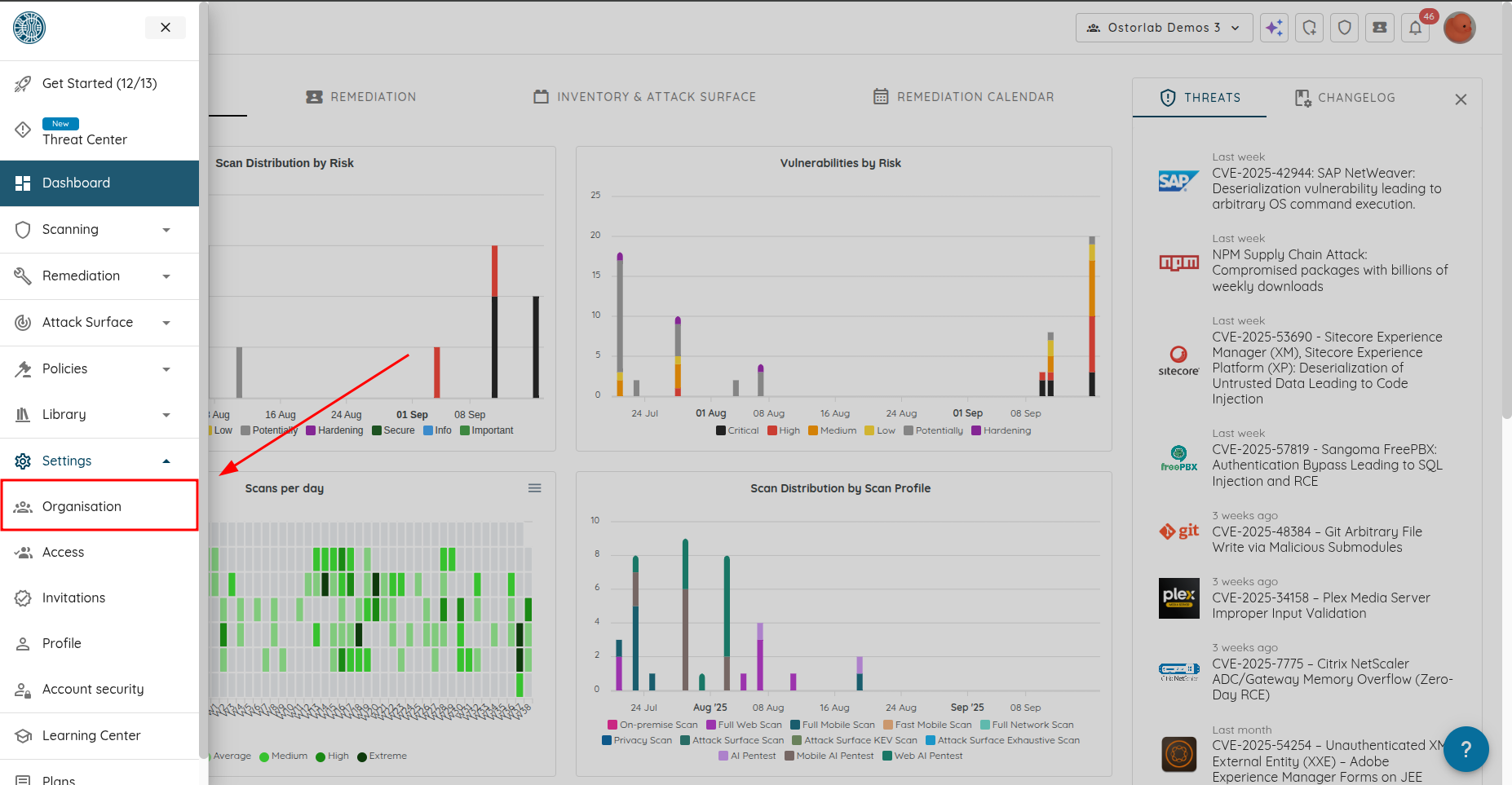
Click on Organisation.
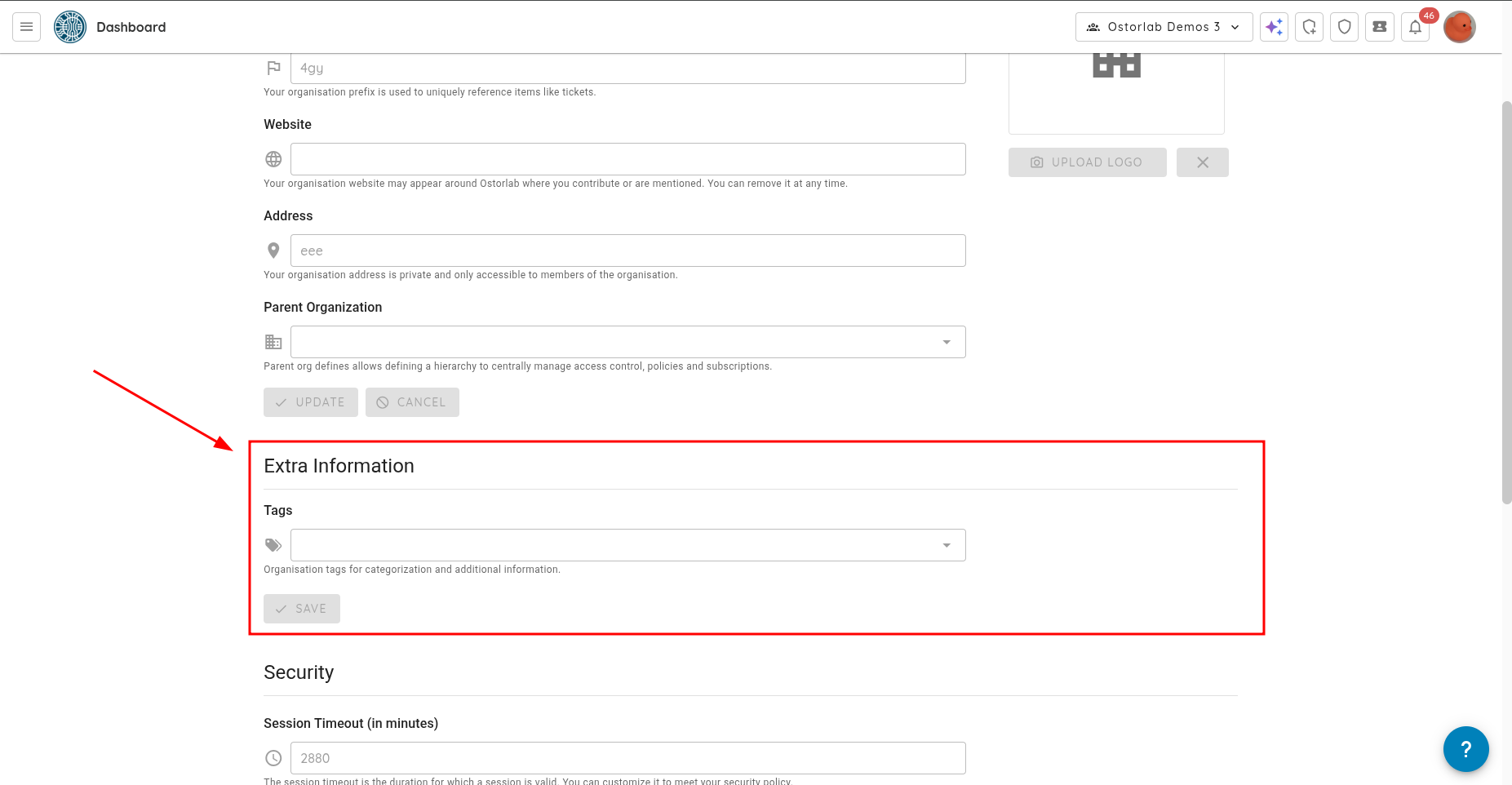
Scroll to the Extra Information section.
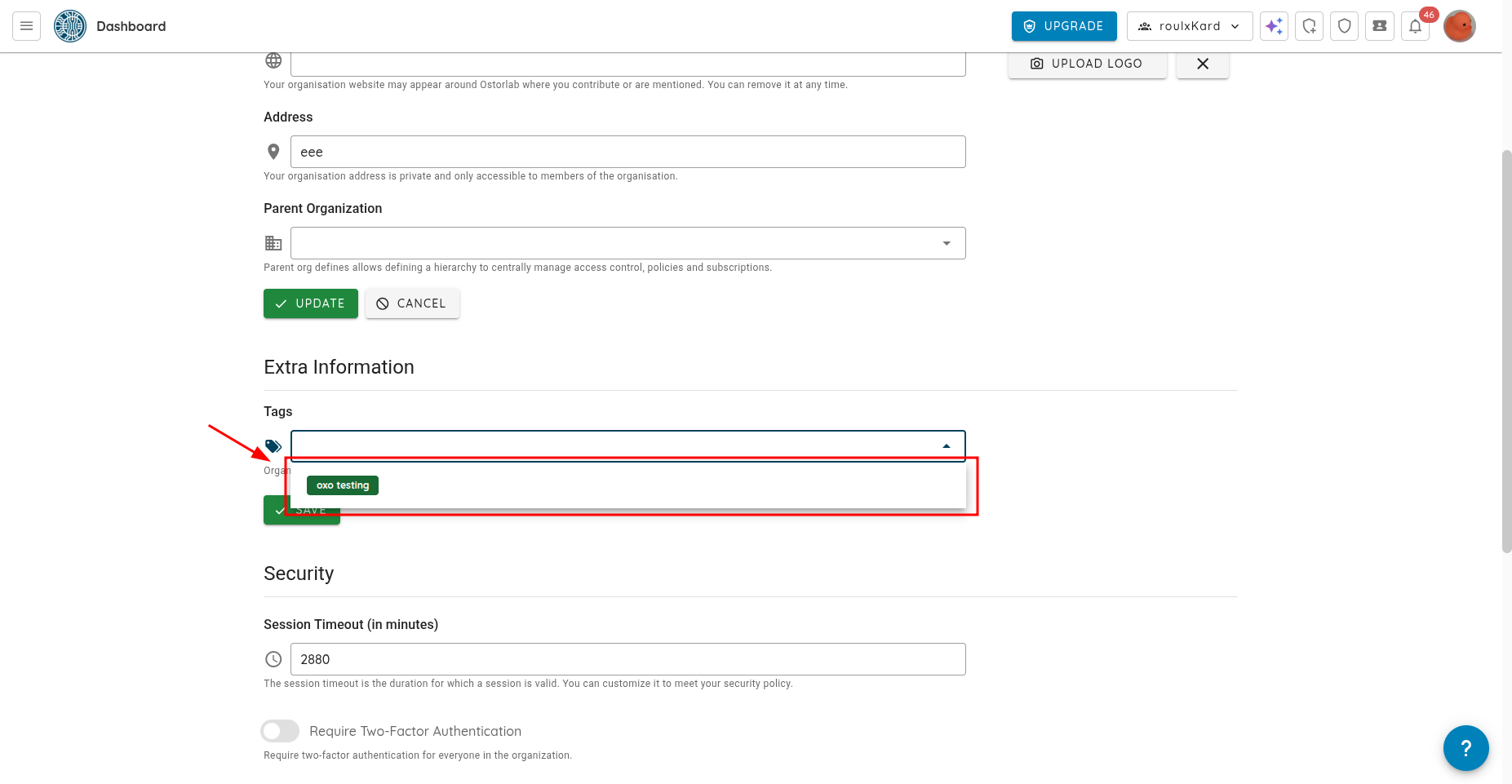
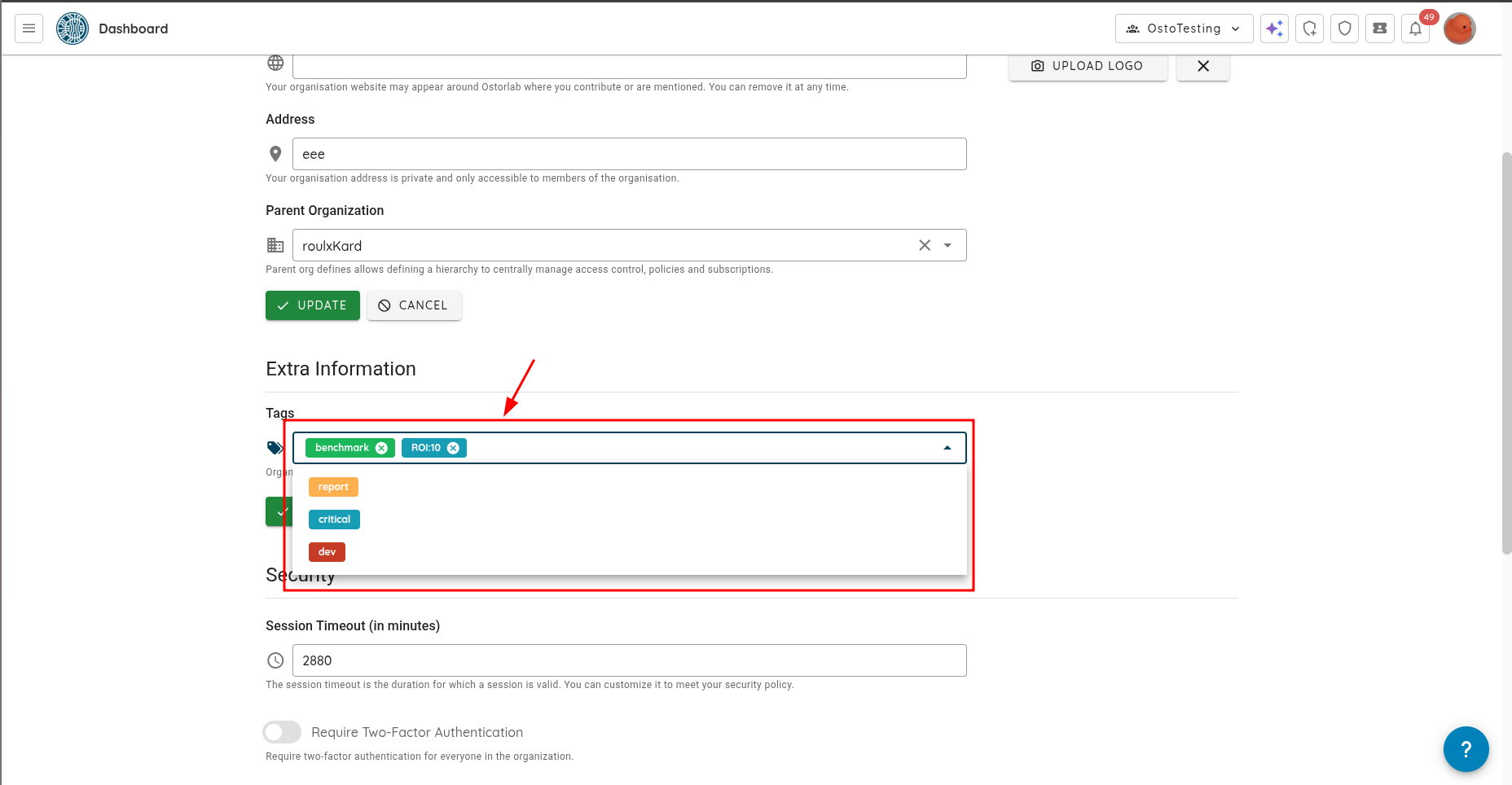
In the Tags section, you can create a new tag and bind it to your organisation.
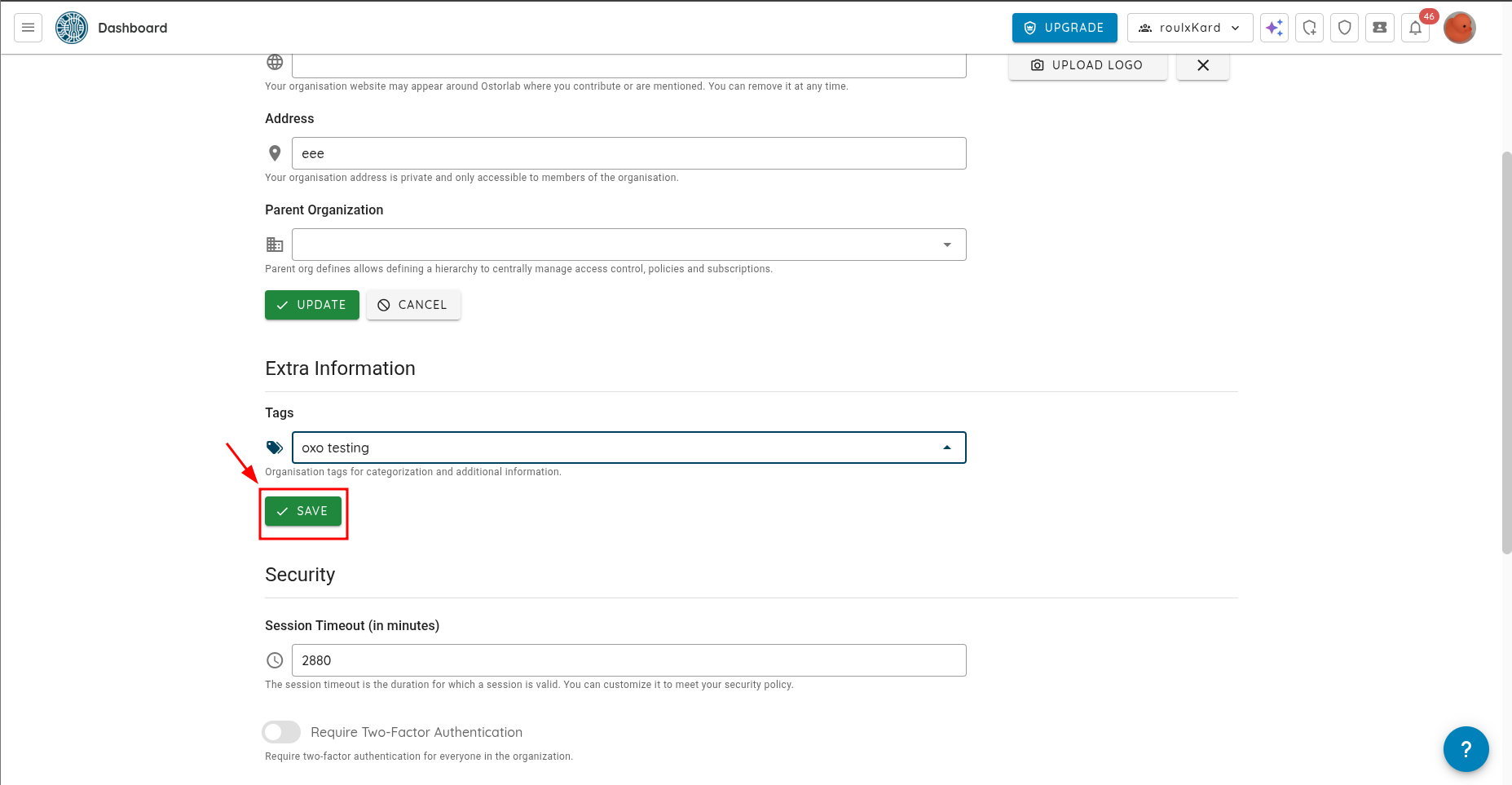
Press Enter, then click Save to bind the tag to your organisation.
You can add or remove as many tags as you want to your organisation.