Purchase Tokens
This guide explains how to buy Cyber Models token packs and add them to your workspace wallet.
Tokens are the prepaid currency used to run Deep Agentic Scans with Cyber Models. Tokens are credited to your workspace wallet on a successful purchase and spent when you run a scan.
Buy a token pack
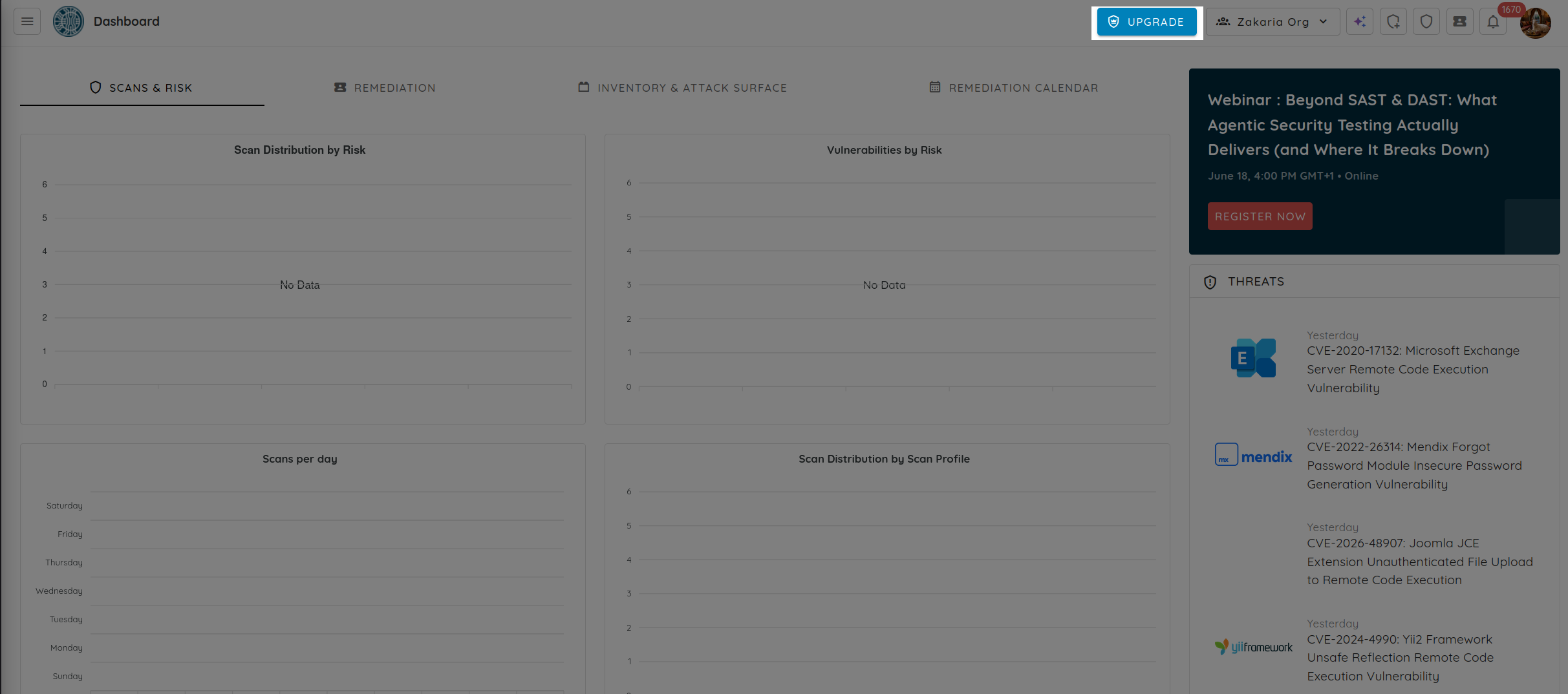
- From the dashboard, click Upgrade in the top bar to open billing.
- Open the Cyber Models tab to view the available Deep Agentic Scan efforts and their token packs.
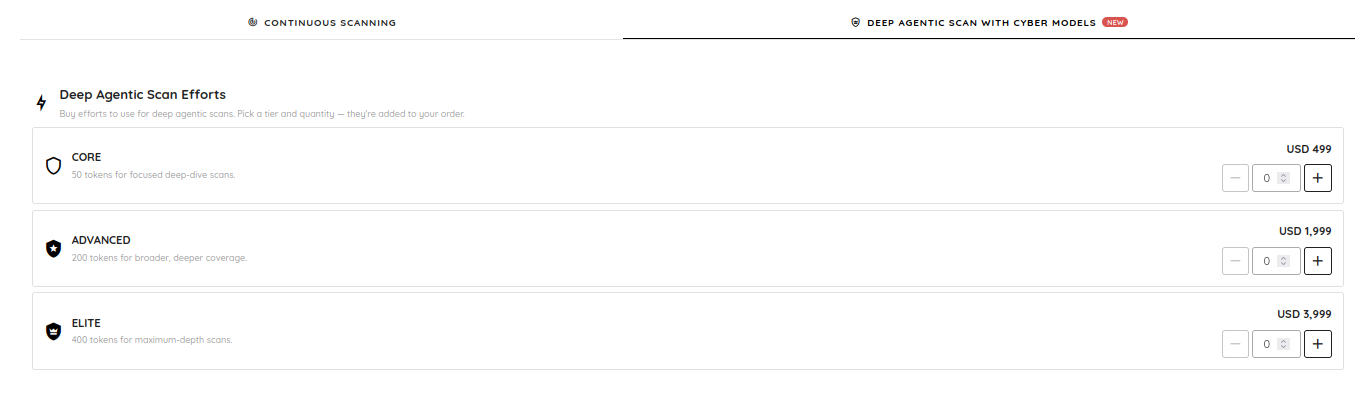
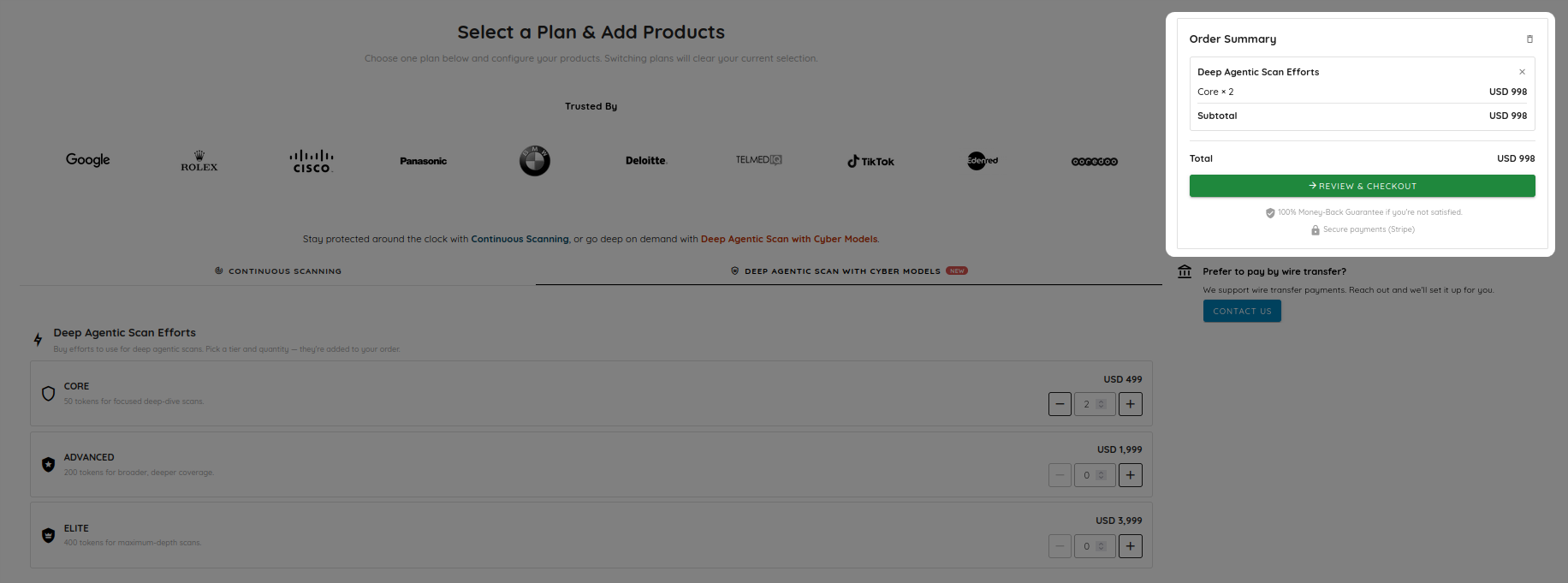
- Pick an effort tier (Core, Advanced, or Elite) and set the quantity. Each tier lists its token count and price, and your selection is added to the order summary. Click Review & Checkout.
- Complete the payment securely on the Stripe checkout page.
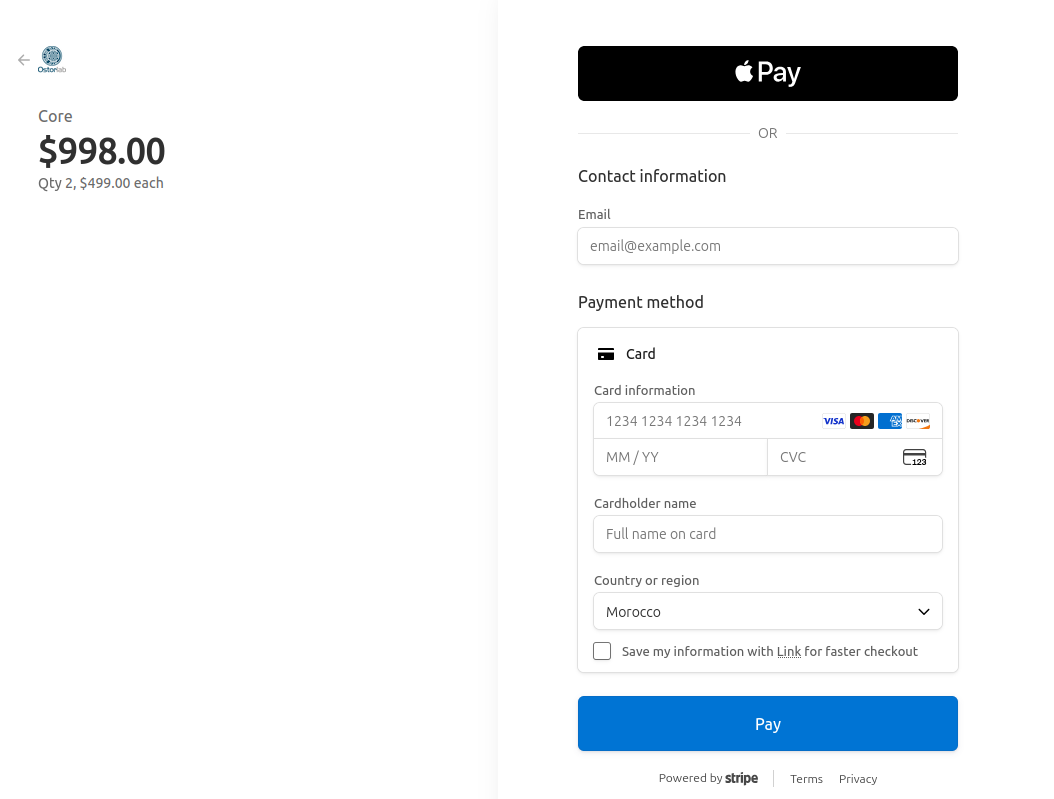
Once the payment succeeds, the tokens are credited to your wallet automatically and your balance updates.
View your wallet and transaction history
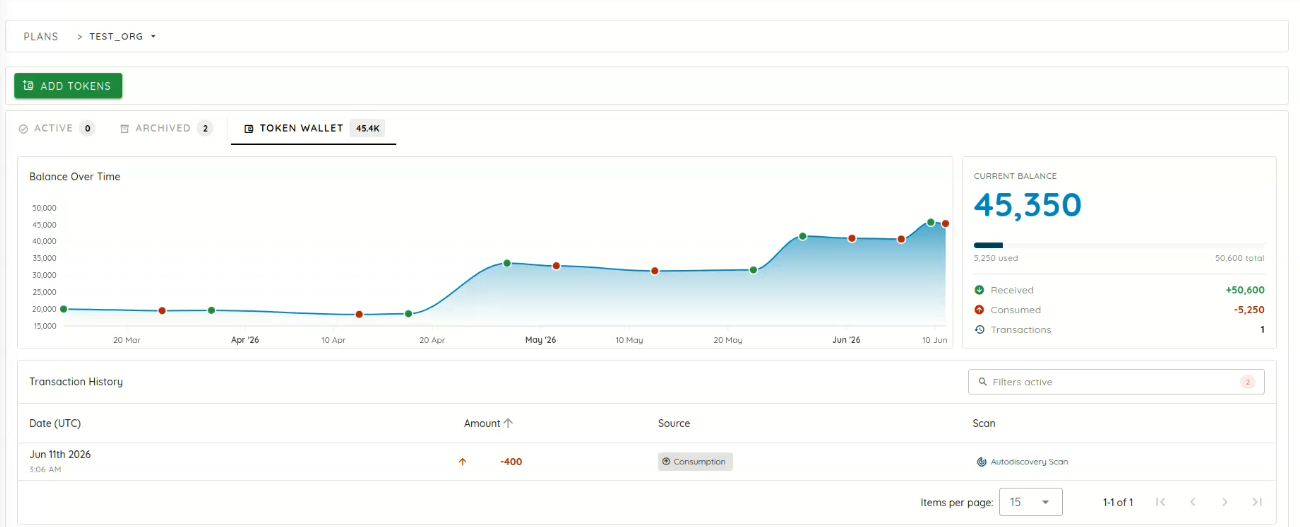
Open the Token Wallet tab to track your tokens. It shows your current balance, a balance-over-time chart, and totals for tokens received and consumed.
The Transaction History table lists your recent token transactions, including purchases (credits) and scan consumption (debits). Each transaction shows the date, amount, the source (for example Consumption), and the related scan when applicable.
Next steps
With tokens in your wallet, you can use prepaid tokens in a scan.