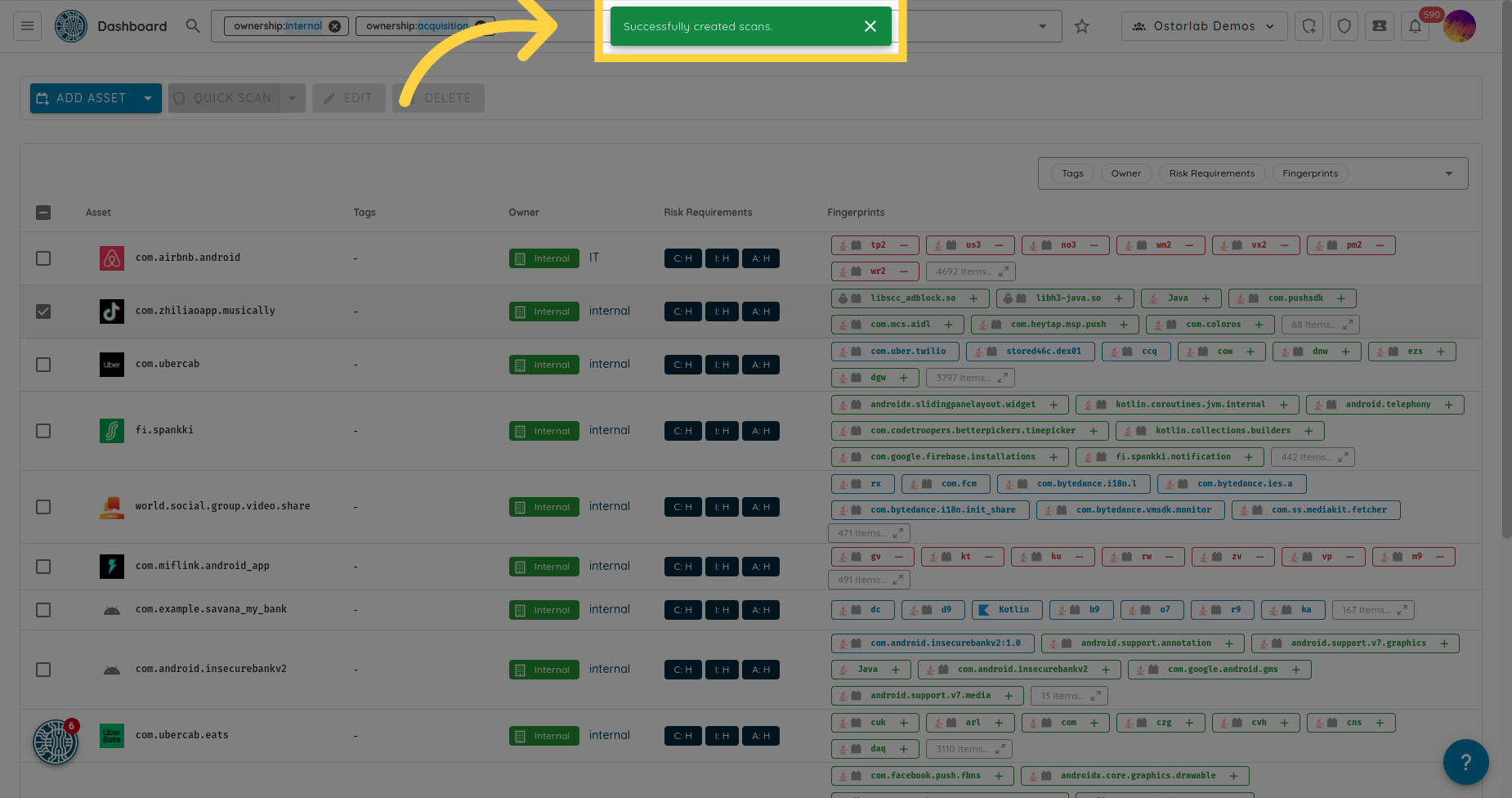
扫描资产清单中的资产
访问 report.ostorlab.co
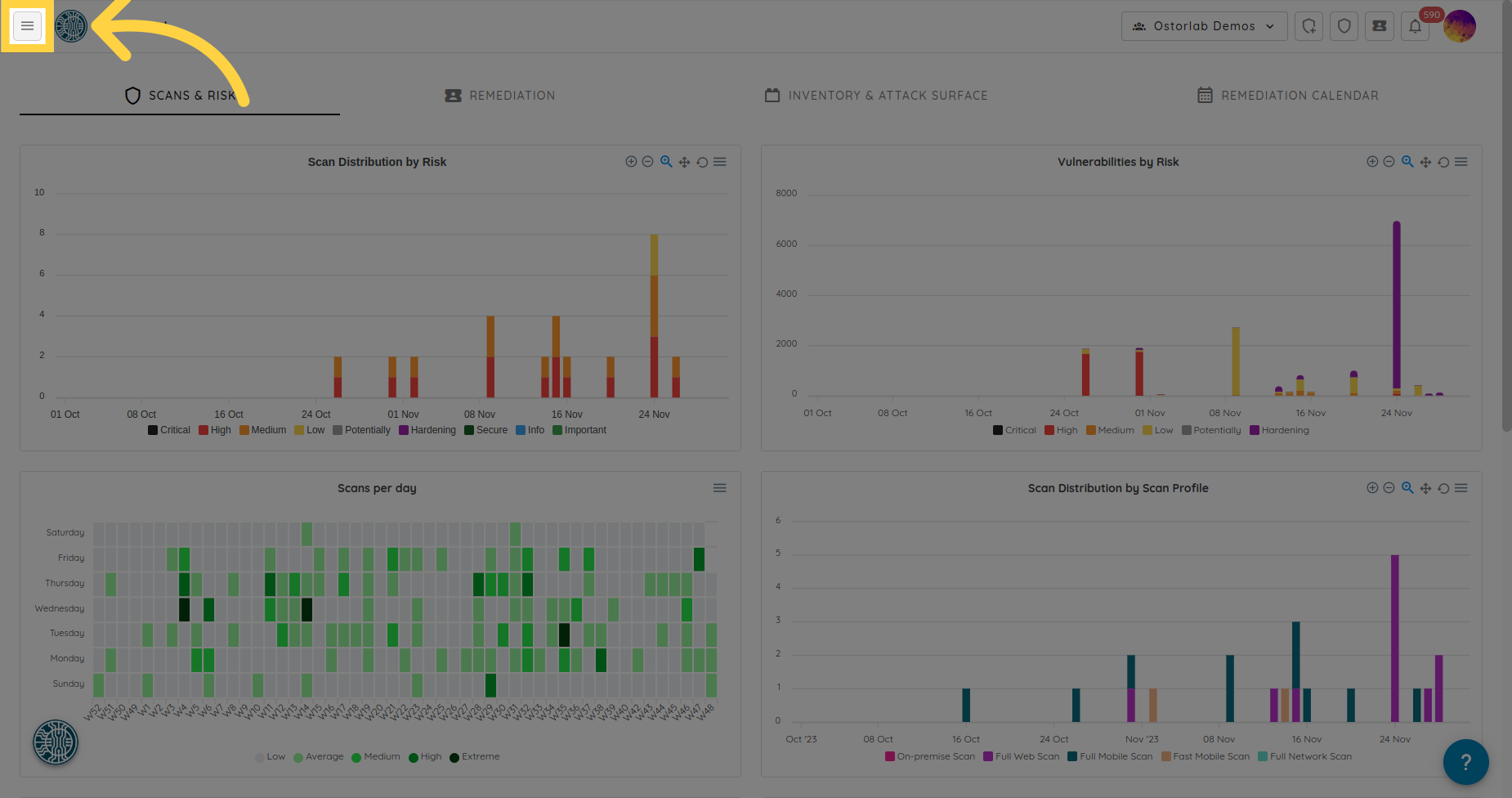
1. 打开菜单
点击顶部栏左侧的菜单图标。
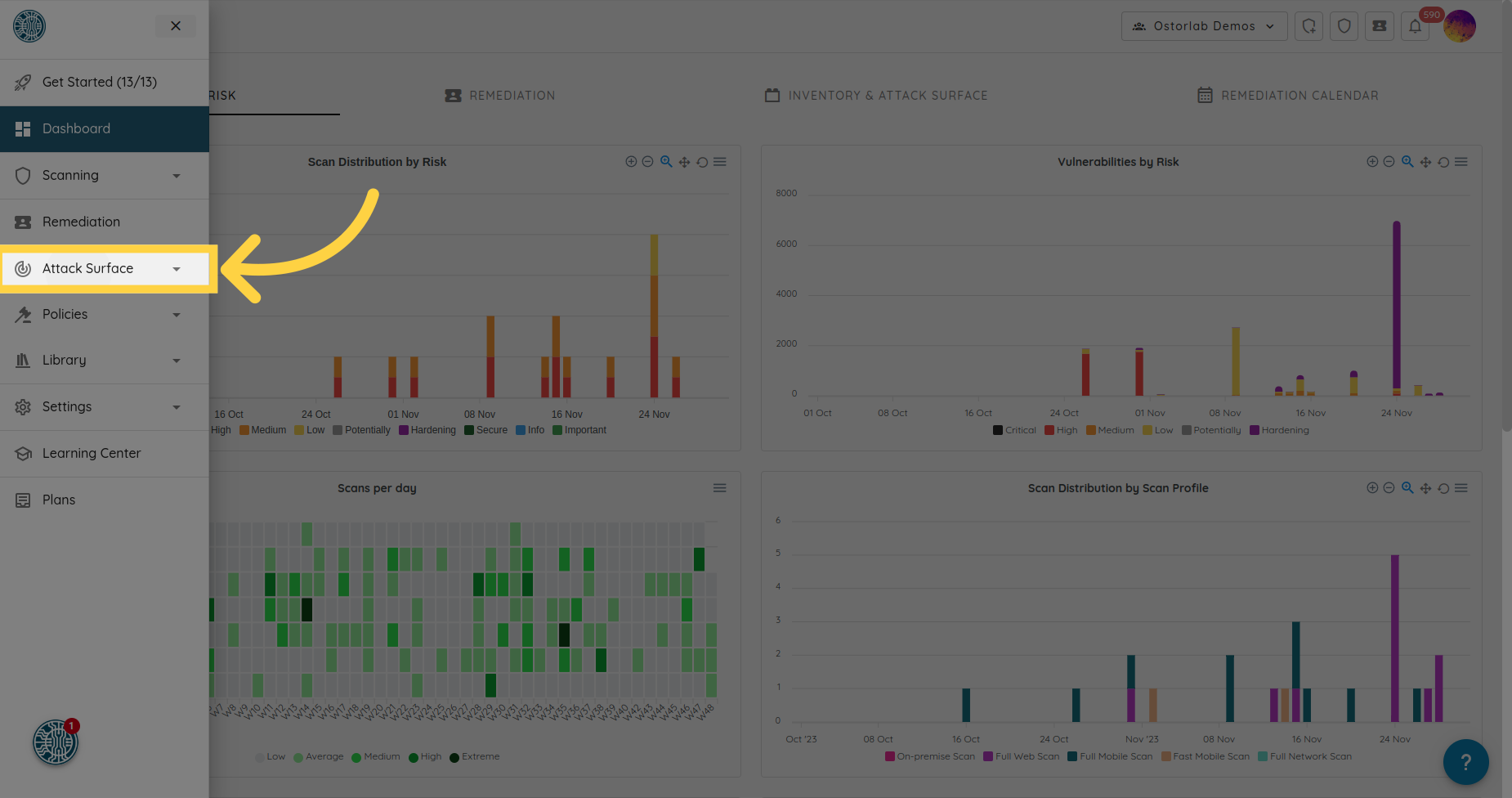
2. 选择 Attack Surface
点击 Attack Surface。
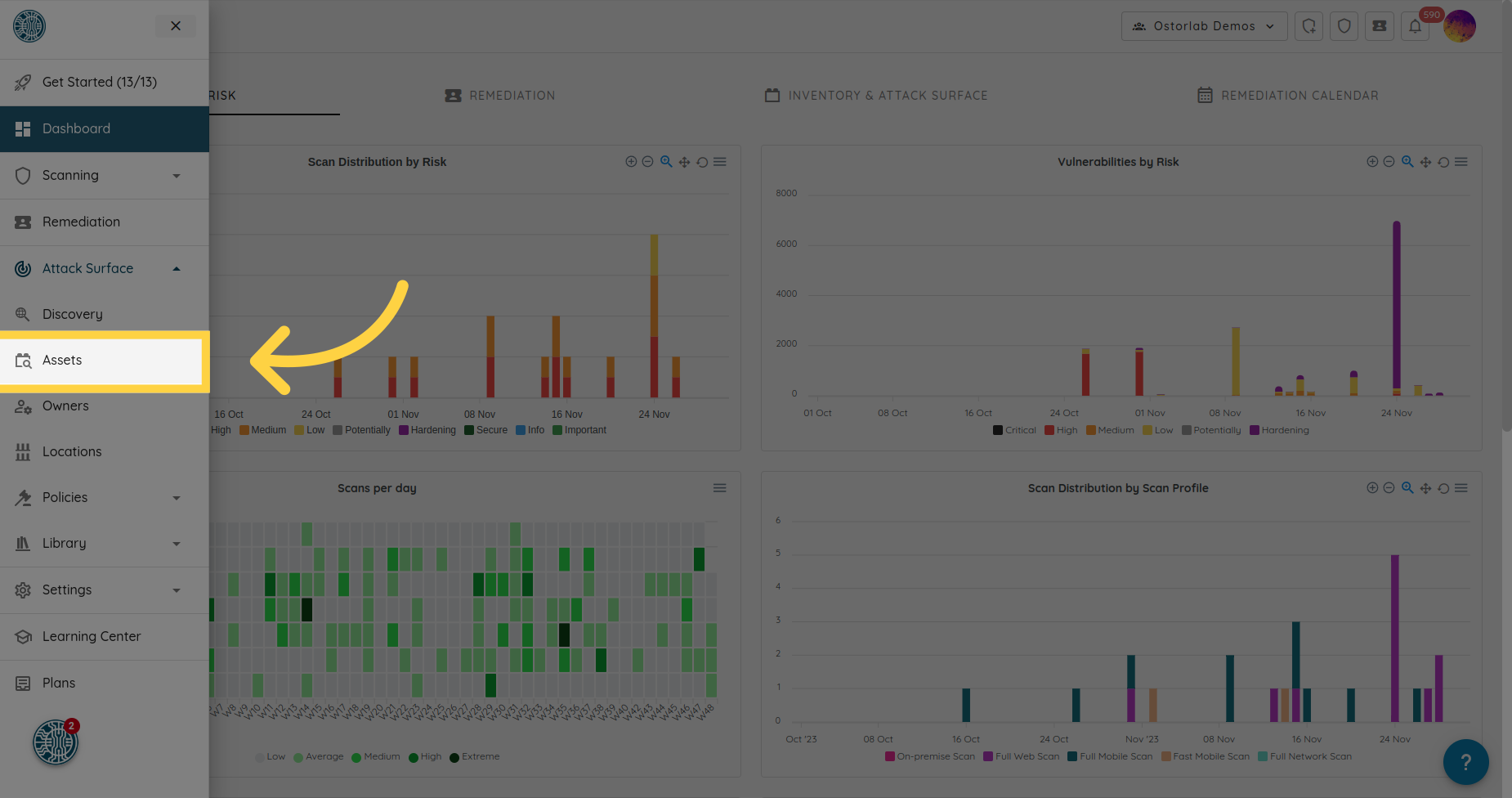
3. 点击 Assets
点击 Assets 打开资产清单。
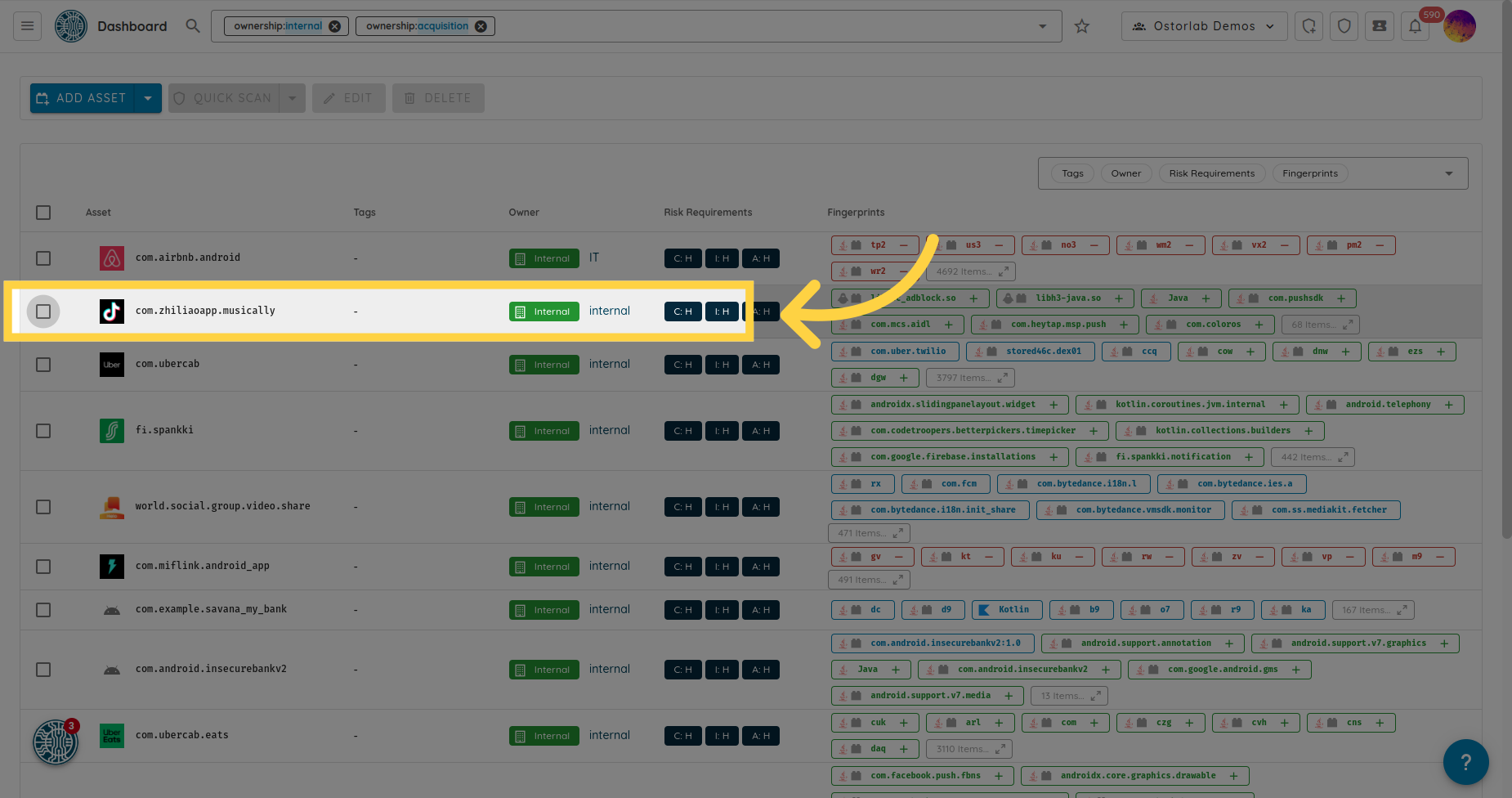
4. 选择所需的资产
勾选每个要扫描的资产的复选框。
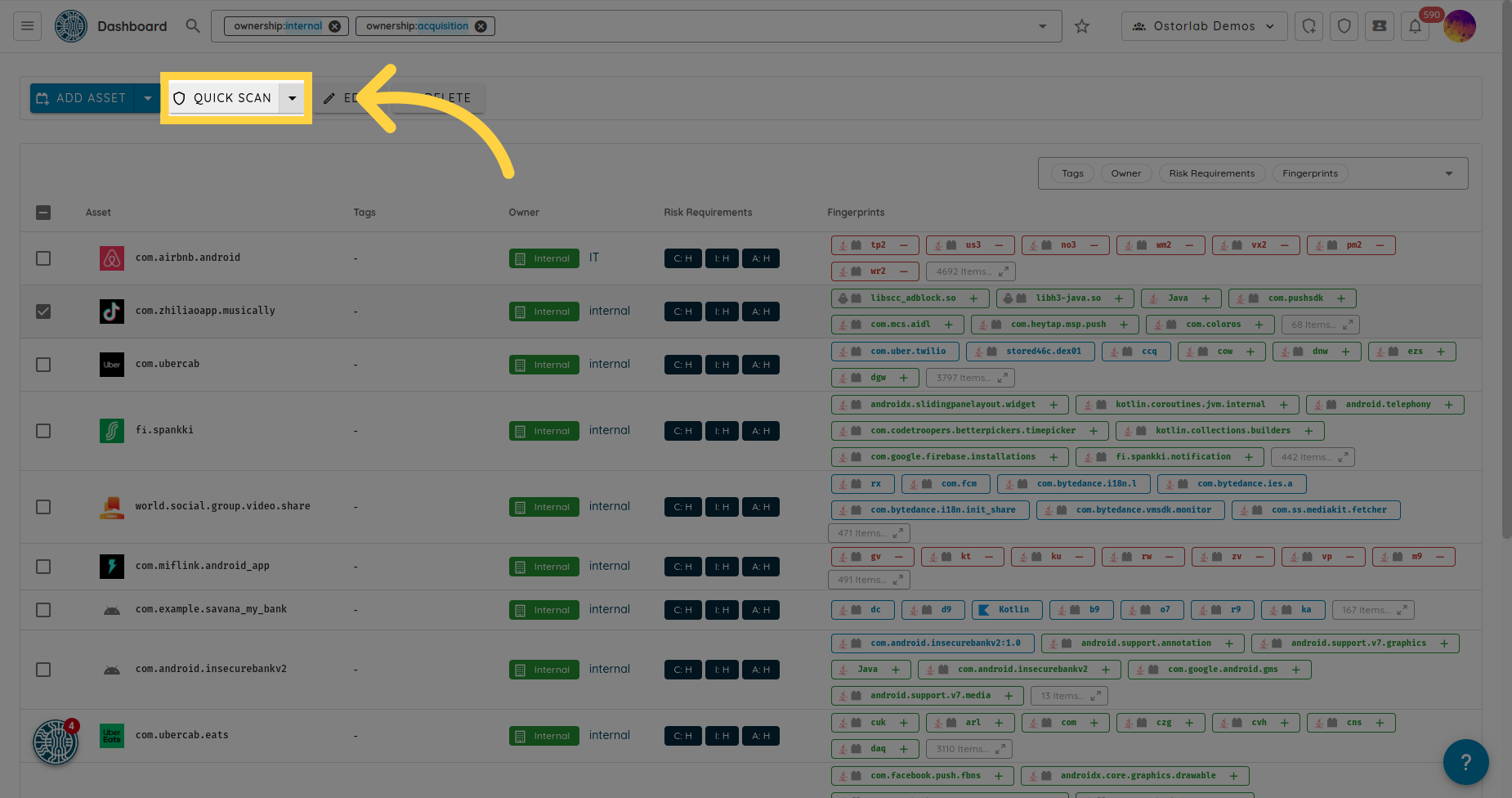
5. 打开 Quick Actions
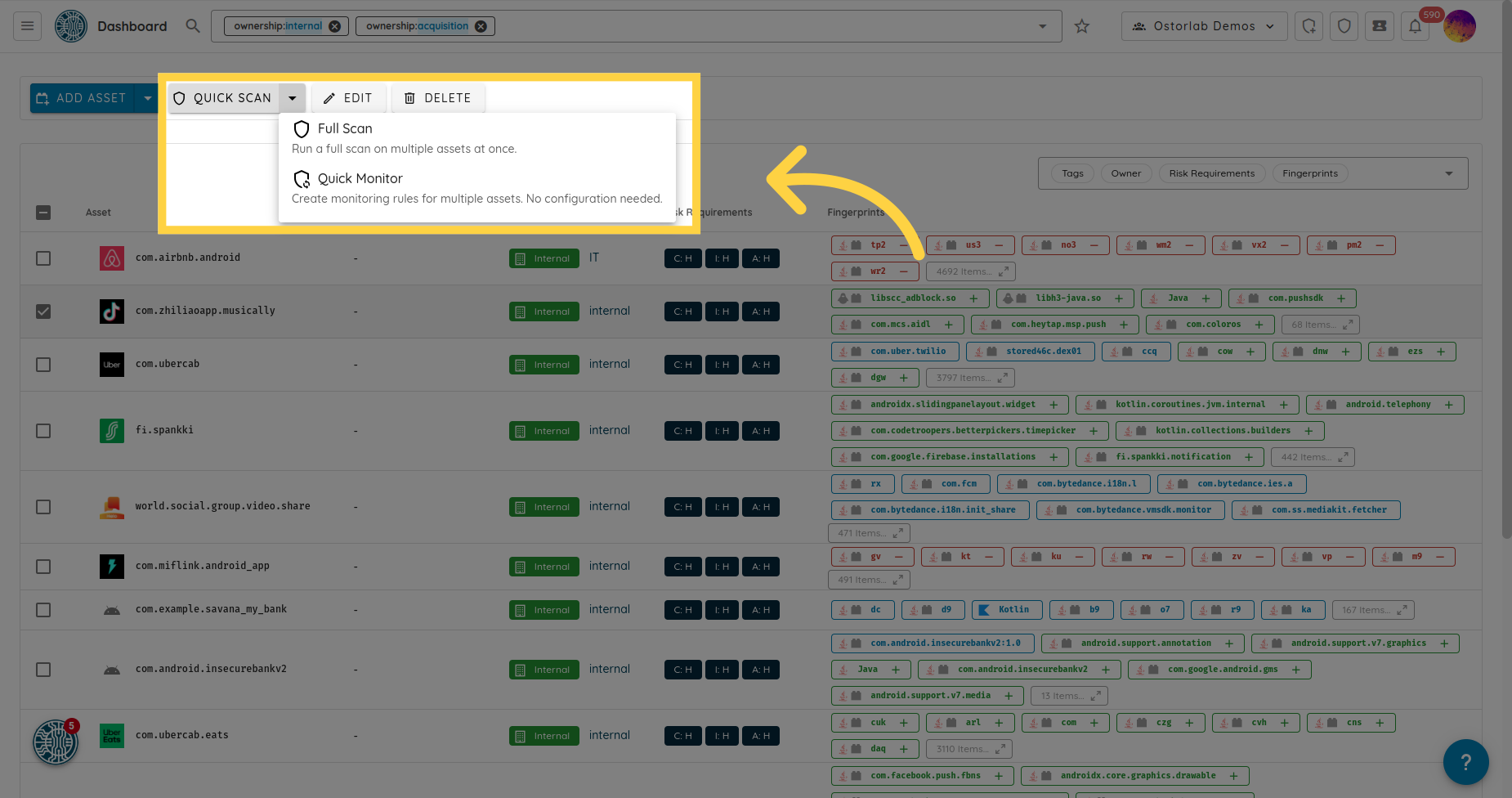
点击 Quick Actions。菜单提供 Quick Scan、Full Scan 和 Quick Monitor。
6. 选择所需的扫描类型,或点击 Quick Monitor 为该资产设置监控规则
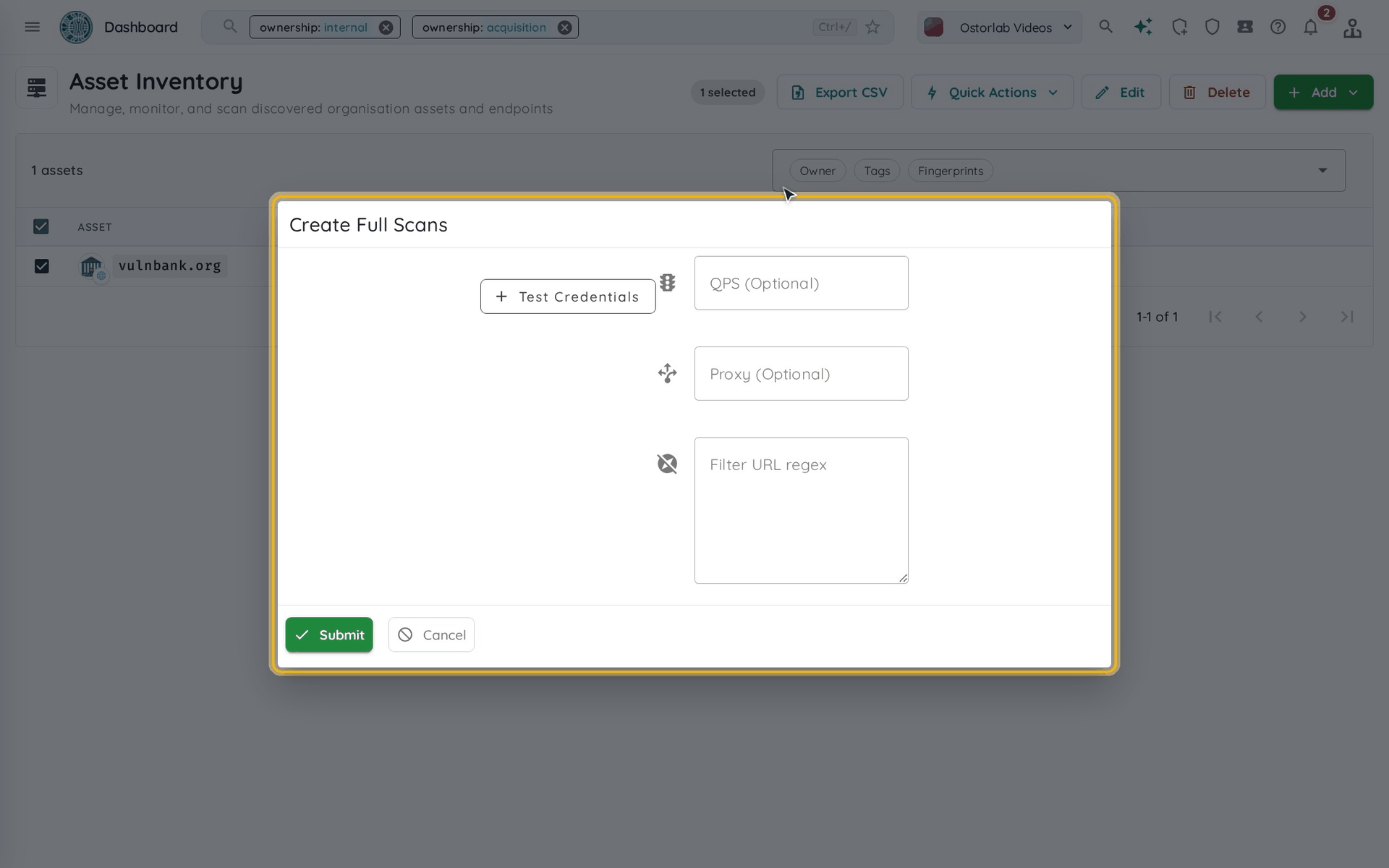
Quick Scan 会立即创建扫描。Full Scan 会先打开一个对话框,您可以在其中设置测试凭据、QPS、代理和 URL 过滤正则表达式,然后点击 Submit。
7. 扫描已创建
一条消息会确认扫描已创建。您可以在顶部栏的 Scans 中跟踪扫描。