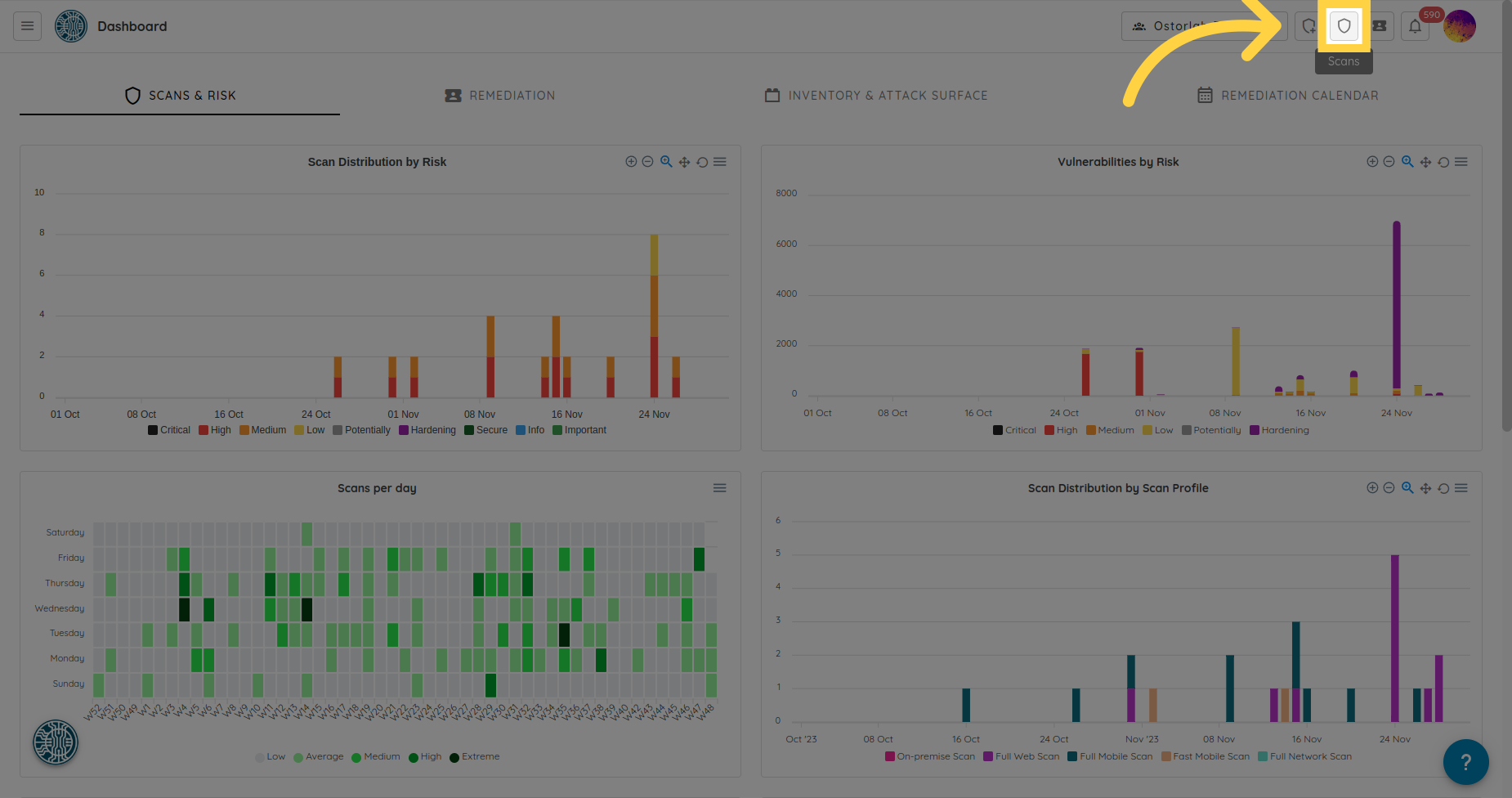
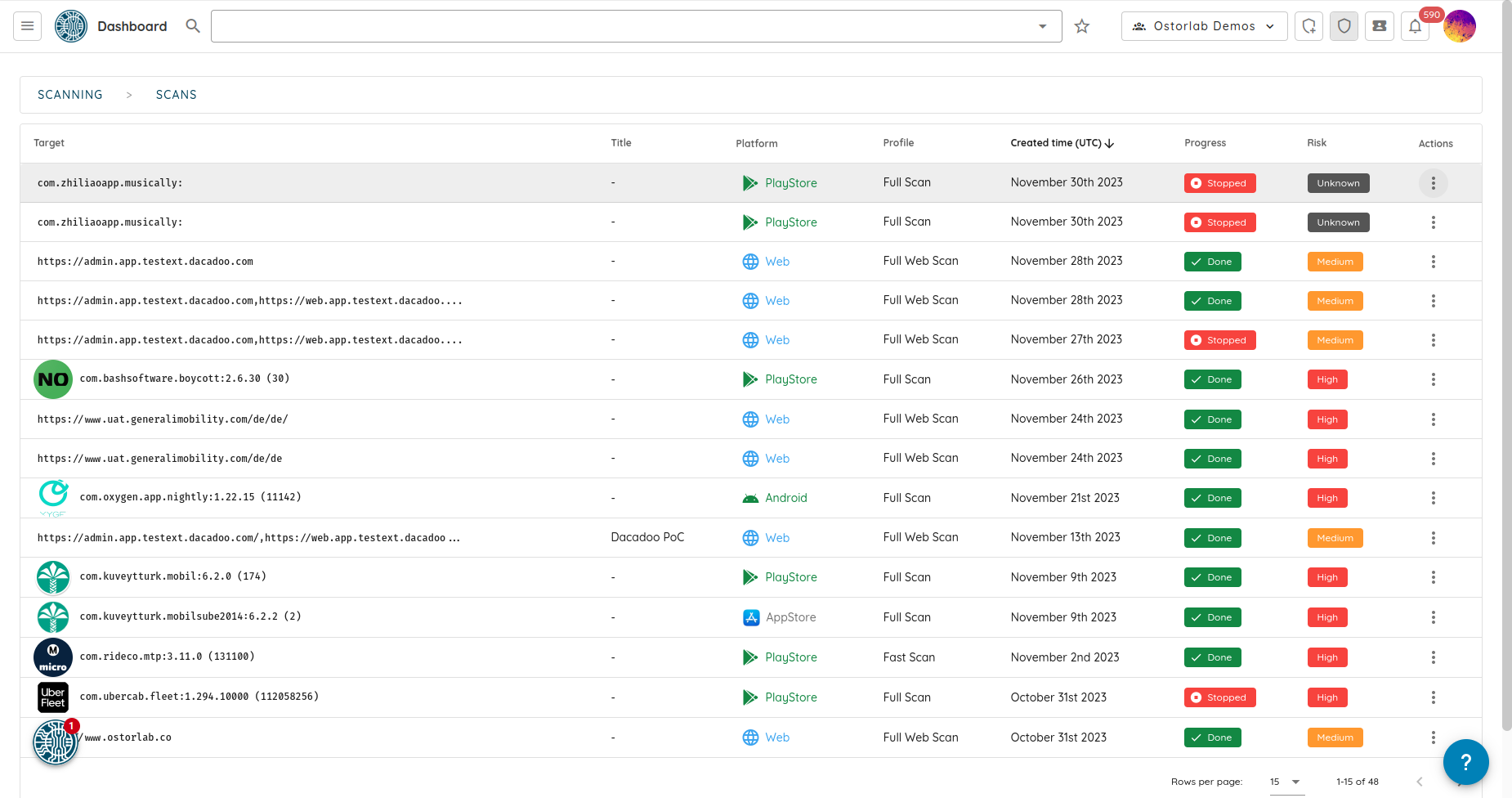
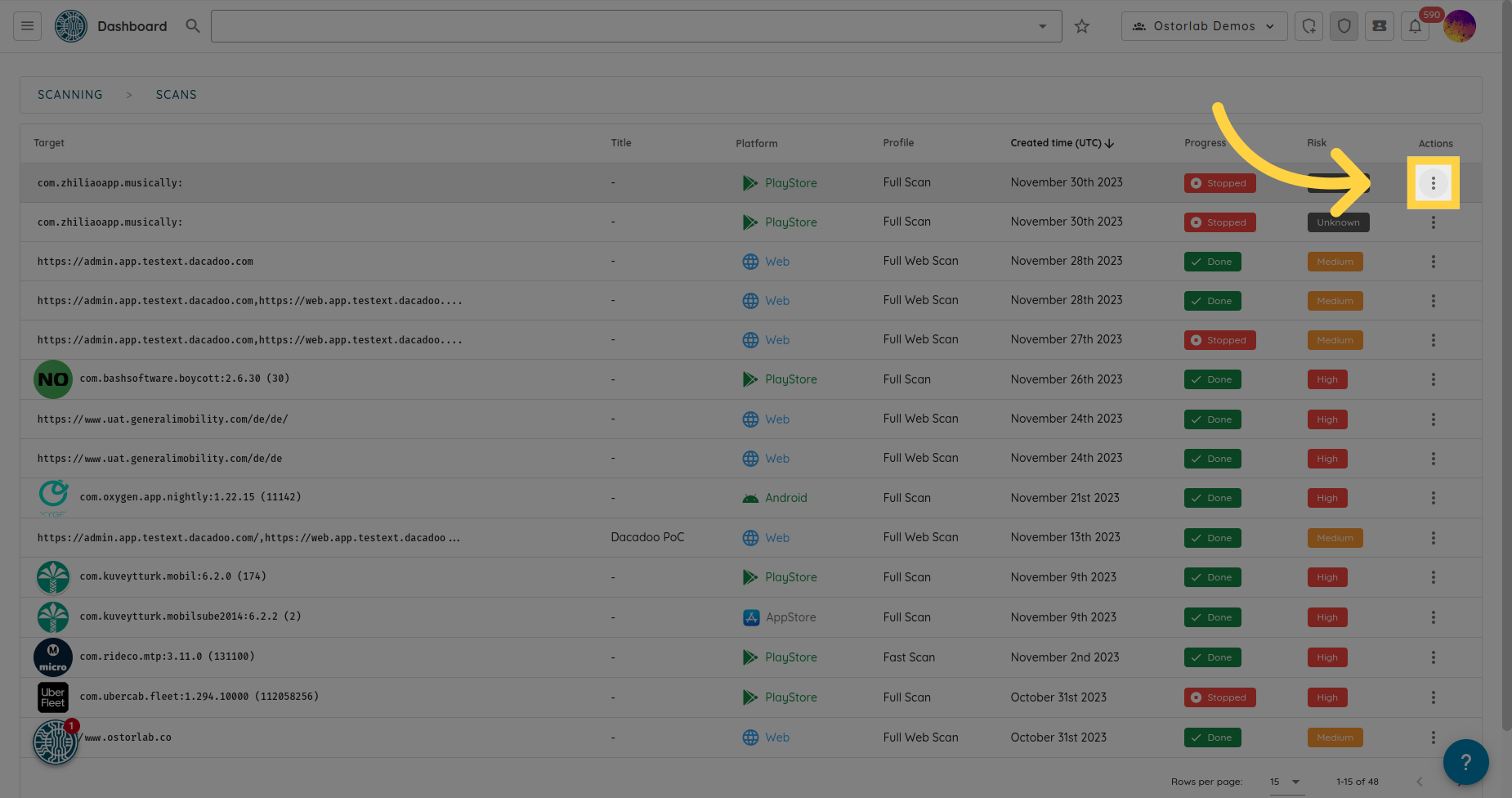
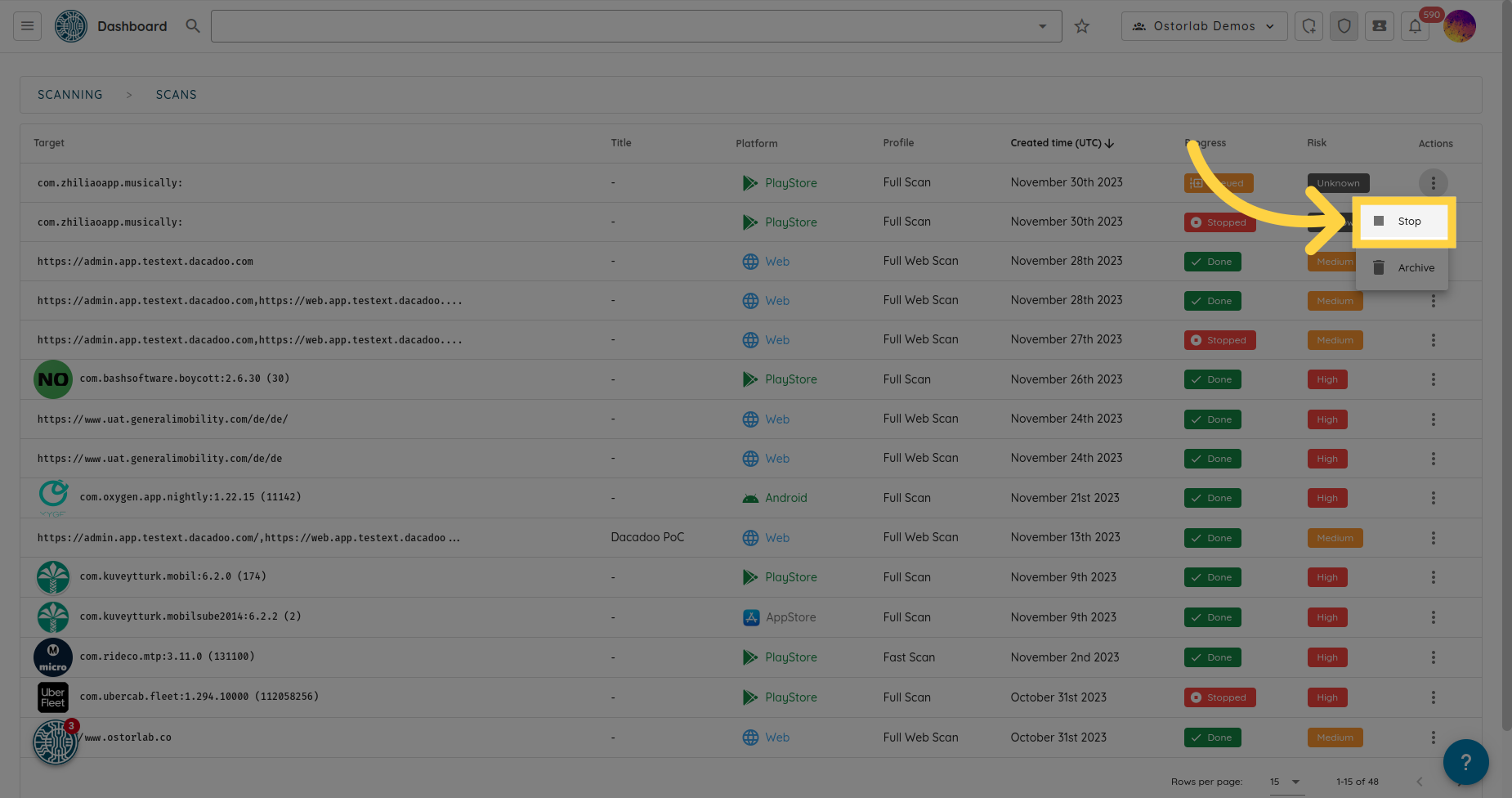
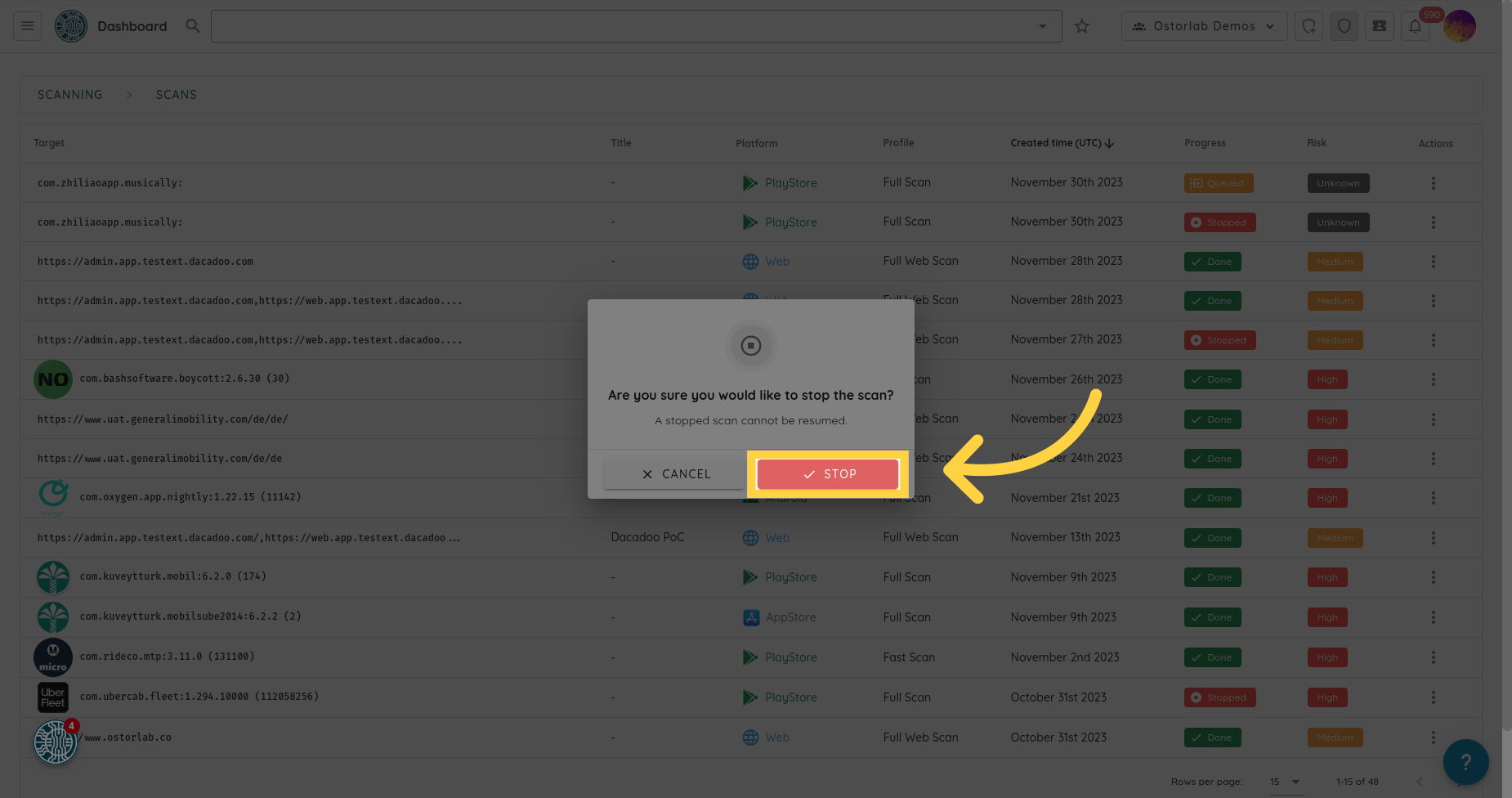
停止扫描 要停止扫描,请导航到左侧菜单中的 Scans。 找到您要停止的扫描,点击 Actions 列中的三个点。 然后点击 Stop。 转到 report.ostorlab.co 1. 点击列表扫描按钮 2. 转到您的扫描 3. 点击三个点 4. 选择 Stop 5. 点击 Stop 确认